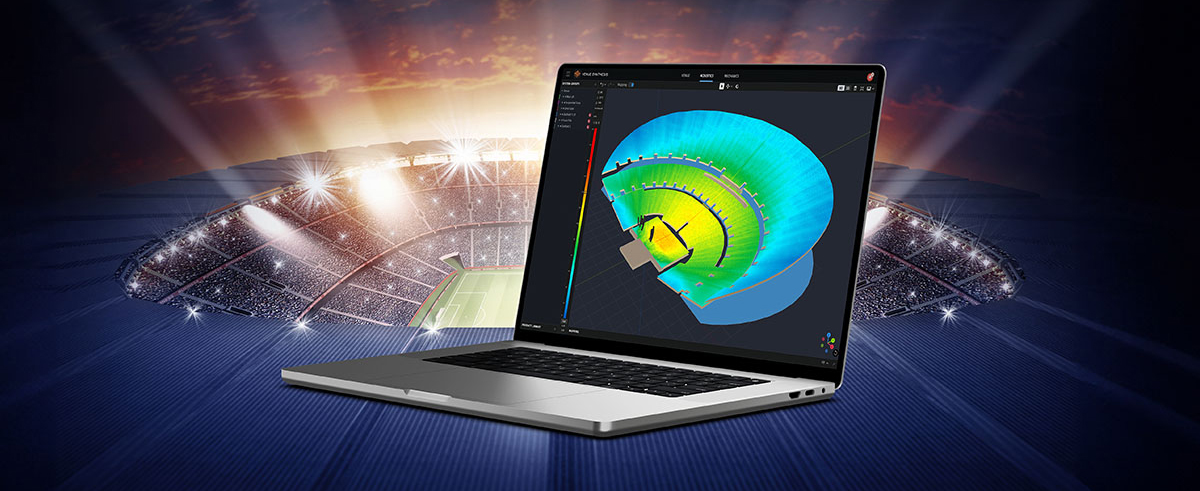
Performance Manager streamlines the deployment and operation of JBL and Crown networked audio systems for live events, reducing design time, simplifying networking, and automating control setup. Its patented interface guides technicians through system deployment and optimization step-by-step, greatly simplifying the configuration process.
Performance Manager is part of a comprehensive software ecosystem which includes JBL’s Venue Synthesis 3D Acoustic Simulation Software, and the ArrayLink mobile companion app. Together these applications take operators from system design phase to deployment in no time.
Download Performance Manager
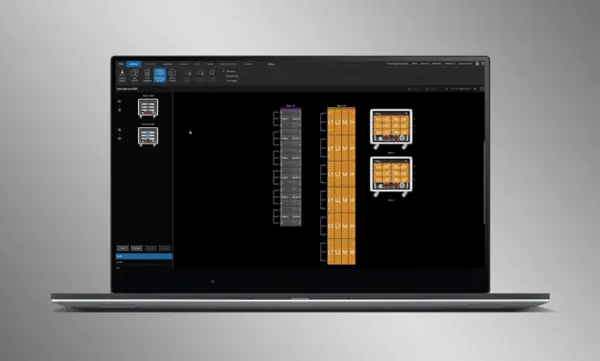
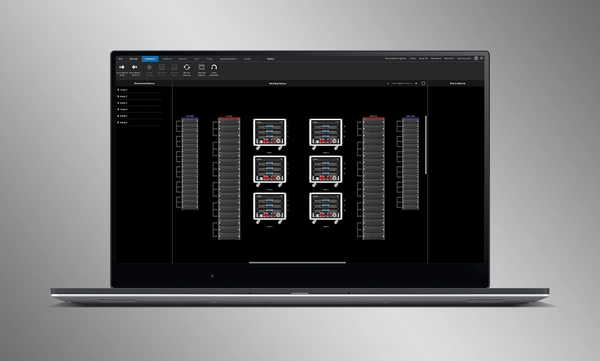


Diseño de Sistema de Arrastrar y Soltar
Arrastre y suelte visualmente altavoces JBL Professional y amplificadores Crown en grupos de arreglos y conéctelos a los amplificadores. Las funciones de control se organizan automáticamente en grupos lógicos, lo que facilita la configuración y optimización de sistemas de sonido JBL.
Import Optimized Systems
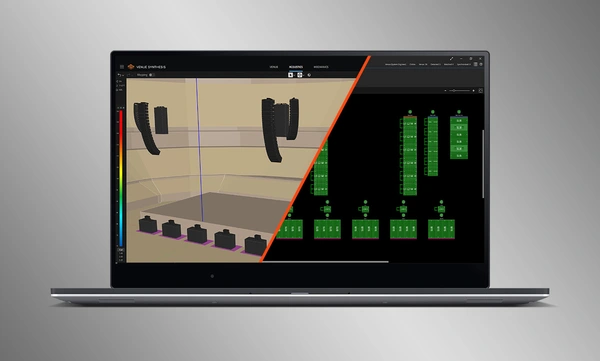
Complete system designs from Venue Synthesis can be directly imported into Performance Manager. All array data is imported including speaker type, DSP, and array parameters. Imported parameters can be easily updated if a change is made to the imported file.
Conecte y sincronice dispositivos
Arrastre y suelte amplificadores en red sobre sus contrapartes de software para conectar y sincronizar dispositivos. Todos los datos relacionados con el sistema, incluidas las preconfiguraciones de altavoces JBL y los parámetros DSP importados, se sincronizan automáticamente.
System Verification Tools
A dedicated Test Mode provides operators with intuitive tools to verify per-bandpass speaker functionality and input patching to amplifiers.
Optimización intuitiva del sistema
Performance Manager agrupa automáticamente los controles DSP en grupos lógicos basados en arrays. Se accede a los filtros de calibración y ecualización a través de una interfaz gráfica visualmente atractiva, optimizada para dispositivos con pantalla táctil en Windows OS. Los filtros de calibración, la ecualización, el retardo y la ganancia pueden modificarse en varios niveles del sistema, array y circuito.
Herramientas de monitorización visual
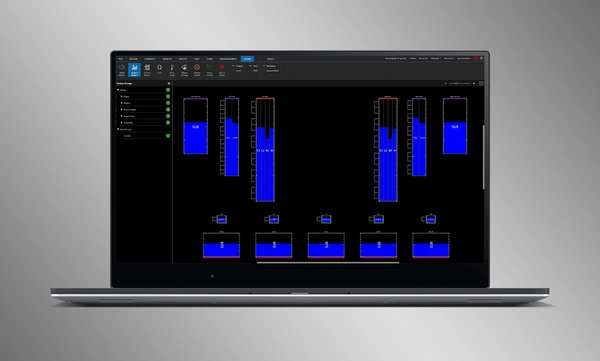
El Show Mode específico muestra la medición del sistema en alta resolución y la telemetría del amplificador, superpuestas directamente sobre la representación gráfica del sistema de audio.
SMAART Integration
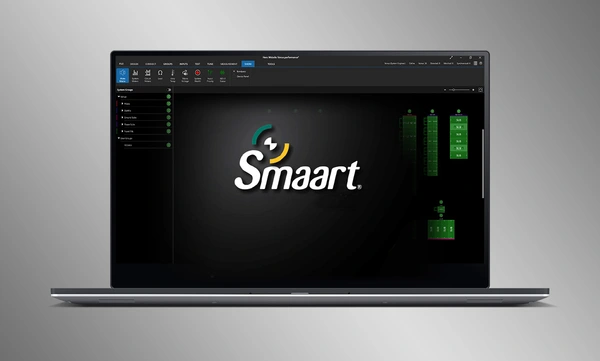
Integration with Rational Acoustics' Smaart® (v7 and v8) acoustic testing and measurement software provides unprecedented access to live measurement information—all delivered over the network on one screen.


 versión 3.3,
actualizado: jul 2026
versión 3.3,
actualizado: jul 2026