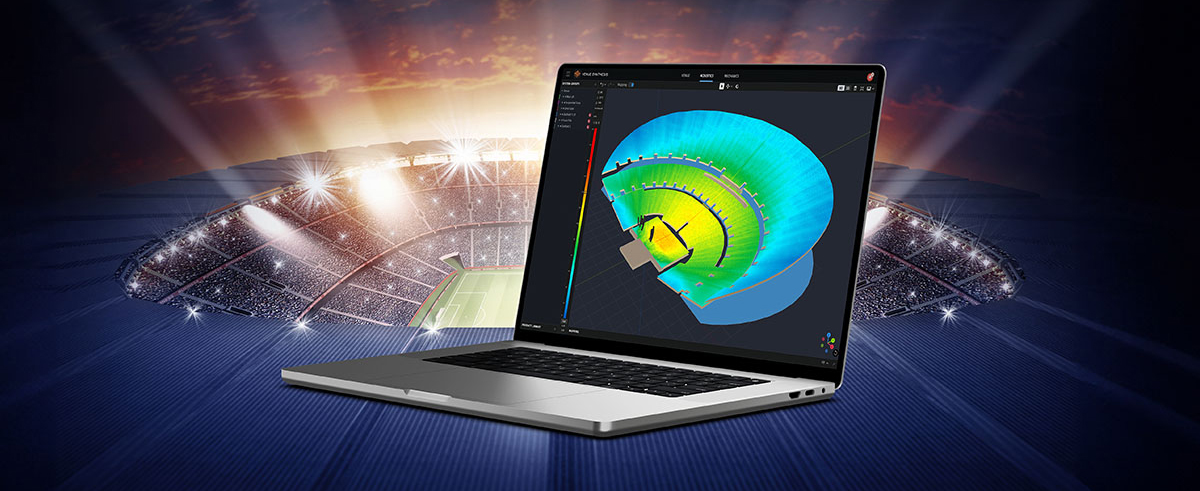
Performance Manager streamlines the deployment and operation of JBL and Crown networked audio systems for live events, reducing design time, simplifying networking, and automating control setup. Its patented interface guides technicians through system deployment and optimization step-by-step, greatly simplifying the configuration process.
Performance Manager is part of a comprehensive software ecosystem which includes JBL’s Venue Synthesis 3D Acoustic Simulation Software, and the ArrayLink mobile companion app. Together these applications take operators from system design phase to deployment in no time.
Download Performance Manager
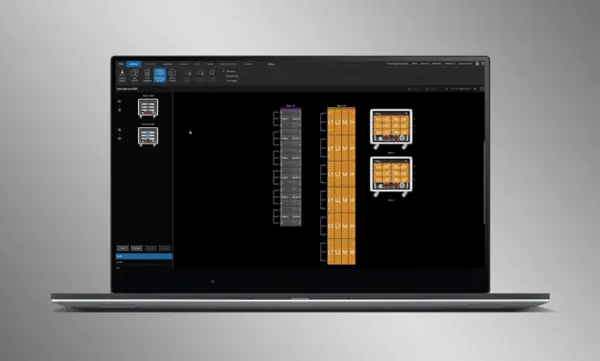
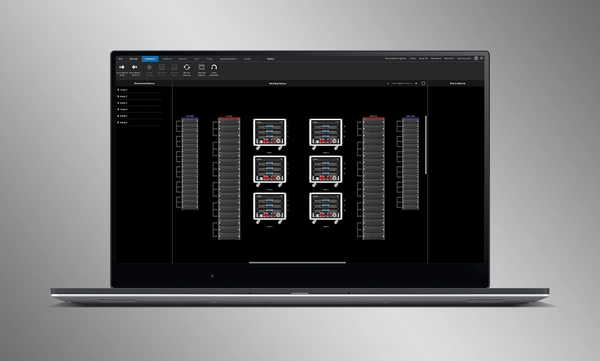


Design de Sistema com Arrastar e Largar
Arraste e largue visualmente colunas JBL Professional e amplificadores Crown em grupos de conjuntos e conecte-os aos amplificadores. As funções de controlo são automaticamente organizadas em grupos lógicos, facilitando a configuração e otimização de sistemas de som JBL.
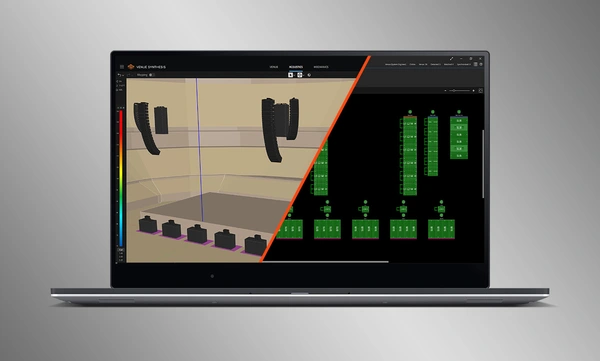
Import Optimized Systems
Complete system designs from Venue Synthesis can be directly imported into Performance Manager. All array data is imported including speaker type, DSP, and array parameters. Imported parameters can be easily updated if a change is made to the imported file.
Conectar e Sincronizar Dispositivos
Arraste e solte amplificadores em rede sobre seus equivalentes em software para conectar e sincronizar dispositivos. Todos os dados relacionados ao sistema, incluindo predefinições de alto-falante JBL e parâmetros DSP importados são sincronizados automaticamente.
Ferramentas de Verificação do Sistema
Um Modo de Teste dedicado fornece aos operadores ferramentas intuitivas para verificar a funcionalidade de alto-falantes por faixa de passagem e a conexão de entrada aos amplificadores.
Intuitive System Optimization
Performance Manager automatically groups DSP controls into logical array-based groups. Calibration and EQ filters are accessed through a visually-pleasing GUI, optimized for Windows OS touch-enabled devices. Calibration filters, EQ, Delay, and Gain can all be modified at various system, array and circuit levels.
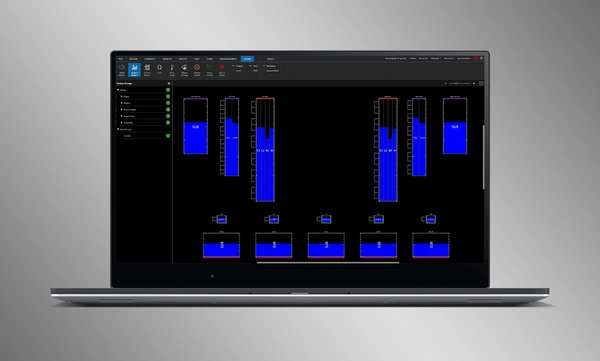
Ferramentas de Monitorização Visual
O Show Mode dedicado apresenta medições de alta resolução do sistema e telemetria do amplificador, sobrepostas directamente na representação gráfica do sistema de áudio.
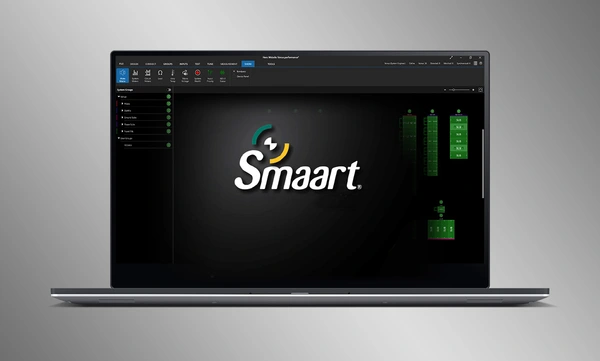
SMAART Integration
Integration with Rational Acoustics' Smaart® (v7 and v8) acoustic testing and measurement software provides unprecedented access to live measurement information—all delivered over the network on one screen.


 versão 3.3,
atualizado: jul 2026
versão 3.3,
atualizado: jul 2026