Performance Manager rationalise le déploiement et l'exploitation des systèmes audio en réseau JBL et Crown pour les événements en direct, en réduisant le temps de conception, en simplifiant la mise en réseau et en automatisant la configuration des commandes. Son interface brevetée guide les techniciens pas à pas dans le déploiement et l'optimisation du système, simplifiant grandement le processus de configuration.
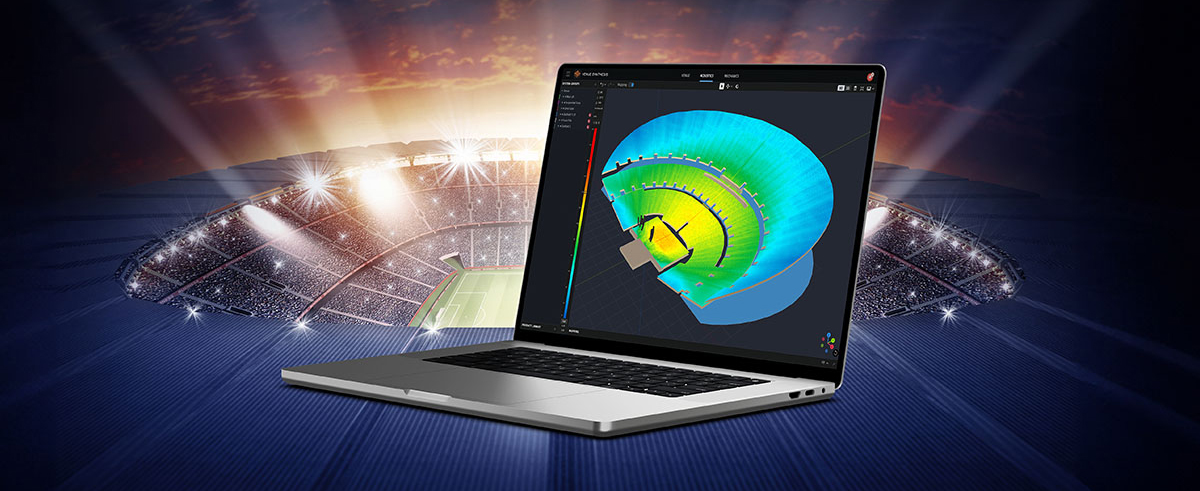
Performance Manager fait partie d'un écosystème logiciel complet qui comprend le logiciel de simulation acoustique 3D Venue Synthesis de JBL et l'application compagnon mobile ArrayLink. Ensemble, ces applications permettent aux opérateurs de passer de la phase de conception du système au déploiement en un rien de temps.
Télécharger Performance Manager


Conception de système par glisser-déposer
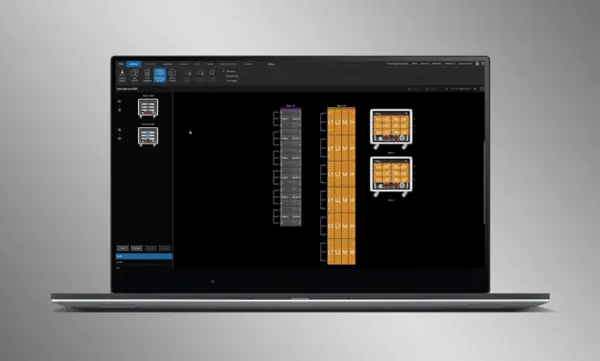
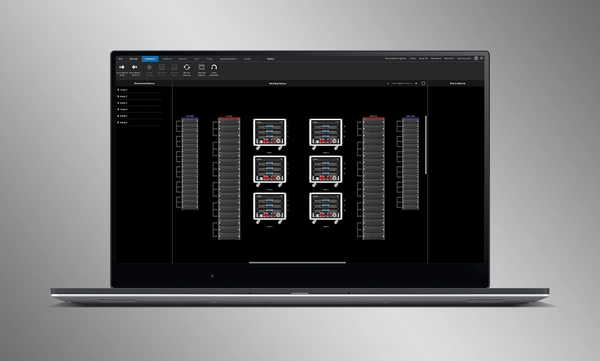
Glissez-déposez visuellement les enceintes JBL Professional et les amplificateurs Crown dans des groupes d'arrays, puis raccordez-les aux amplificateurs. Les fonctions de contrôle sont automatiquement organisées en groupes logiques, ce qui facilite la configuration et l'optimisation des systèmes audio JBL.
Importez des systèmes optimisés
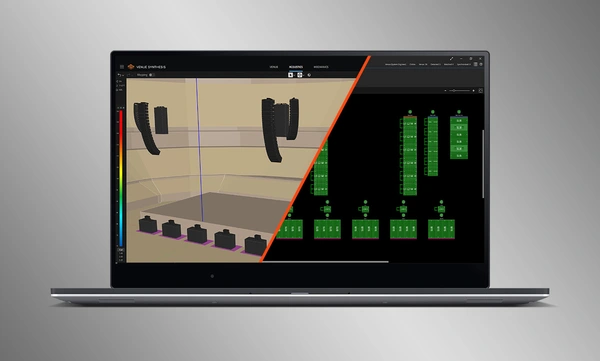
Les conceptions complètes de systèmes réalisées dans Venue Synthesis peuvent être importées directement dans Performance Manager. Toutes les données des arrays sont importées, y compris le type d'enceinte, le DSP et les paramètres d'array. Les paramètres importés peuvent être facilement mis à jour en cas de modification du fichier importé.
Connecter et synchroniser les appareils
Glissez-déposez les amplificateurs connectés en réseau sur leurs équivalents virtuels dans le logiciel pour connecter et synchroniser les appareils. Toutes les données relatives au système, y compris les préréglages d'enceintes JBL et les paramètres DSP importés, sont automatiquement synchronisées.
Outils de vérification du système
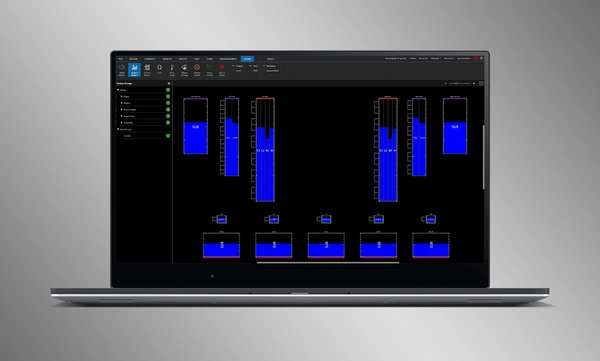
Un mode Test dédié fournit aux opérateurs des outils intuitifs pour vérifier le bon fonctionnement des haut-parleurs par bande ainsi que l'affectation des entrées aux amplificateurs.
Intuitive System Optimization
Performance Manager automatically groups DSP controls into logical array-based groups. Calibration and EQ filters are accessed through a visually-pleasing GUI, optimized for Windows OS touch-enabled devices. Calibration filters, EQ, Delay, and Gain can all be modified at various system, array and circuit levels.
Outils de monitoring visuel
Le Show Mode dédié affiche des indicateurs de niveau système haute résolution et la télémétrie des amplificateurs, superposés directement sur la représentation graphique du système audio.
Intégration SMAART
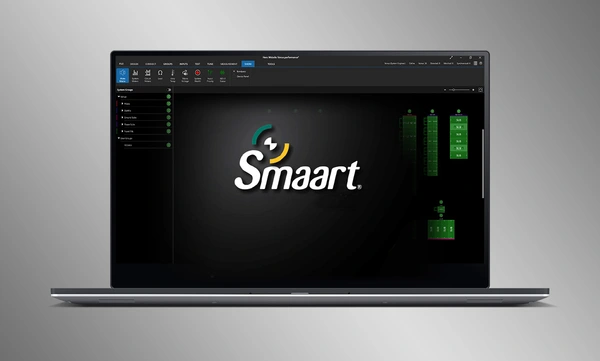
L'intégration avec le logiciel de test acoustique et de mesure Smaart® (v7 et v8) de Rational Acoustics offre un accès sans précédent aux informations de mesure en direct, le tout fourni sur le réseau sur un seul écran.


 version 3.3,
mis à jour : juil. 2026
version 3.3,
mis à jour : juil. 2026