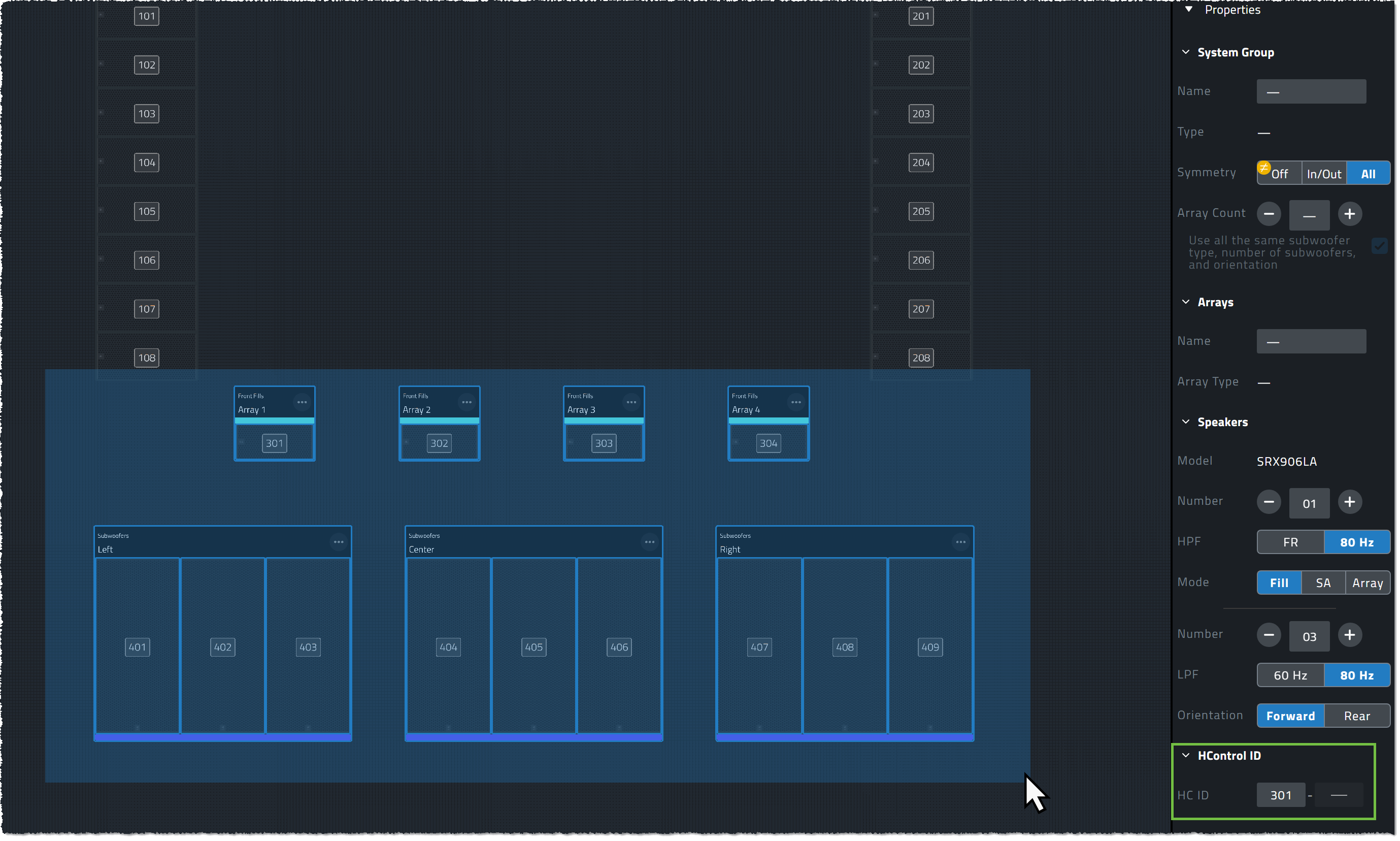
HControl ID View
HControl ID view is the default active view when creating a new project, and is the only system view that allows devices to be added and configured within Design Mode. Inside of the view, HControl IDs for each HControl device are shown on top of the device itself. HControl ID view is used in Design Mode to configure the virtual device HControl IDs to match the IDs of the physical devices they will be matched with, in all other Modes, the HControl ID view is read only.
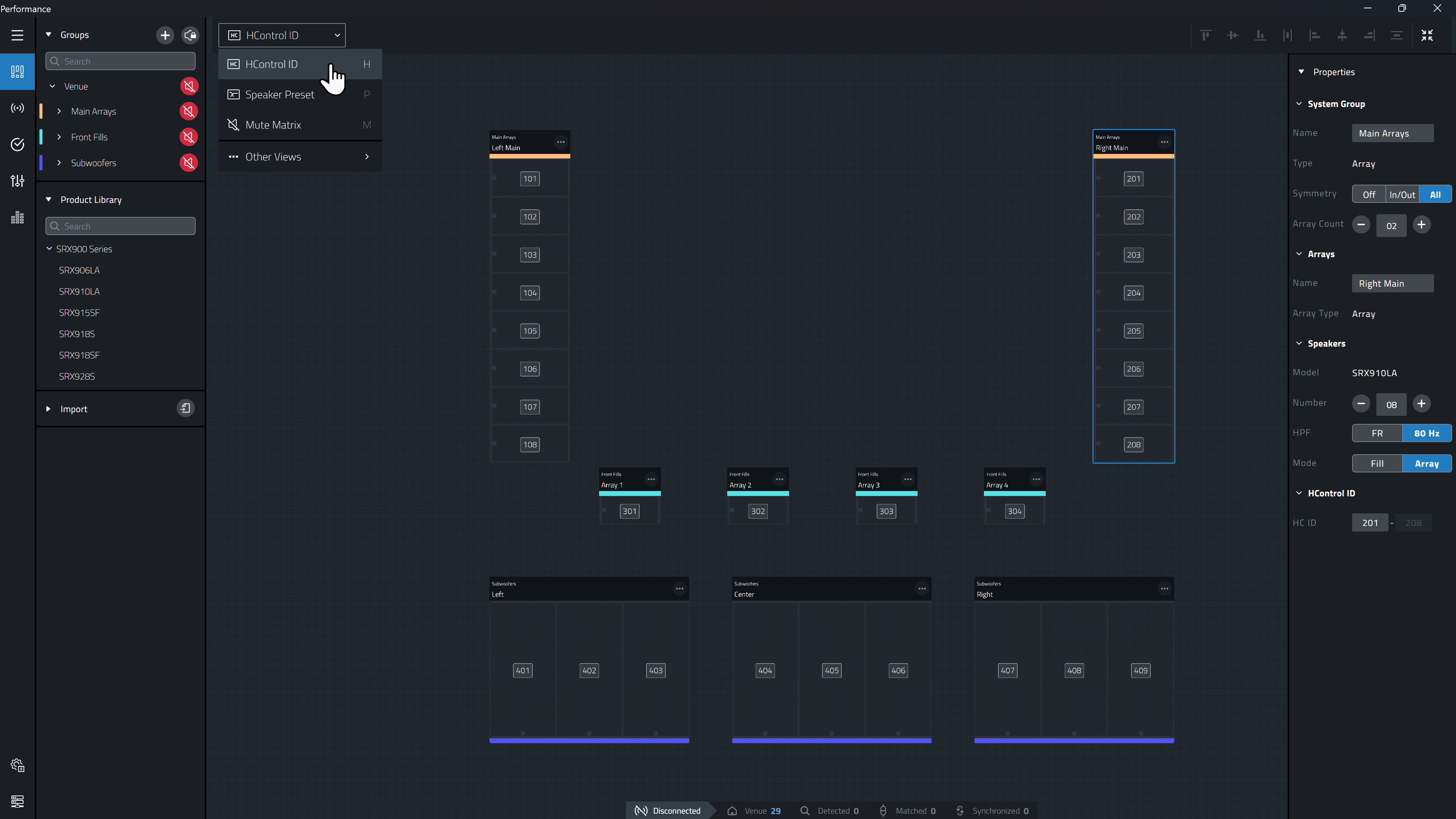
HControl ID View functions slightly different depending on whether the system being edited is Online and Connected or Disconnected.
When Disconnected (LED missing, Grey or Yellow):
-
Changes made to the HControl ID are applied to the virtual device (Software Device).
-
If the device is matched, this will break the match as the HCID of the Hardware and Software will no longer match.
-
Presetting the HControl ID to match the real devices in advance is not required but greatly speeds up the process of matching and connecting to devices later through the Auto-Match process.
When Connected (LED Green):
-
Changes made to the device HControl ID are immediately applied to the hardware and virtual devices.
Setting Device HControl IDs
With the HControl ID system view active, each HControl enabled device in the workspace will display an ID. This ID can be changed using a few methods:
To change an individual HControl ID:
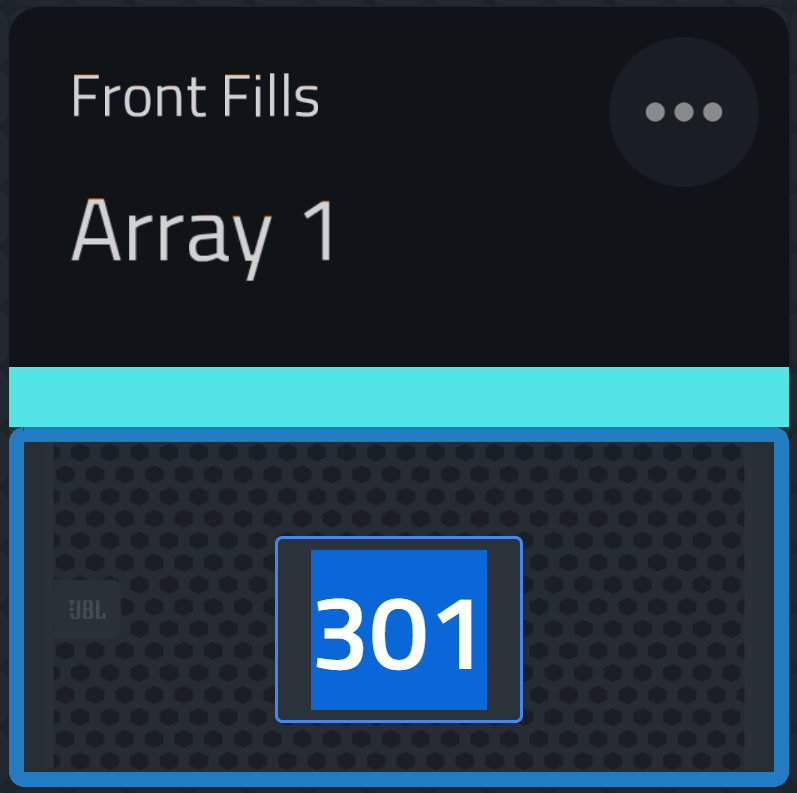
Double click the ID on the device and enter a new one
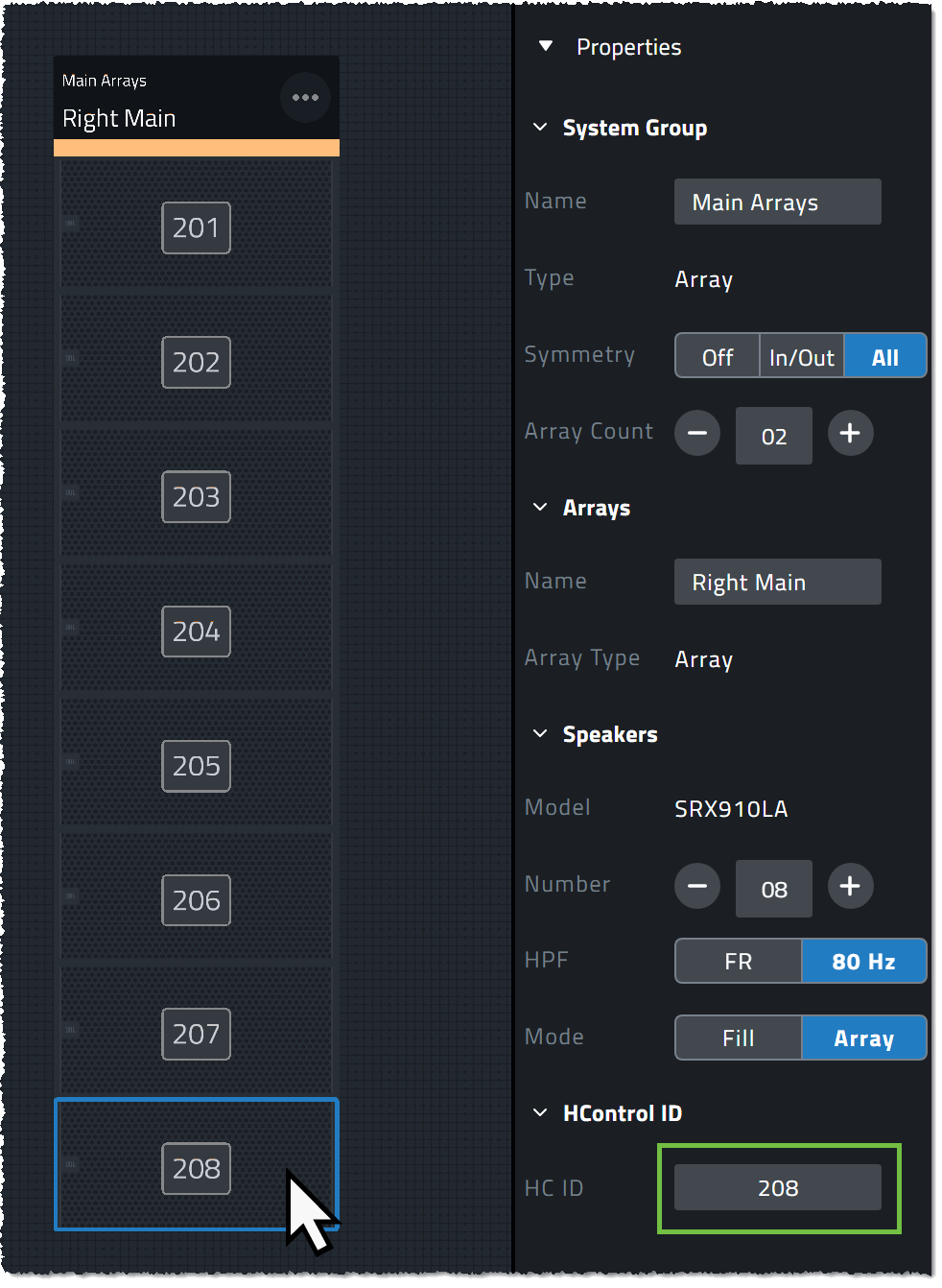
Alternatively, select a device and change the HControl ID in the Properties Panel.
To change multiple HControl IDs at the same time:
Change all HControl IDs in an array to new sequential values by selecting the
 icon within the array header, clicking Edit HControl ID, and entering the first devices HControl ID.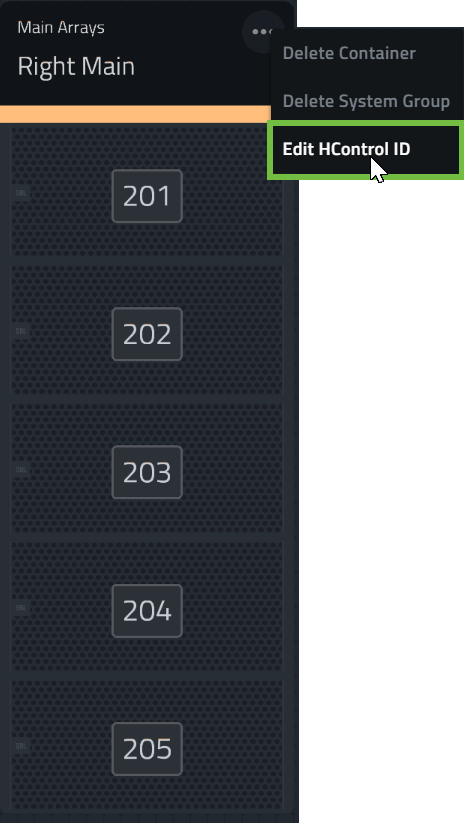
Alternatively, select a group of devices using Multi-Select, and set the first devices HControl ID within the Properties Panel.
HControl IDs will be applied in the order they are selected.
Using [Ctrl + A] will select all of the devices in the venue in order from the lowest to highest number.