Performance Software

Configure & Control Your SRX900 System

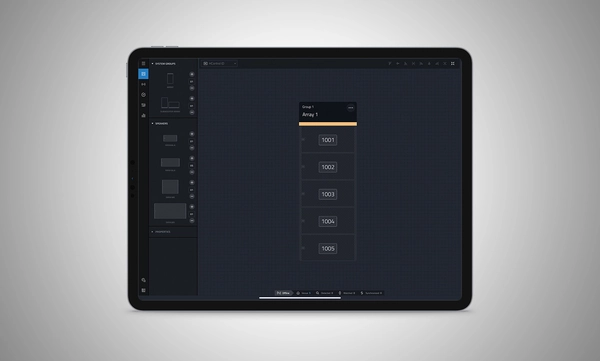
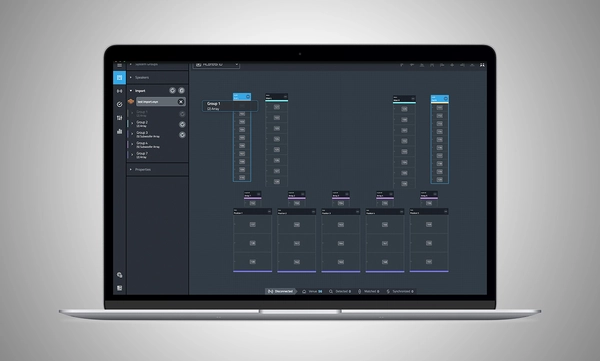
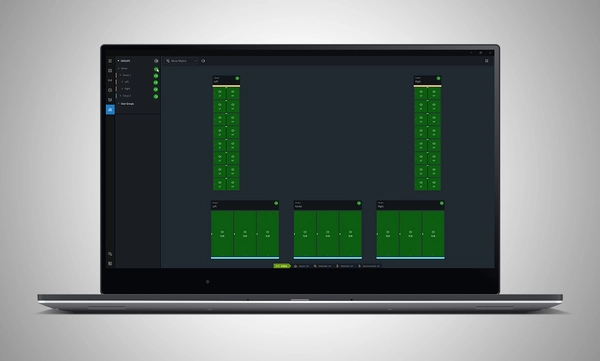
Performance Software animated screenshot

Performance Software logo

JBL Performance ist eine umfassende Anwendung zur Steuerung und Überwachung von Soundsystemen der SRX900 Serie. Ein workflow-basierter Ansatz führt den Benutzer durch die Phasen Systemdesign, Prüfung, Tuning und Überwachung. Die intuitive Drag-and-Drop-Oberfläche erstellt Systemgruppen, die eine leistungsstarke geräteinterne Signalverarbeitung nutzen, einschließlich Gain, Delay, EQ und Array-Kalibrierung, wodurch Systemtuning und Optimierung vereinfacht werden. Echtzeit-Geräteprüfung und -Überwachung stellen sicher, dass alles wie vorgesehen funktioniert. HControl vereinfacht die komplexe Aufgabe der Verwaltung von IP-Adressen im Venue bei Betrieb über Standard-Netzwerkhardware und bleibt dabei mit Wi-Fi kompatibel.

Performance ist Teil eines umfassenden Software-Ökosystems. Es lässt sich in andere JBL-Software integrieren, einschließlich Venue Synthesis und die JBL ArrayLink Mobile App für iOS und Android.

Performance 1.9.0 herunterladen

Windows MAC Apple iPad


System Design

Define a system by dragging and dropping speakers into the workspace to automatically create groups and linked parameters, enabling quick recall of presets and optimization of settings.

Import from Venue Synthesis

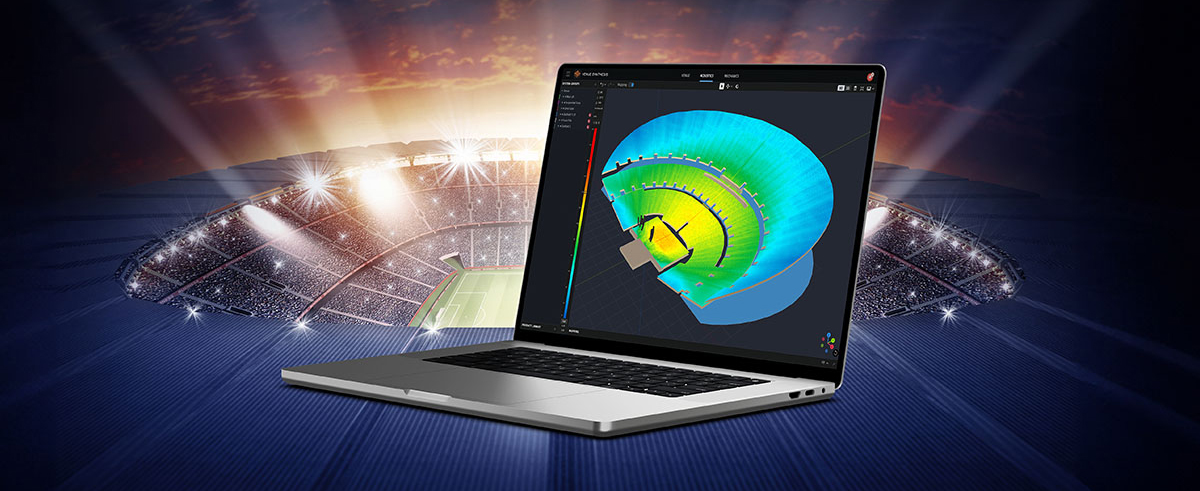
Import complete designs from Venue Synthesis including DSP optimizations, such as array size compensation, throw distance compensation, gain, and delay. One-click updates allow changes made in the Venue Synthesis design to be incorporated quickly.

Connect and Deploy

Simplify device connectivity with HControl, a new communications protocol by Harman built for the audio industry. Operating on standard data switches and WiFi routers, easy hardware-software matching is achievable with simple, flexible HControl IDs.

Test and Verify

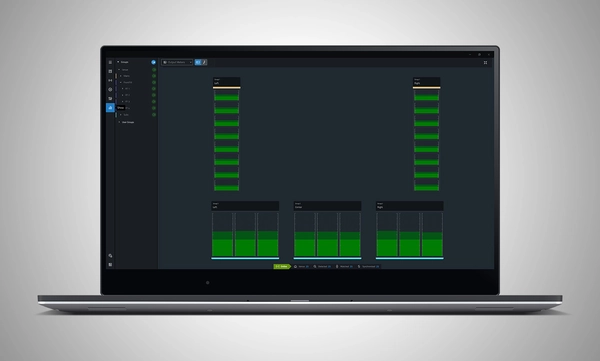
Use the onboard signal generator to verify speaker operation. Real-time meter views provide input and output data, ensuring signals reach their destinations at the proper levels.

Tune and Calibrate

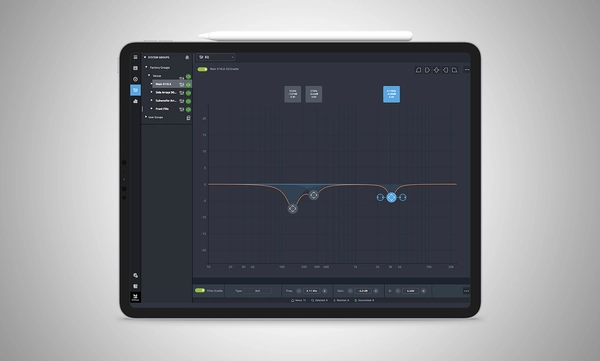
Control the advanced DSP in the SRX900 Series with quick access to speaker settings, delay, gain, EQ, Array Size Compensation, and FIR-based Throw Distance Compensation filters.

Show Mode

Live meter data, real-time amplifier health, temperature, load, and mains voltage are in dedicated views, ensuring the operator's confidence in the system's performance.

Manage Hardware

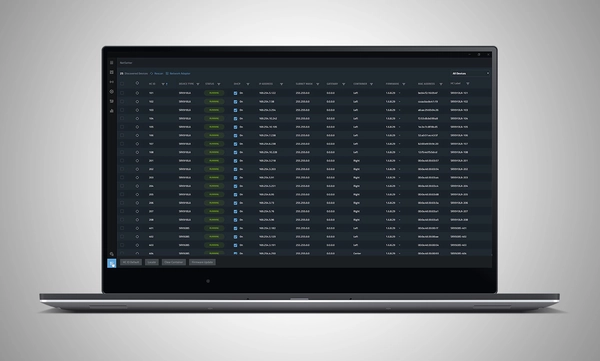
The HControl NetSetter utility integrated into Performance can monitor all connected subnets to identify misconfigured devices, help incorporate them into your network, and update device firmware.

System Design

Define a system by dragging and dropping speakers into the workspace to automatically create groups and linked parameters, enabling quick recall of presets and optimization of settings.

Import from Venue Synthesis

Import complete designs from Venue Synthesis including DSP optimizations, such as array size compensation, throw distance compensation, gain, and delay. One-click updates allow changes made in the Venue Synthesis design to be incorporated quickly.

Connect and Deploy

Simplify device connectivity with HControl, a new communications protocol by Harman built for the audio industry. Operating on standard data switches and WiFi routers, easy hardware-software matching is achievable with simple, flexible HControl IDs.

Test and Verify

Use the onboard signal generator to verify speaker operation. Real-time meter views provide input and output data, ensuring signals reach their destinations at the proper levels.

Tune and Calibrate

Control the advanced DSP in the SRX900 Series with quick access to speaker settings, delay, gain, EQ, Array Size Compensation, and FIR-based Throw Distance Compensation filters.

Show Mode

Live meter data, real-time amplifier health, temperature, load, and mains voltage are in dedicated views, ensuring the operator's confidence in the system's performance.

Manage Hardware

The HControl NetSetter utility integrated into Performance can monitor all connected subnets to identify misconfigured devices, help incorporate them into your network, and update device firmware.

Mehr Details

Supported JBL Devices:

System Requirements:

Supported Operating Systems:

  • Windows 10 and Windows 11.
  • MacOS 13 or later
  • iPadOS 18 or later

Minimum Performance Guidelines:

  • CPU: 64 bit dual core @ 2.0GHz or better
  • RAM: 4GB
  • Internet: Required for Firmware Caching and Software Updates

Optimal Performance Guidelines:

  • Windows
    • CPU: 64 bit multi-core @ 2.50 GHz or better
    • RAM: 8GB or more
    • OS: 64-bit Windows 10 or above
    • Storage: 1 GB
    • Monitor: Resolution of 1080x1920 or more
  • Mac
    • CPU: 64 bit multi-core @ 2.50 GHz or better
    • RAM: 8GB or more
    • Current and previous MacOS version supported
    • Storage: 1 GB
    • Monitor: Resolution of 1080x1920 or more
  • iPad 
    • Current and previous iPadOS version supported
    • Storage: 1 GB

Software Training Videos:

A complete video training series is available to help get started with JBL Performance. 

Watch Here

Previous Versions

Windows

Mac

Downloads

Manuals
  Version Sprache Größe Hochgeladen
file type icon Performance Software User Manual
en Version 8.1.25, aktualisiert: Okt 2025
8.1.25  en  41 MB Okt 2025
Software
  Version Größe Hochgeladen
Windows download icon Performance Software (Windows)
Version 1.9.0, aktualisiert: Mär 2026
1.9.0   165 MB Mär 2026
MacOS download icon Performance Software (MAC)
Version 1.9.0, aktualisiert: Mär 2026
1.9.0   167 MB Mär 2026
download icon for Performance Software (iPadOS) Performance Software (iPadOS)
veröffentlicht: Mär 2025
  Mär 2025
Changelogs
  Version Größe Hochgeladen
file type icon JBL Performance - Software Changelog
Version 1.9.0, aktualisiert: Mär 2026
1.9.0  230 KB Mär 2026

Falls einer der obigen Links zu seltsamen Zeichen in Ihrem Browser führt, klicken Sie bitte mit der rechten Maustaste auf die Datei, um sie auf Ihrem Computer zu speichern.

Teile & Service

Videos


HARMAN Pro Insights

Perfecting Live Sound Design: Inside JBL Venue Synthesis 3D Acoustic Simulation Software feature

Perfecting Live Sound Design: Inside JBL Venue Synthesis 3D Acoustic Simulation Software

In the ever-evolving world of tour sound design, the need for powerful and user-friendly tools is paramount. JBL Professional’s Venue Synthesis (VS) 3D acoustic simulation software meets those needs with an all-encompassing solution for front-of-house (FOH) engineers and tour managers. To gain deeper insight, we

CONTINUE READING

Support/FAQs