Performance Software

Configurez et contrôlez votre système SRX900

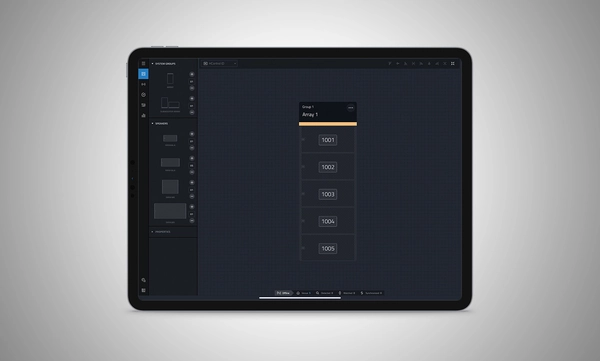
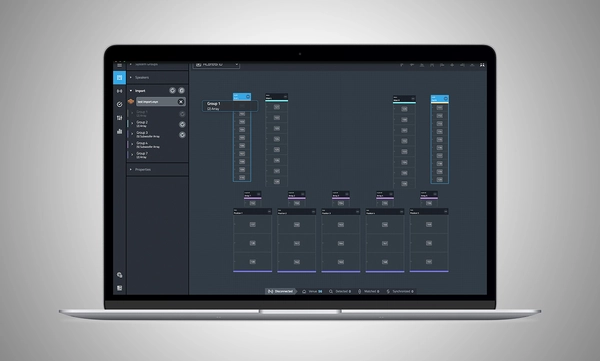
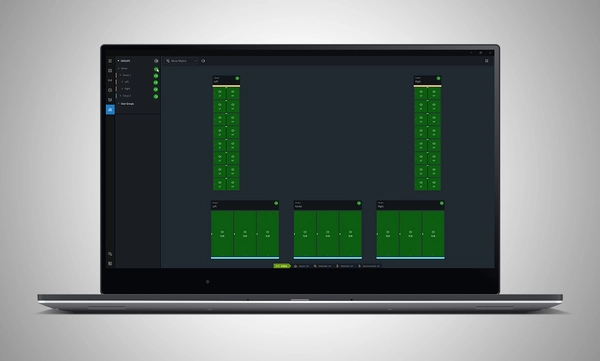
Performance Software animated screenshot

Performance Software logo

JBL Performance est une application complète conçue pour contrôler et surveiller les systèmes de sonorisation de la série SRX900. Une approche basée sur le workflow guide l'utilisateur à travers les étapes de conception, de test, d'ajustement et de surveillance du système. L'interface intuitive de glisser-déposer crée des groupes de systèmes qui exploitent le traitement du signal puissant intégré aux appareils, incluant le gain, le délai, l'égalisation et l'étalonnage des antennes, simplifiant l'ajustement et l'optimisation du système. Les tests et la surveillance en temps réel des appareils garantissent que tout fonctionne comme prévu. HControl simplifie la tâche complexe de la gestion des adresses IP sur le site tout en fonctionnant via une infrastructure réseau standard, tout en restant compatible avec le Wi-Fi.

Performance fait partie d'un écosystème logiciel complet. Il s'intègre avec d'autres logiciels JBL, notamment Venue Synthesis et l'application mobile JBL ArrayLink pour iOS et Android.

Télécharger Performance 1.9.0

Windows MAC Apple iPad


System Design

Define a system by dragging and dropping speakers into the workspace to automatically create groups and linked parameters, enabling quick recall of presets and optimization of settings.

Import from Venue Synthesis

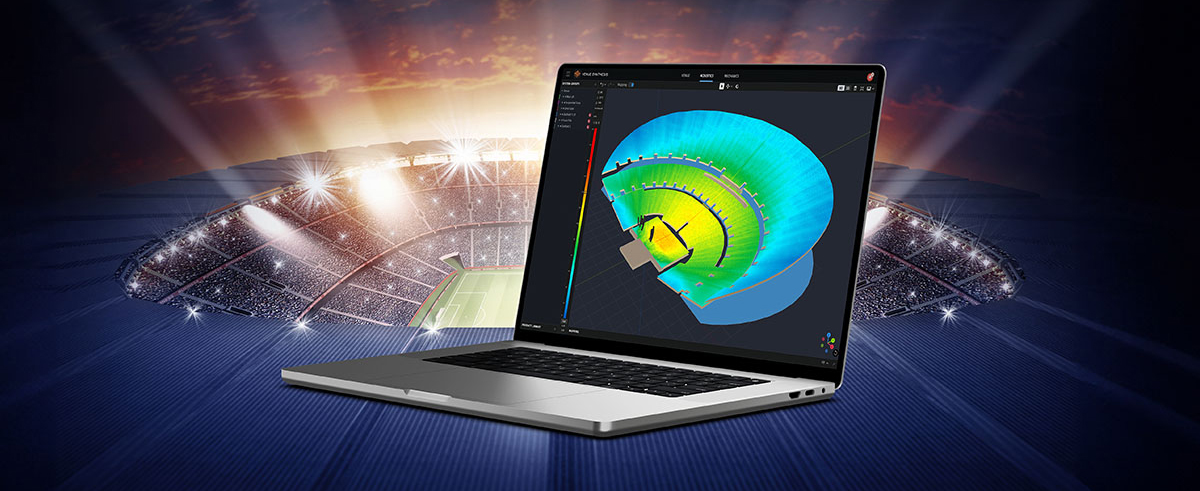
Import complete designs from Venue Synthesis including DSP optimizations, such as array size compensation, throw distance compensation, gain, and delay. One-click updates allow changes made in the Venue Synthesis design to be incorporated quickly.

Connect and Deploy

Simplify device connectivity with HControl, a new communications protocol by Harman built for the audio industry. Operating on standard data switches and WiFi routers, easy hardware-software matching is achievable with simple, flexible HControl IDs.

Test and Verify

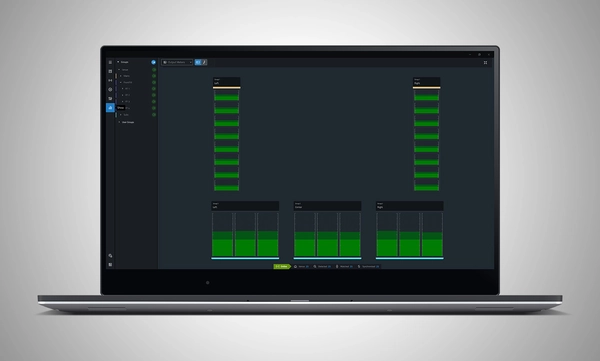
Use the onboard signal generator to verify speaker operation. Real-time meter views provide input and output data, ensuring signals reach their destinations at the proper levels.

Tune and Calibrate

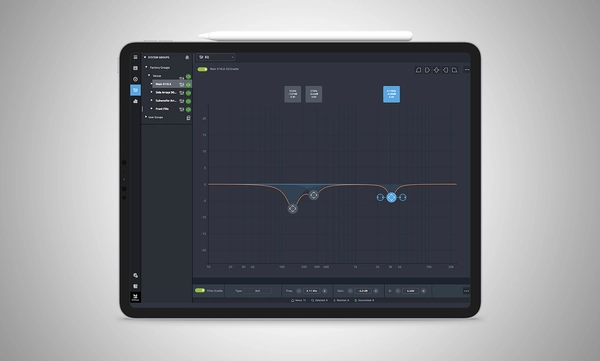
Control the advanced DSP in the SRX900 Series with quick access to speaker settings, delay, gain, EQ, Array Size Compensation, and FIR-based Throw Distance Compensation filters.

Show Mode

Live meter data, real-time amplifier health, temperature, load, and mains voltage are in dedicated views, ensuring the operator's confidence in the system's performance.

Manage Hardware

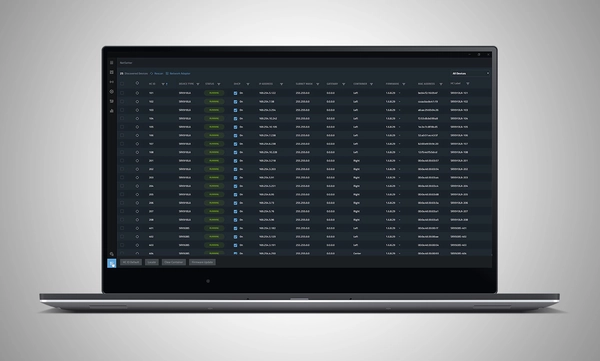
The HControl NetSetter utility integrated into Performance can monitor all connected subnets to identify misconfigured devices, help incorporate them into your network, and update device firmware.

System Design

Define a system by dragging and dropping speakers into the workspace to automatically create groups and linked parameters, enabling quick recall of presets and optimization of settings.

Import from Venue Synthesis

Import complete designs from Venue Synthesis including DSP optimizations, such as array size compensation, throw distance compensation, gain, and delay. One-click updates allow changes made in the Venue Synthesis design to be incorporated quickly.

Connect and Deploy

Simplify device connectivity with HControl, a new communications protocol by Harman built for the audio industry. Operating on standard data switches and WiFi routers, easy hardware-software matching is achievable with simple, flexible HControl IDs.

Test and Verify

Use the onboard signal generator to verify speaker operation. Real-time meter views provide input and output data, ensuring signals reach their destinations at the proper levels.

Tune and Calibrate

Control the advanced DSP in the SRX900 Series with quick access to speaker settings, delay, gain, EQ, Array Size Compensation, and FIR-based Throw Distance Compensation filters.

Show Mode

Live meter data, real-time amplifier health, temperature, load, and mains voltage are in dedicated views, ensuring the operator's confidence in the system's performance.

Manage Hardware

The HControl NetSetter utility integrated into Performance can monitor all connected subnets to identify misconfigured devices, help incorporate them into your network, and update device firmware.

plus de détails

Appareils JBL pris en charge :

Configuration système requise :

Systèmes d'exploitation pris en charge :

  • Windows 10 et Windows 11.
  • MacOS 13 ou version ultérieure
  • iPadOS 18 ou version ultérieure

Directives de performance minimale :

  • CPU : processeur 64 bits à deux cœurs @ 2,0 GHz ou supérieur
  • RAM : 4 Go
  • Internet : requis pour la mise en cache du firmware et les mises à jour logicielles

Directives de performance optimale :

  • Windows
    • CPU : processeur 64 bits multi-cœurs @ 2,50 GHz ou supérieur
    • RAM : 8 Go ou plus
    • Système d'exploitation : Windows 10 64 bits ou version ultérieure
    • Stockage : 1 Go
    • Moniteur : résolution 1080x1920 ou supérieure
  • Mac
    • CPU : processeur 64 bits multi-cœurs @ 2,50 GHz ou supérieur
    • RAM : 8 Go ou plus
    • Version MacOS actuelle et précédente prise en charge
    • Stockage : 1 Go
    • Moniteur : résolution 1080x1920 ou supérieure
  • iPad 
    • Version iPadOS actuelle et précédente prise en charge
    • Stockage : 1 Go

Vidéos de formation logicielle :

Une série complète de vidéos de formation est disponible pour vous aider à démarrer avec JBL Performance. 

Regarder ici

Versions précédentes

Windows

Mac

Téléchargements

Manuals
  Version Langue Taille Téléchargé
file type icon Performance Software User Manual
en version 8.1.25, mis à jour : oct. 2025
8.1.25  en  41 Mo oct. 2025
Software
  Version Taille Téléchargé
Windows download icon Performance Software (Windows)
version 1.9.0, mis à jour : mars 2026
1.9.0   165 Mo mars 2026
MacOS download icon Performance Software (MAC)
version 1.9.0, mis à jour : mars 2026
1.9.0   167 Mo mars 2026
download icon for Performance Software (iPadOS) Performance Software (iPadOS)
publié : mars 2025
  mars 2025
Changelogs
  Version Taille Téléchargé
file type icon JBL Performance - Software Changelog
version 1.9.0, mis à jour : mars 2026
1.9.0  230 ko mars 2026

Si l'un des liens ci-dessus affiche des caractères étranges dans votre navigateur, faites un clic droit sur le fichier pour l'enregistrer sur votre ordinateur.

Pièces détachées et réparations

Vidéos


Assistance/FAQ