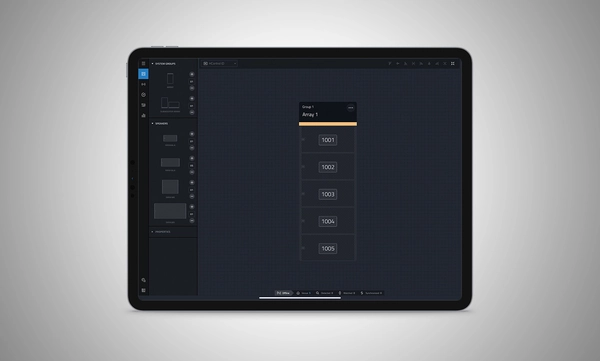
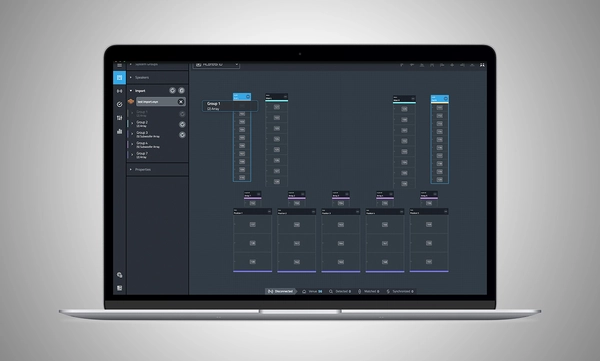
JBL Performance เป็นแอปพลิเคชันที่มีความครอบคลุมซึ่งออกแบบมาเพื่อควบคุมและตรวจสอบระบบเสียง SRX900 Series วิธีการที่ใช้การทำงานตามลำดับจะนำผู้ใช้ผ่านขั้นตอนการออกแบบระบบ การทดสอบ การปรับแต่ง และการตรวจสอบ อินเทอร์เฟซที่ใช้งานง่ายด้วยการลากและวางสร้างกลุ่มระบบที่ใช้การประมวลผลสัญญาณอันทรงพลังในอุปกรณ์ รวมถึง Gain, Delay, EQ และ Array Calibration ซึ่งช่วยให้การปรับแต่งและเพิ่มประสิทธิภาพของระบบง่ายยิ่งขึ้น การทดสอบและตรวจสอบอุปกรณ์แบบเรียลไทม์ทำให้แน่ใจว่าทุกอย่างทำงานตามที่ตั้งใจไว้ HControl ทำให้การจัดการที่อยู่ IP ที่สถานที่เกิดเหตุไม่ยุ่งยากขณะทำงานผ่านฮาร์ดแวร์เครือข่ายมาตรฐานและยังคงเข้ากันได้กับ Wi-Fi.
Performance เป็นส่วนหนึ่งของระบบซอฟต์แวร์ที่ครบวงจร ซึ่งรวมเข้ากับซอฟต์แวร์ JBL อื่น ๆ รวมถึง Venue Synthesis และแอปมือถือ JBL ArrayLink สำหรับ iOS และ Android.
ดาวน์โหลด Performance 1.9.0
Windows MAC Apple iPad
System Design
Define a system by dragging and dropping speakers into the workspace to automatically create groups and linked parameters, enabling quick recall of presets and optimization of settings.
Import from Venue Synthesis
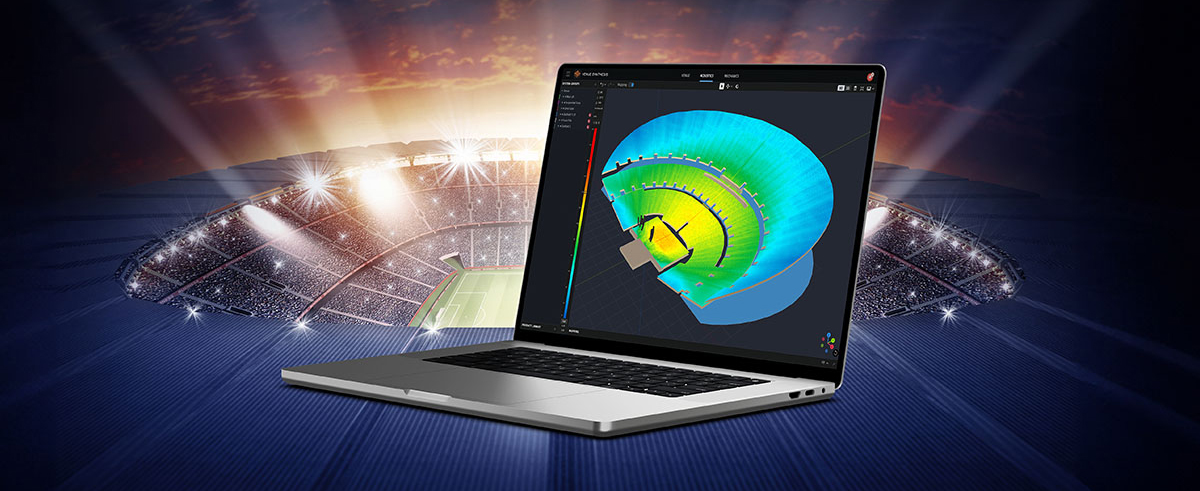
Import complete designs from Venue Synthesis including DSP optimizations, such as array size compensation, throw distance compensation, gain, and delay. One-click updates allow changes made in the Venue Synthesis design to be incorporated quickly.
Connect and Deploy
Simplify device connectivity with HControl, a new communications protocol by Harman built for the audio industry. Operating on standard data switches and WiFi routers, easy hardware-software matching is achievable with simple, flexible HControl IDs.
Test and Verify
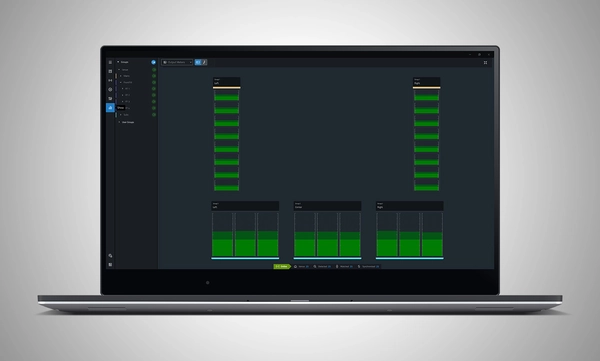
Use the onboard signal generator to verify speaker operation. Real-time meter views provide input and output data, ensuring signals reach their destinations at the proper levels.
Tune and Calibrate
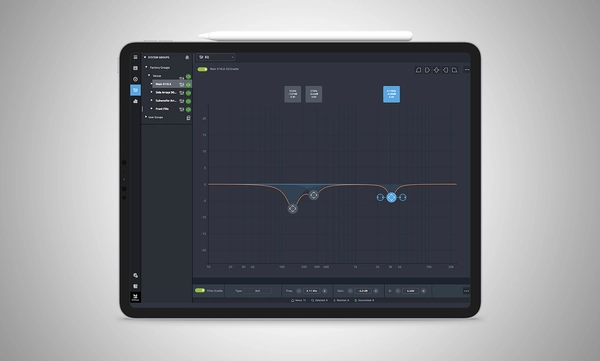
Control the advanced DSP in the SRX900 Series with quick access to speaker settings, delay, gain, EQ, Array Size Compensation, and FIR-based Throw Distance Compensation filters.
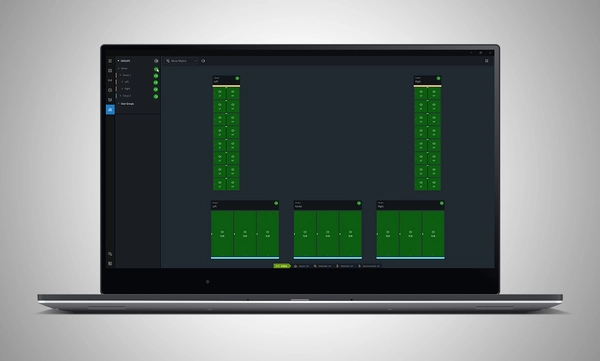
Show Mode
Live meter data, real-time amplifier health, temperature, load, and mains voltage are in dedicated views, ensuring the operator's confidence in the system's performance.
Manage Hardware
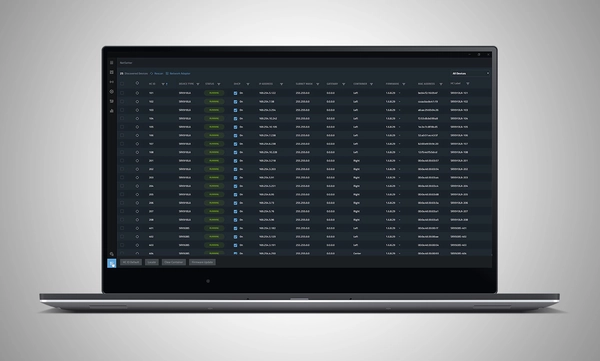
The HControl NetSetter utility integrated into Performance can monitor all connected subnets to identify misconfigured devices, help incorporate them into your network, and update device firmware.
System Design
Define a system by dragging and dropping speakers into the workspace to automatically create groups and linked parameters, enabling quick recall of presets and optimization of settings.
Import from Venue Synthesis
Import complete designs from Venue Synthesis including DSP optimizations, such as array size compensation, throw distance compensation, gain, and delay. One-click updates allow changes made in the Venue Synthesis design to be incorporated quickly.
Connect and Deploy
Simplify device connectivity with HControl, a new communications protocol by Harman built for the audio industry. Operating on standard data switches and WiFi routers, easy hardware-software matching is achievable with simple, flexible HControl IDs.
Test and Verify
Use the onboard signal generator to verify speaker operation. Real-time meter views provide input and output data, ensuring signals reach their destinations at the proper levels.
Tune and Calibrate
Control the advanced DSP in the SRX900 Series with quick access to speaker settings, delay, gain, EQ, Array Size Compensation, and FIR-based Throw Distance Compensation filters.
Show Mode
Live meter data, real-time amplifier health, temperature, load, and mains voltage are in dedicated views, ensuring the operator's confidence in the system's performance.
Manage Hardware
The HControl NetSetter utility integrated into Performance can monitor all connected subnets to identify misconfigured devices, help incorporate them into your network, and update device firmware.
Supported JBL Devices:
System Requirements:
Supported Operating Systems:
Minimum Performance Guidelines:
Optimal Performance Guidelines:
-
Windows
- CPU: 64 bit multi-core @ 2.50 GHz or better
- RAM: 8GB or more
- OS: 64-bit Windows 10 or above
- Storage: 1 GB
- Monitor: Resolution of 1080x1920 or more
-
Mac
- CPU: 64 bit multi-core @ 2.50 GHz or better
- RAM: 8GB or more
- Current and previous MacOS version supported
- Storage: 1 GB
- Monitor: Resolution of 1080x1920 or more
-
iPad
Software Training Videos:
A complete video training series is available to help get started with JBL Performance.
Watch Here
Previous Versions
Windows
Mac
Manuals
| |
เวอร์ชัน |
ภาษา |
ขนาด |
อัปโหลดแล้ว |
|
|
8.1.25 |
|
41 เมกะไบต์
|
ต.ค. 2025 |
Software
| |
เวอร์ชัน |
ขนาด |
อัปโหลดแล้ว |
|
|
1.9.0
|
165 เมกะไบต์
|
มี.ค. 2026
|
|
|
1.9.0
|
167 เมกะไบต์
|
มี.ค. 2026
|
|
|
|
|
มี.ค. 2025
|
Changelogs
| |
เวอร์ชัน |
ขนาด |
อัปโหลดแล้ว |
|
|
1.9.0 |
230 กิโลไบต์ |
มี.ค. 2026 |
หากลิงก์ใดด้านบนแสดงตัวอักษรแปลกๆ ในเบราว์เซอร์ของคุณ โปรดคลิกขวาที่ไฟล์เพื่อบันทึกไว้ในคอมพิวเตอร์ของคุณ
In the ever-evolving world of tour sound design, the need for powerful and user-friendly tools is paramount. JBL Professional’s Venue Synthesis (VS) 3D acoustic simulation software meets those needs with an all-encompassing solution for front-of-house (FOH) engineers and tour managers. To gain deeper insight, we
CONTINUE READING