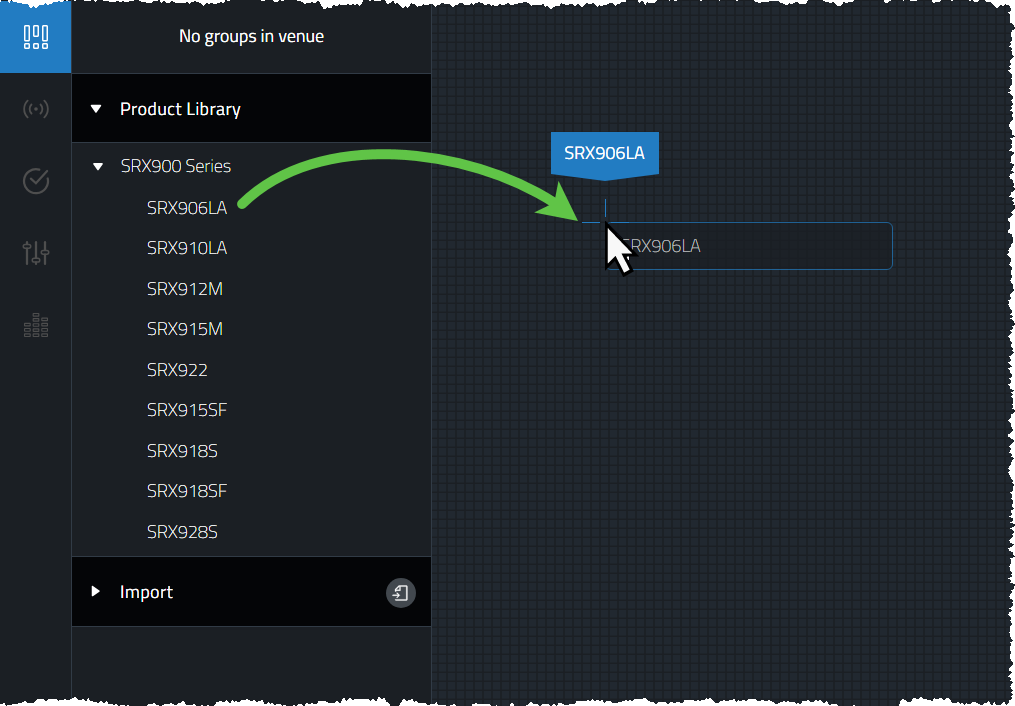
Product Library
With Design Mode active, devices are dragged from the left hand Product Library into the Workspace to create System Groups. Each speaker brought into the Workspace is meant to represent a real speaker in an audio system that needs to be controlled and monitored by the application. As Users progress through the software, various controls and information will be superimposed over the individual speakers in the Workspace representative of a specific work flow task which is defined by the active System View. A list of all speakers currently supported by Performance can be found here.