Venue Synthesis

3D Acoustic Simulation Software

JBL Venue Synthesis Banner

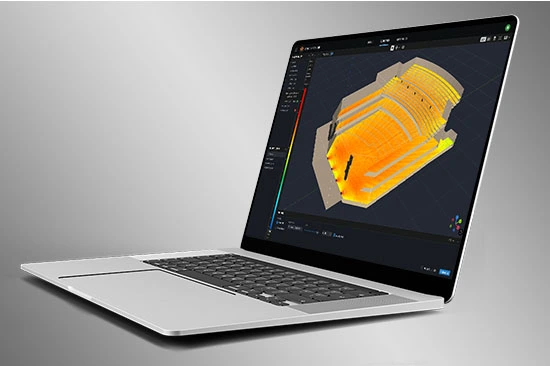
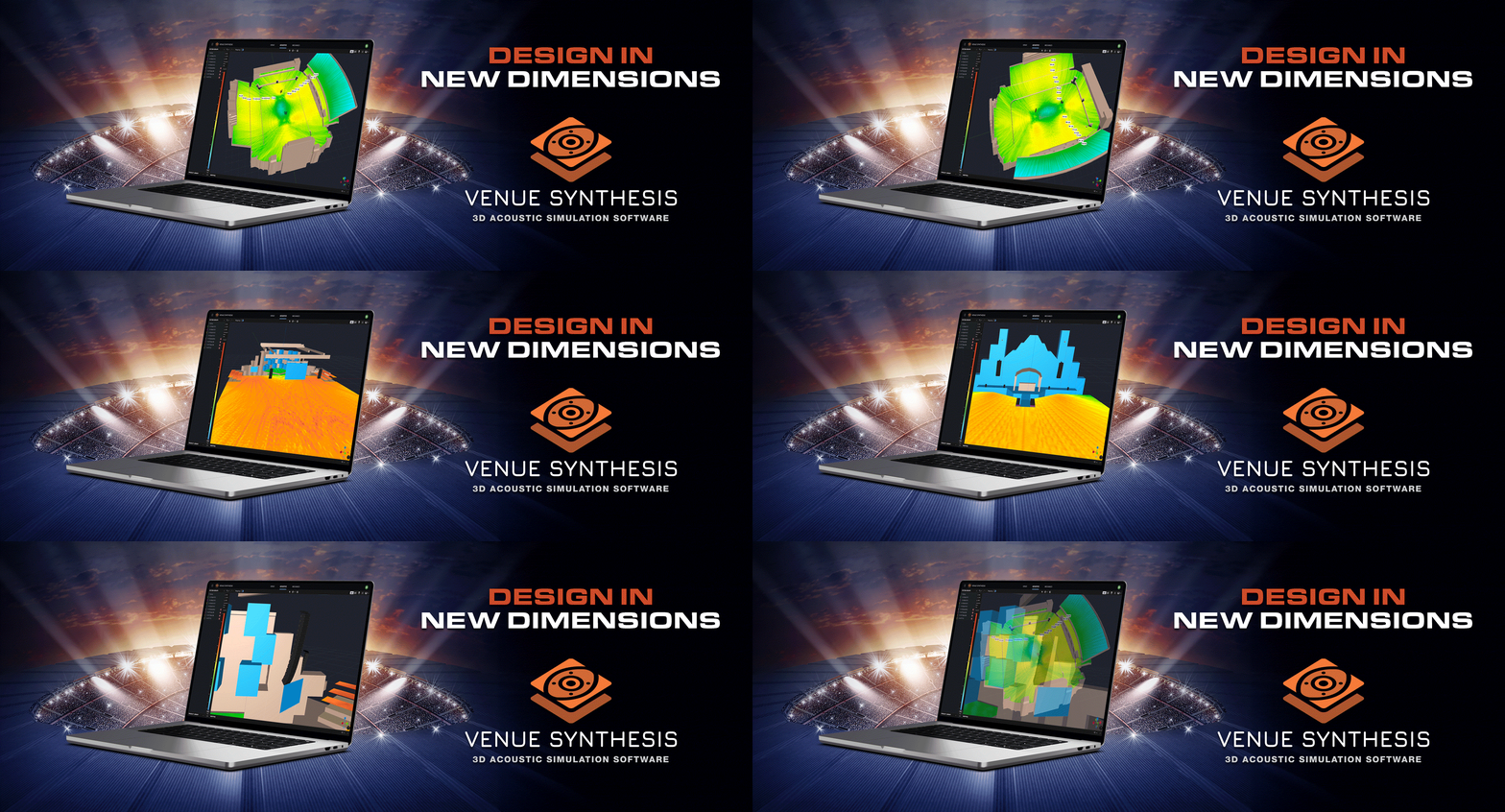
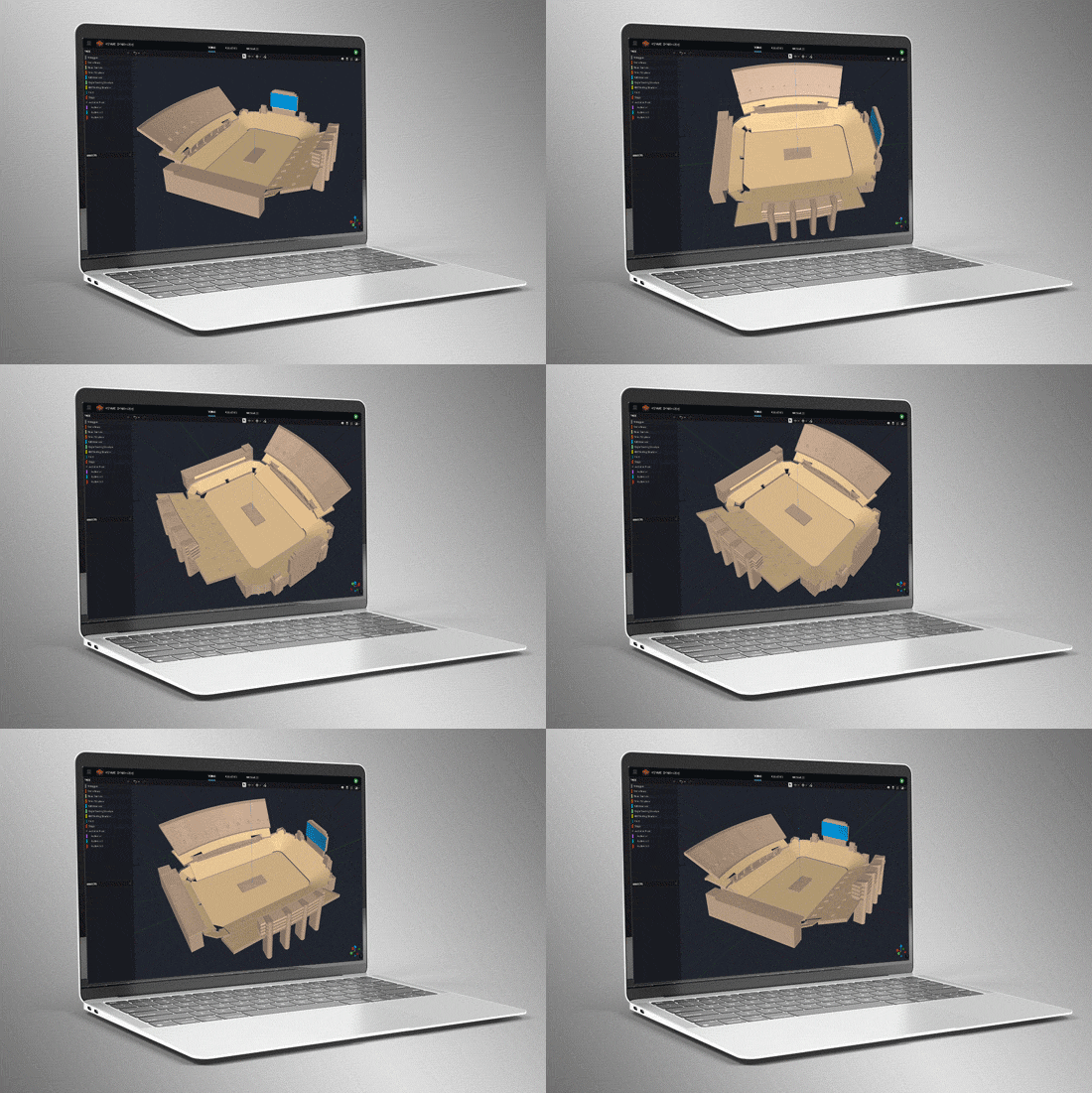
Venue Synthesis is JBL’s next-generation 3D acoustic simulation software, designed from the ground up to allow system designers and engineers to accurately predict the acoustical and mechanical performance of JBL sound systems. The streamlined and intuitive user interface expedites the entire design process, allowing system designers to transition from conception to deployment in record time. The new advanced acoustic engine generates high-resolution simulations to accurately match real-life performance, while the sophisticated mechanical engine generates precise system reports and array statistics. Offering unparalleled simplicity, accuracy, and speed, Venue Synthesis stands as the ultimate sound system design tool for any situation. 

Download Venue Synthesis
Windows Mac SketchUp Plugin

Modelos de recintos en 3D

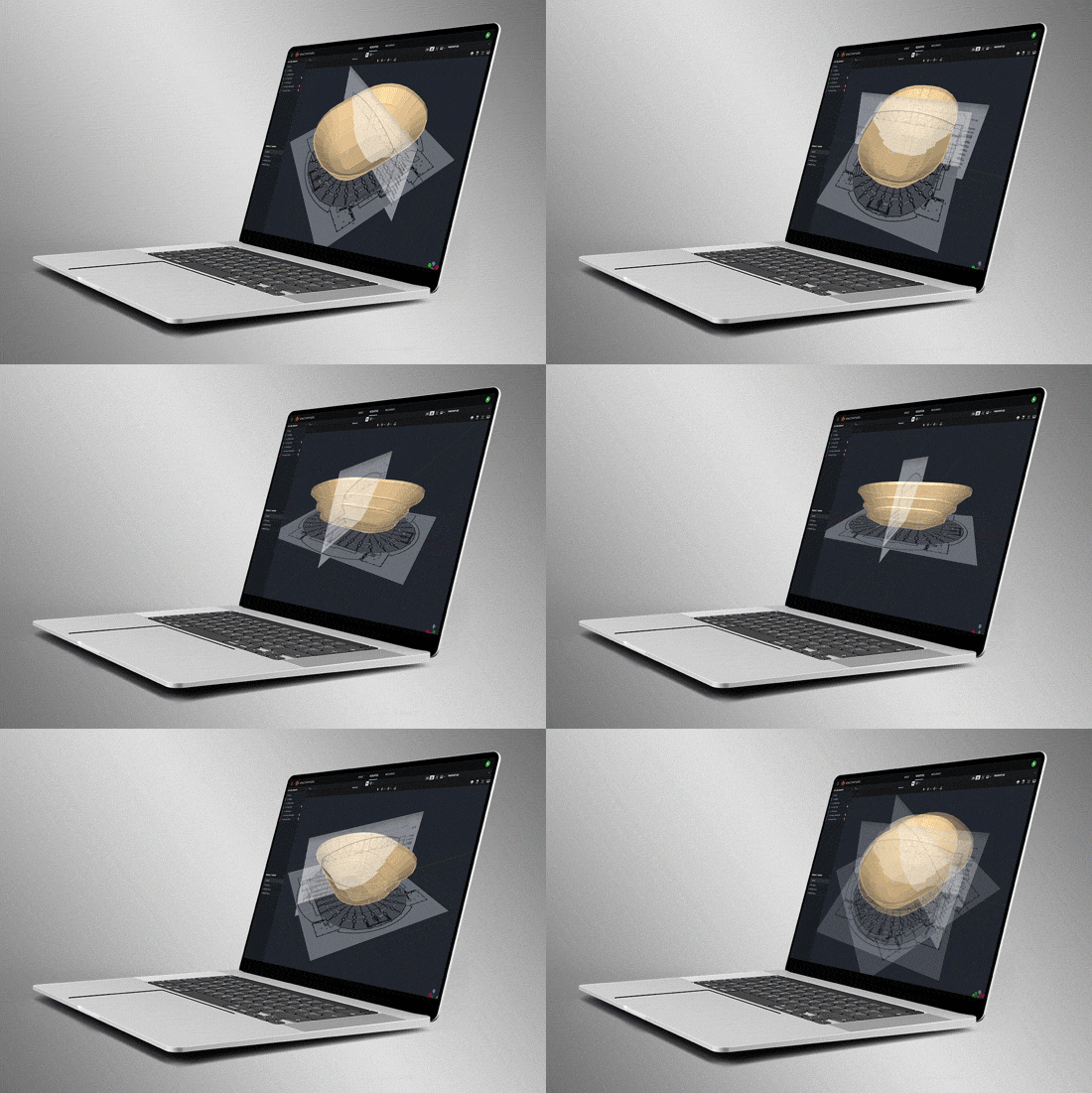
Cree recintos desde cero utilizando las herramientas integradas o importe modelos 3D mediante formatos de geometría comunes como SketchUp, DWG, DXF, GCF, EASE y CATT-Acoustics. Utilice las herramientas incluidas para modificar la geometría y asignar áreas de público. Use Etiquetas para organizar la geometría en grupos lógicos.

Smart Drawing Tools

Import and scale images to quickly create models from basic 2D drawings. Use the Pen Tool to trace over images and use the Special Object Creator tool to create common architectural features, such as balconies and revolutions.

Direct SPL Mapping

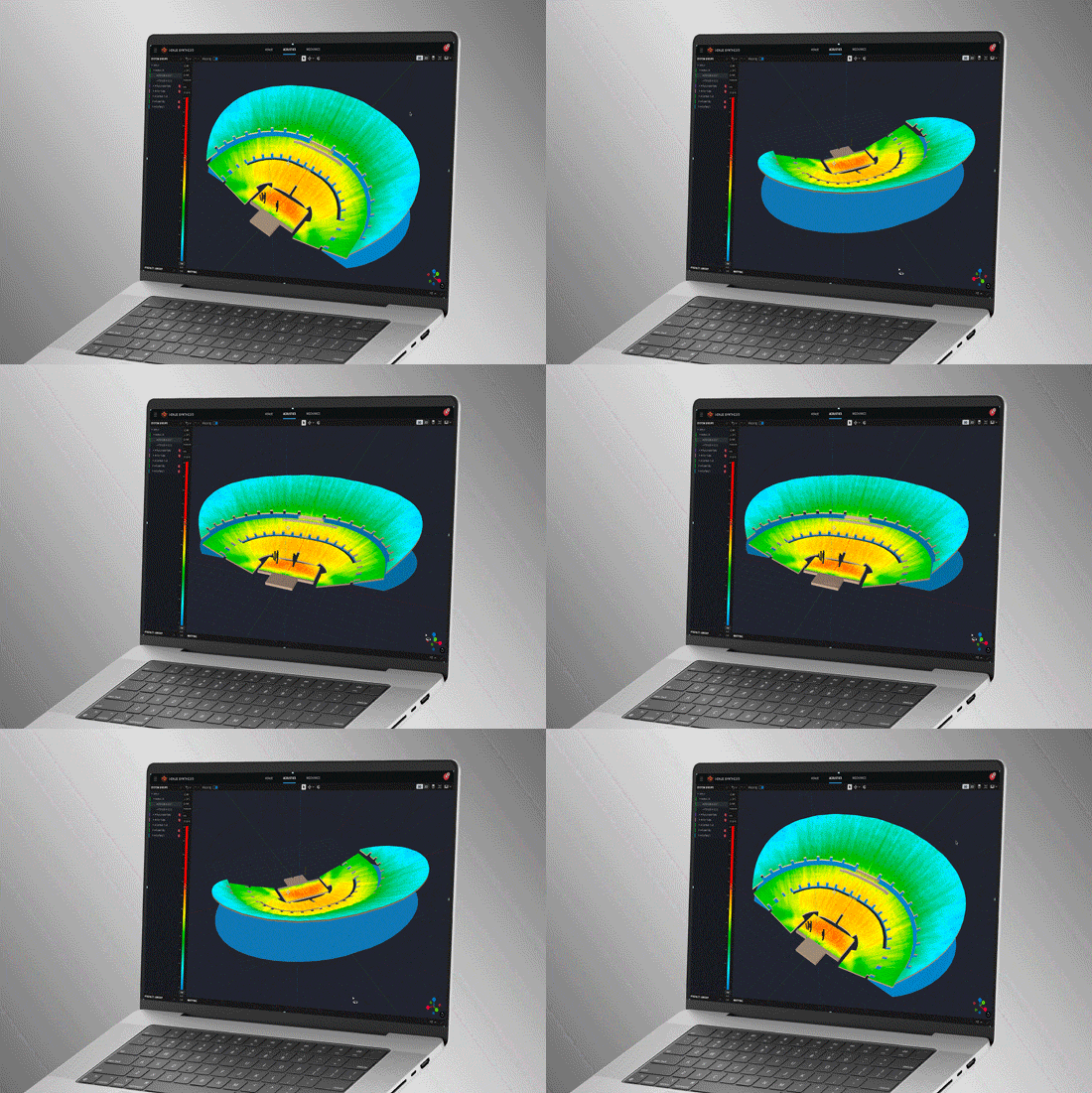
Map Direct SPL using 1/12th octave high-resolution loudspeaker data and a variety of noise signals, including Pink-Noise, Pink-Noise IEC, Male/Female Speech, and Sine.

Array Grouping Tools

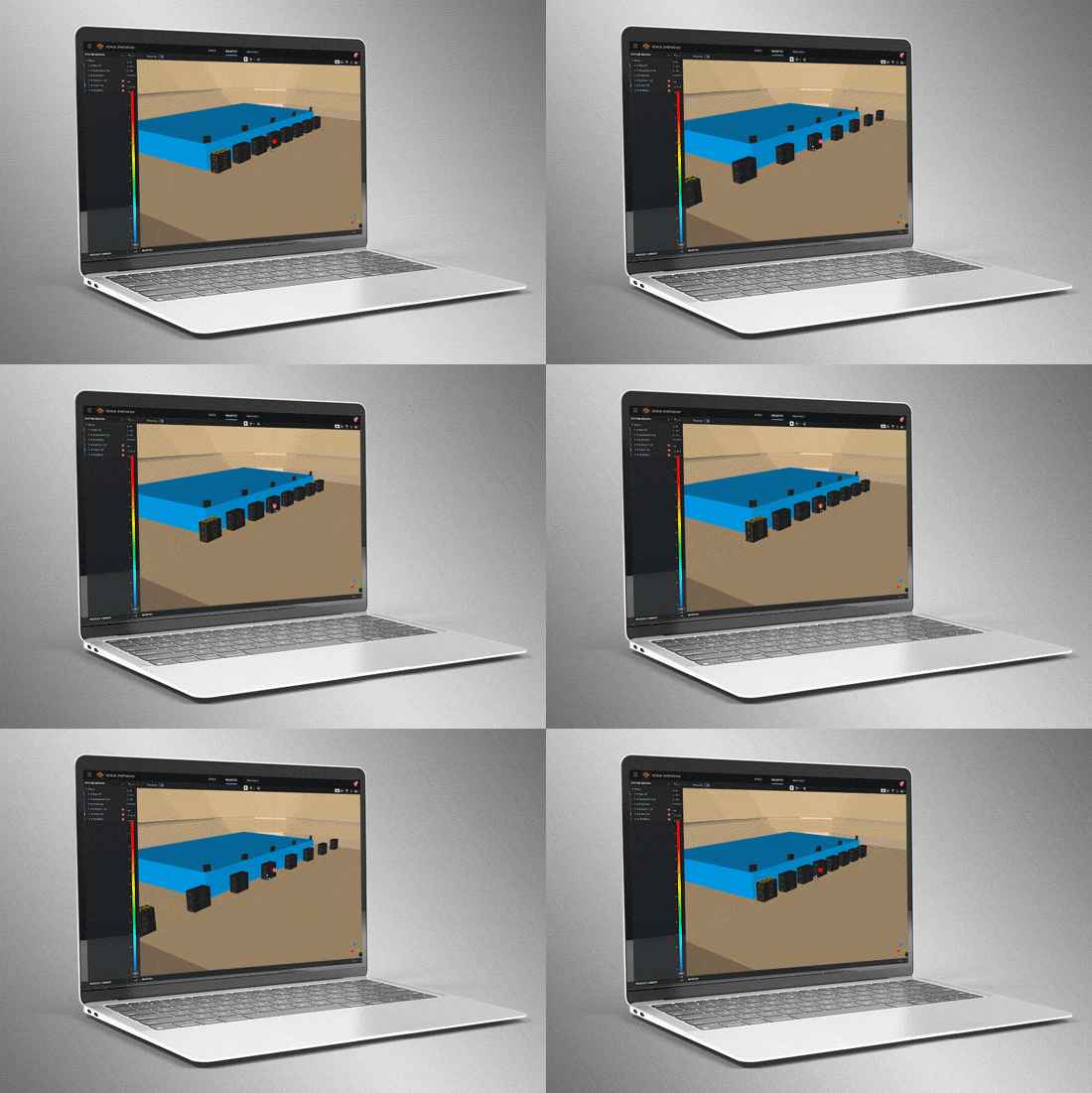
Sophisticated array and grouping tools allow users to create large multi-point arrays quickly. Use features such as symmetry and mirroring to accelerate design. Optimize large, distributed subwoofer arrays with the built-in Electronic Delay Steering calculator.

Delay Spread

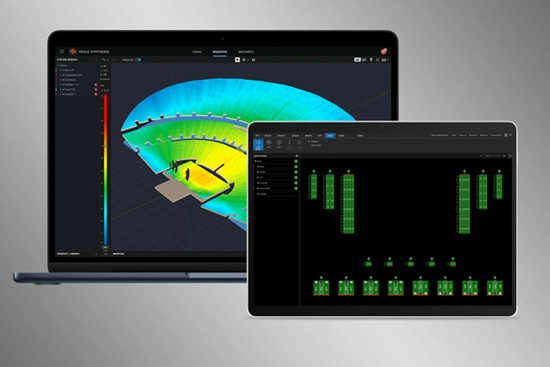
Delay spread mode maps time offset variations across the venue. Use the built-in Delay Optimizer to generate delay values automatically to minimize time offset for delay towers and fills.

Headroom Analysis

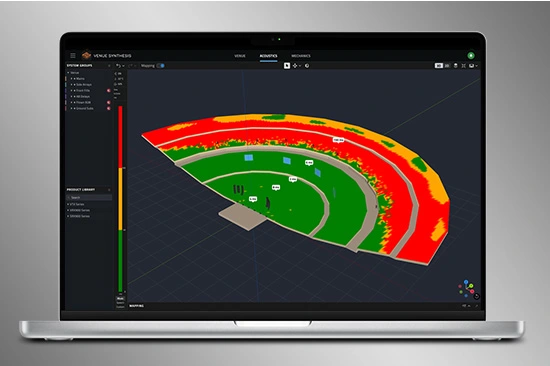
Headroom Analysis tool ensures the system output requirements can be met. Use a variety of test signals to understand headroom impact from spectral content. Study headroom across system groups to ensure uniform limiting across the system.

Mechanical Validation

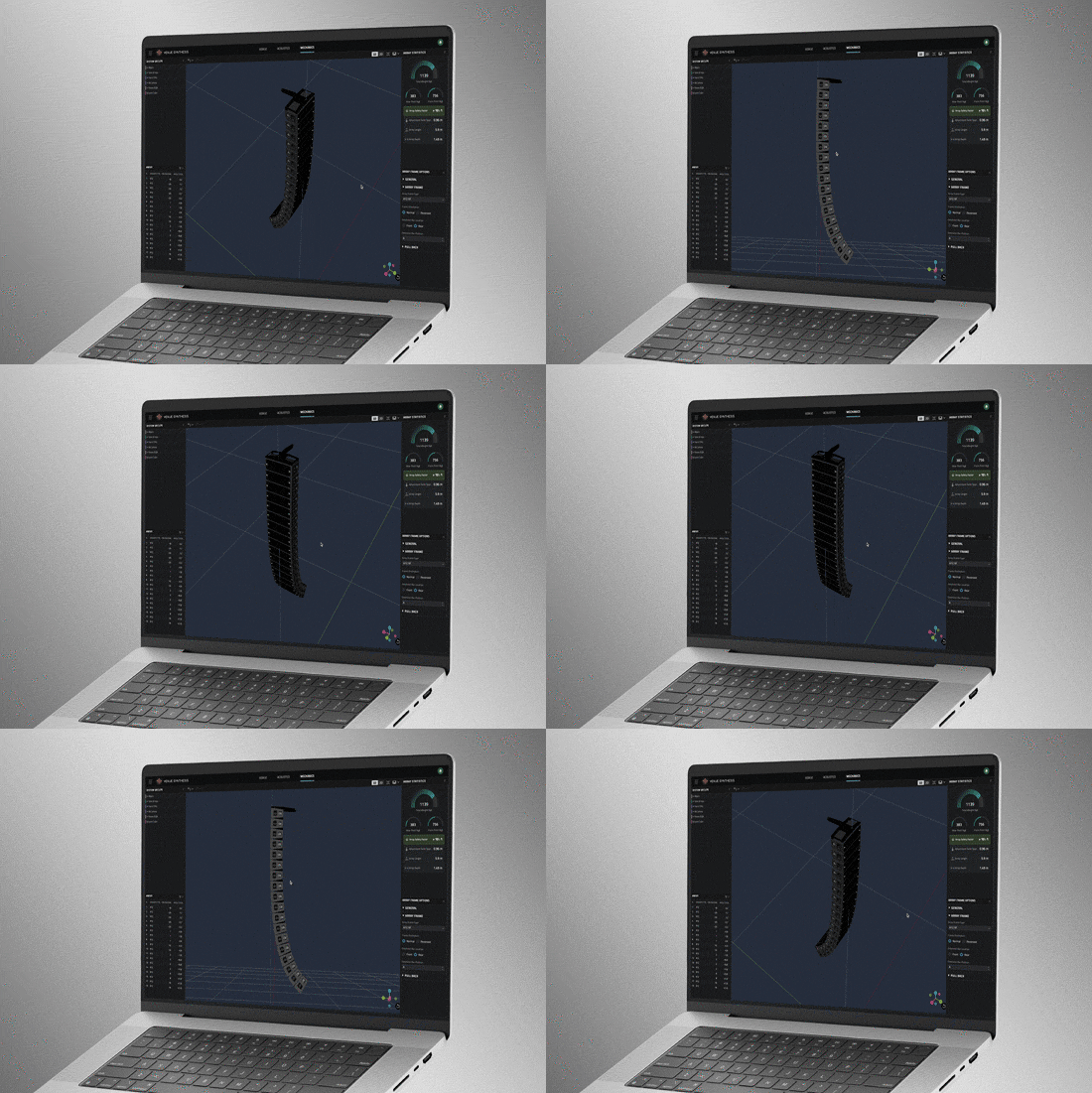
Use Mechanics Mode to validate and refine mechanical configurations. Use the Array Statistics tool to confirm safety factors. Quickly generate rigging manuals for crews or export data to ArrayLink.

System Integration

Open Venue Synthesis files in JBL control software such as Performance and Performance Manager. System configuration and DSP parameters automatically carry over, minimizing setup time. Scan QR codes to transfer mechanical setup information to ArrayLink.

Award Winning

Venue Synthesis won the ‘Best of Show’ award at InfoComm 2024, recognized by top publications: Sound and Video Contractor, Installation, and AV Technology. Expert reviewers noted its comprehensive features, ease of use and integration, and how innovative and unique it is within the market.

Modelos de recintos en 3D

Cree recintos desde cero utilizando las herramientas integradas o importe modelos 3D mediante formatos de geometría comunes como SketchUp, DWG, DXF, GCF, EASE y CATT-Acoustics. Utilice las herramientas incluidas para modificar la geometría y asignar áreas de público. Use Etiquetas para organizar la geometría en grupos lógicos.

Smart Drawing Tools

Import and scale images to quickly create models from basic 2D drawings. Use the Pen Tool to trace over images and use the Special Object Creator tool to create common architectural features, such as balconies and revolutions.

Direct SPL Mapping

Map Direct SPL using 1/12th octave high-resolution loudspeaker data and a variety of noise signals, including Pink-Noise, Pink-Noise IEC, Male/Female Speech, and Sine.

Array Grouping Tools

Sophisticated array and grouping tools allow users to create large multi-point arrays quickly. Use features such as symmetry and mirroring to accelerate design. Optimize large, distributed subwoofer arrays with the built-in Electronic Delay Steering calculator.

Delay Spread

Delay spread mode maps time offset variations across the venue. Use the built-in Delay Optimizer to generate delay values automatically to minimize time offset for delay towers and fills.

Headroom Analysis

Headroom Analysis tool ensures the system output requirements can be met. Use a variety of test signals to understand headroom impact from spectral content. Study headroom across system groups to ensure uniform limiting across the system.

Mechanical Validation

Use Mechanics Mode to validate and refine mechanical configurations. Use the Array Statistics tool to confirm safety factors. Quickly generate rigging manuals for crews or export data to ArrayLink.

System Integration

Open Venue Synthesis files in JBL control software such as Performance and Performance Manager. System configuration and DSP parameters automatically carry over, minimizing setup time. Scan QR codes to transfer mechanical setup information to ArrayLink.

Award Winning

Venue Synthesis won the ‘Best of Show’ award at InfoComm 2024, recognized by top publications: Sound and Video Contractor, Installation, and AV Technology. Expert reviewers noted its comprehensive features, ease of use and integration, and how innovative and unique it is within the market.

Características

  • Mapeo 3D del sistema completo – Mapeo preciso y completo de la cobertura acústica en cualquier plano de audiencia y arquitectónico
  • Vista 2D del sistema – Visualice la cobertura, los puntos de impacto y los ángulos de los altavoces
  • Renderizaciones 3D del hardware — Vea la colocación precisa de los productos de hardware dentro del recinto
  • Creador de objetos especiales — Cree rápidamente áreas arquitectónicas y de audiencia comunes
  • Importar plano — Importe y trace esquemas 2D para modelar recintos rápidamente a escala
  • Optimizador de retardo — Optimice los retardos de los altavoces para todo el recinto
  • Vistas 2D y 3D de la configuración mecánica — Múltiples vistas confirman visualmente una configuración del sistema segura y fiable
  • Grupos de sistema — Organice y vincule altavoces y arrays según sus propiedades acústicas
  • Exportación de archivos de grupos de sistema — Integración completa con las aplicaciones JBL Performance y ArrayLink
  • Validación de equipos mecánicos — Garantiza un rigging seguro y viable
  • Sistema de notificación de advertencias de seguridad — Proporciona alertas de seguridad y fiabilidad en tiempo real
  • Advertencia de margen dinámico — Utilizando datos de SPL verificados en laboratorio, si se superan los límites del altavoz, una advertencia proporciona datos específicos de margen dinámico para que los usuarios reduzcan los niveles en consecuencia
  • Herramientas mecánicas y estadísticas de array — Garantizan un rigging seguro y el cumplimiento de los requisitos normativos
  • Generación y exportación del manual de rigging — Ofrece a los técnicos de campo manuales fáciles de leer
  • Notificaciones globales — Reciba alertas en tiempo real sobre cualquier problema de seguridad y fiabilidad en todo el sistema
  • SPAT Revolution — Integración con el motor inmersivo FLUX:: SPAT Revolution 

Sistemas JBL compatibles:

Sistemas operativos compatibles:

  • Windows 10, Windows 11 (x86, x64) (Windows on ARM aún no es compatible)
  • macOS (Intel, Apple Silicon)

Descargas

Software
  Versión Tamaño Subido
MacOS download icon Venue Synthesis
versión 1.5.0, actualizado: jul 2026
1.5.0   485 MB jul 2026
Windows download icon Venue Synthesis
versión 1.5.0, actualizado: jul 2026
1.5.0   444 MB jul 2026
download icon for Venue Synthesis SketchUp Plugin Venue Synthesis SketchUp Plugin
versión 1.0.4, publicado: feb 2025
1.0.4   1,01 MB feb 2025
Release Notes
  Versión Idioma Tamaño Subido
file type icon Venue Synthesis - Release Notes
en versión 1.5.0, actualizado: jul 2026
1.5.0  en  240 KB jul 2026
file type icon Venue Synthesis SketchUp Plugin - Release Notes
en versión 1.0.4, actualizado: ago 2024
1.0.4  en  51,7 KB ago 2024

Si alguno de los enlaces anteriores muestra caracteres extraños en su navegador, haga clic con el botón derecho en el archivo para guardarlo en su computadora.

Piezas y servicio

Noticias

Videos


HARMAN Pro Insights

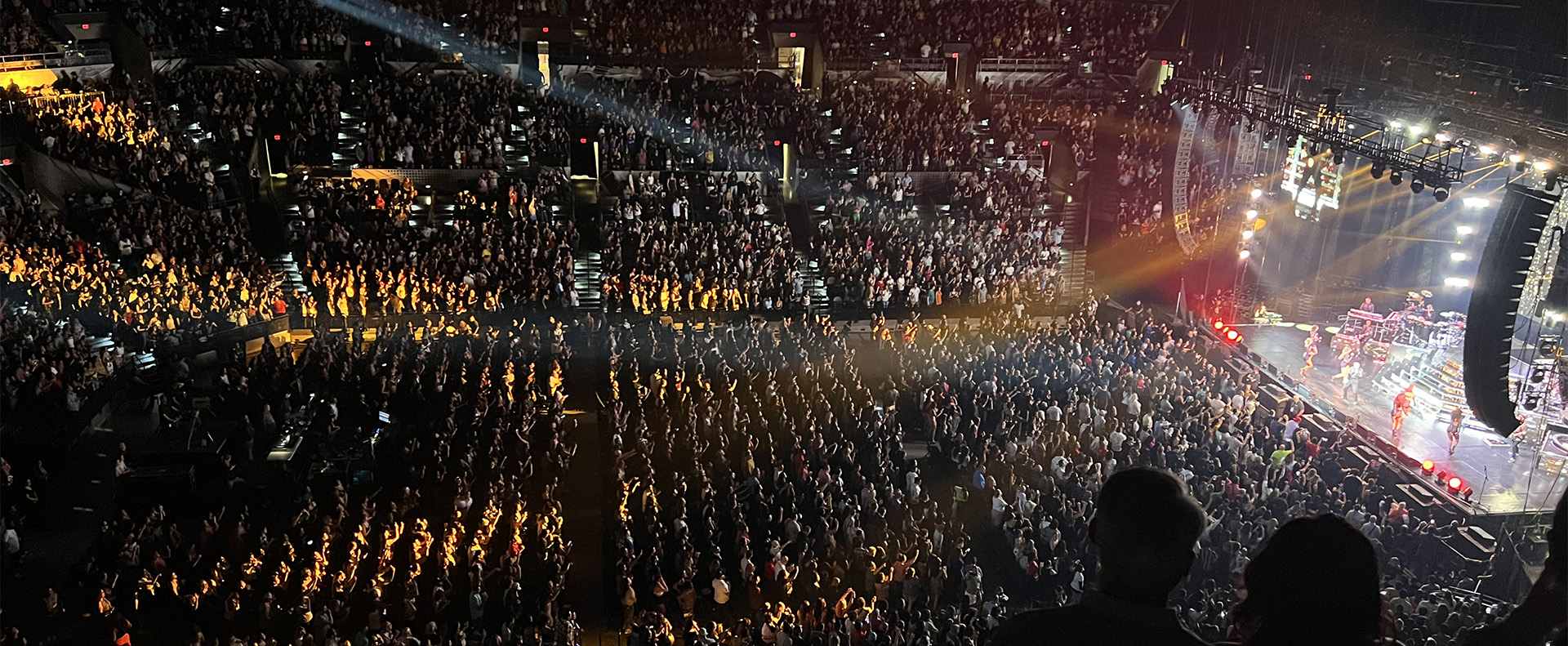
Perfecting Live Sound Design: Inside JBL Venue Synthesis 3D Acoustic Simulation Software feature

Perfecting Live Sound Design: Inside JBL Venue Synthesis 3D Acoustic Simulation Software

In the ever-evolving world of tour sound design, the need for powerful and user-friendly tools is paramount. JBL Professional’s Venue Synthesis (VS) 3D acoustic simulation software meets those needs with an all-encompassing solution for front-of-house (FOH) engineers and tour managers. To gain deeper insight, we

CONTINUE READING

Exploring the Magic: Inside 14 JBL Worldwide Live Entertainment Stories feature

Exploring the Magic: Inside 14 JBL Worldwide Live Entertainment Stories

Live entertainment captivates audiences, transcends boundaries and unites fans in a celebration of sound and rhythm. From electrifying music festivals to immersive theatrical productions to enthralling sporting events, the magic of live entertainment relies on the technology driving it to bring performances to life. JBL

CONTINUE READING

Soporte/FAQs