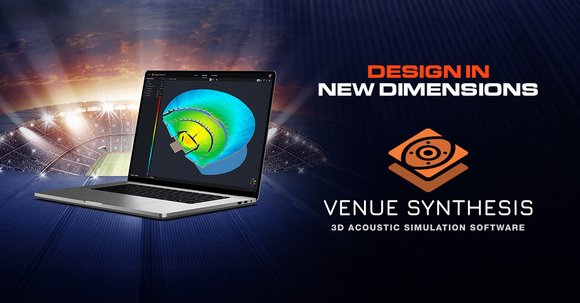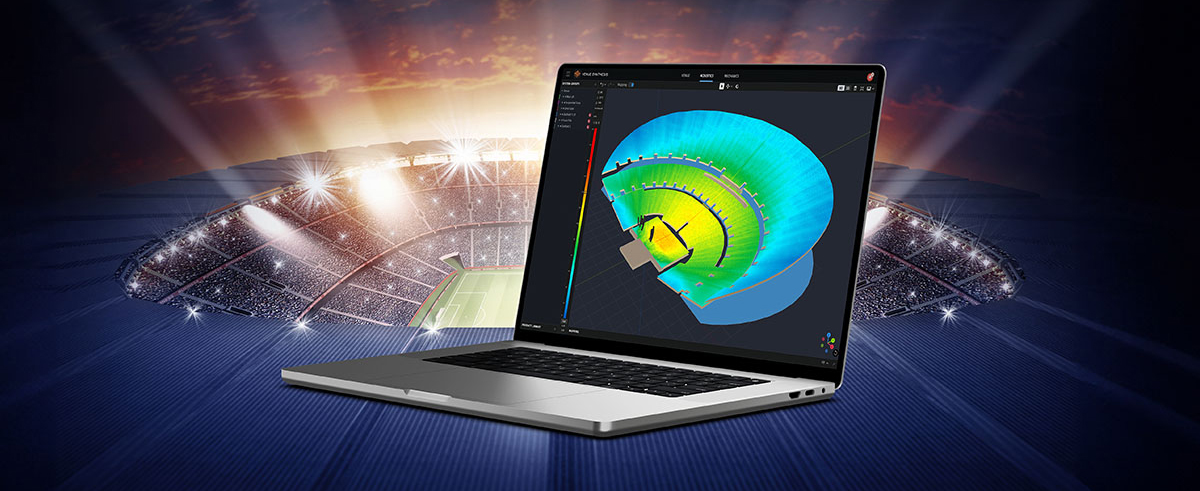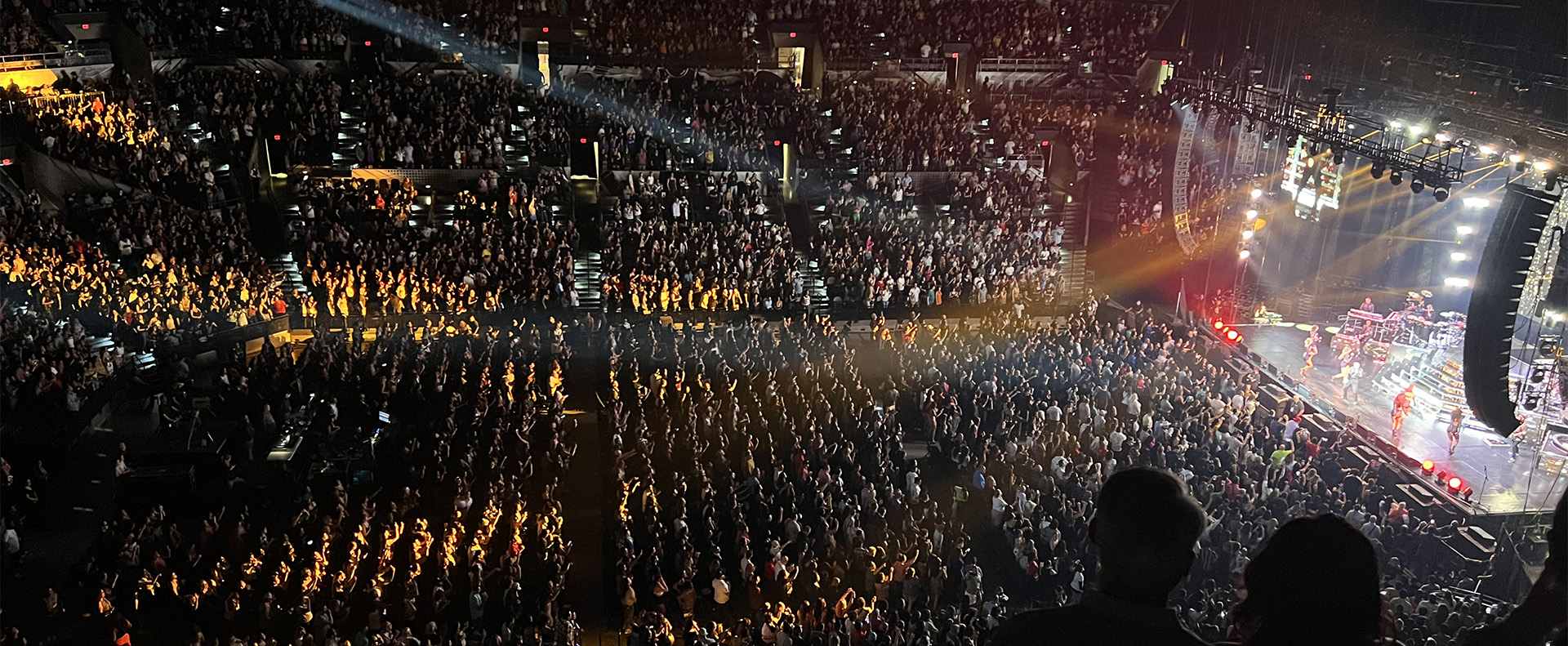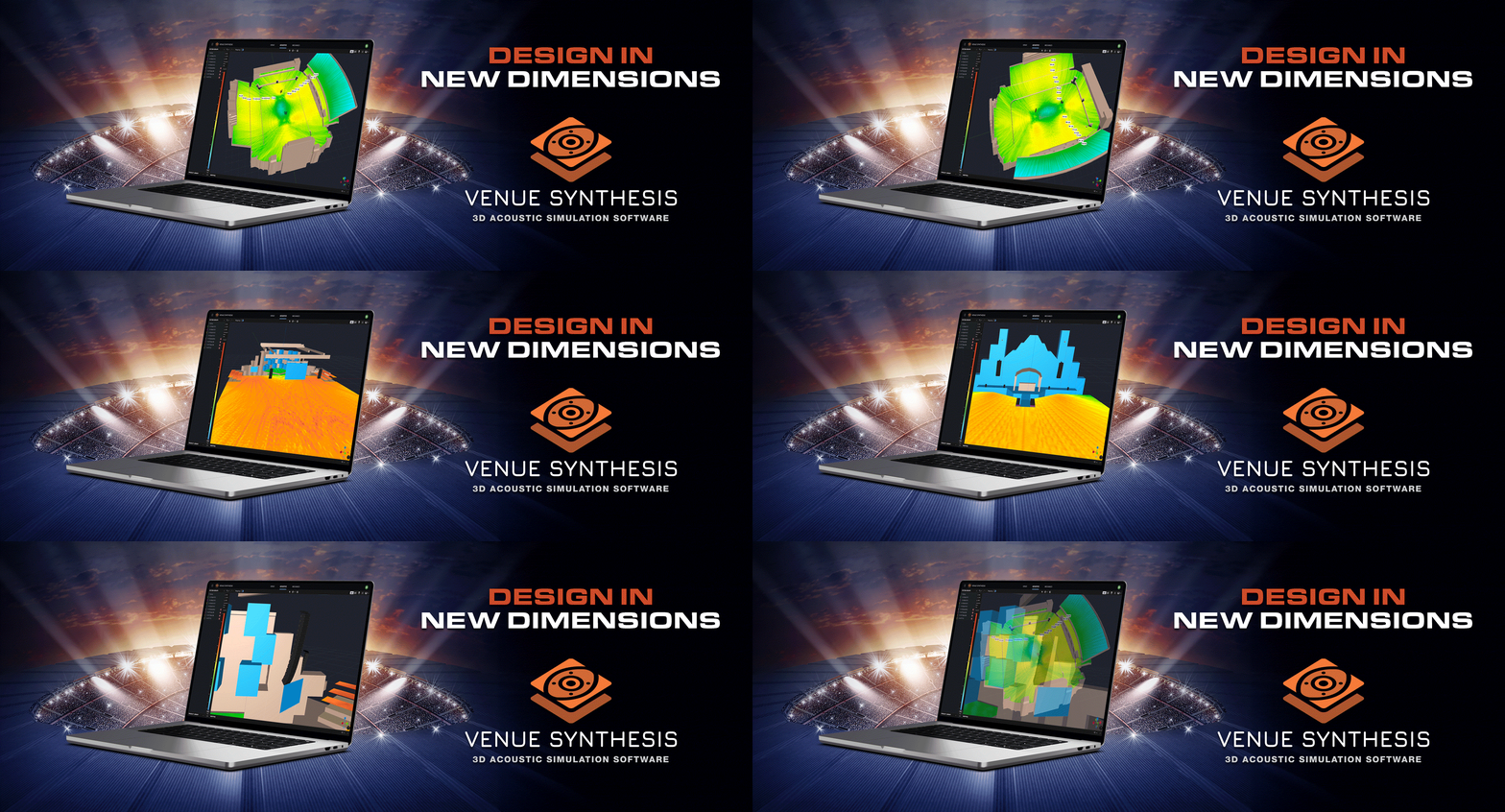
Venue Synthesis is JBL’s next-generation 3D acoustic simulation software, designed from the ground up to allow system designers and engineers to accurately predict the acoustical and mechanical performance of JBL sound systems. The streamlined and intuitive user interface expedites the entire design process, allowing system designers to transition from conception to deployment in record time. The new advanced acoustic engine generates high-resolution simulations to accurately match real-life performance, while the sophisticated mechanical engine generates precise system reports and array statistics. Offering unparalleled simplicity, accuracy, and speed, Venue Synthesis stands as the ultimate sound system design tool for any situation.
Download Venue Synthesis
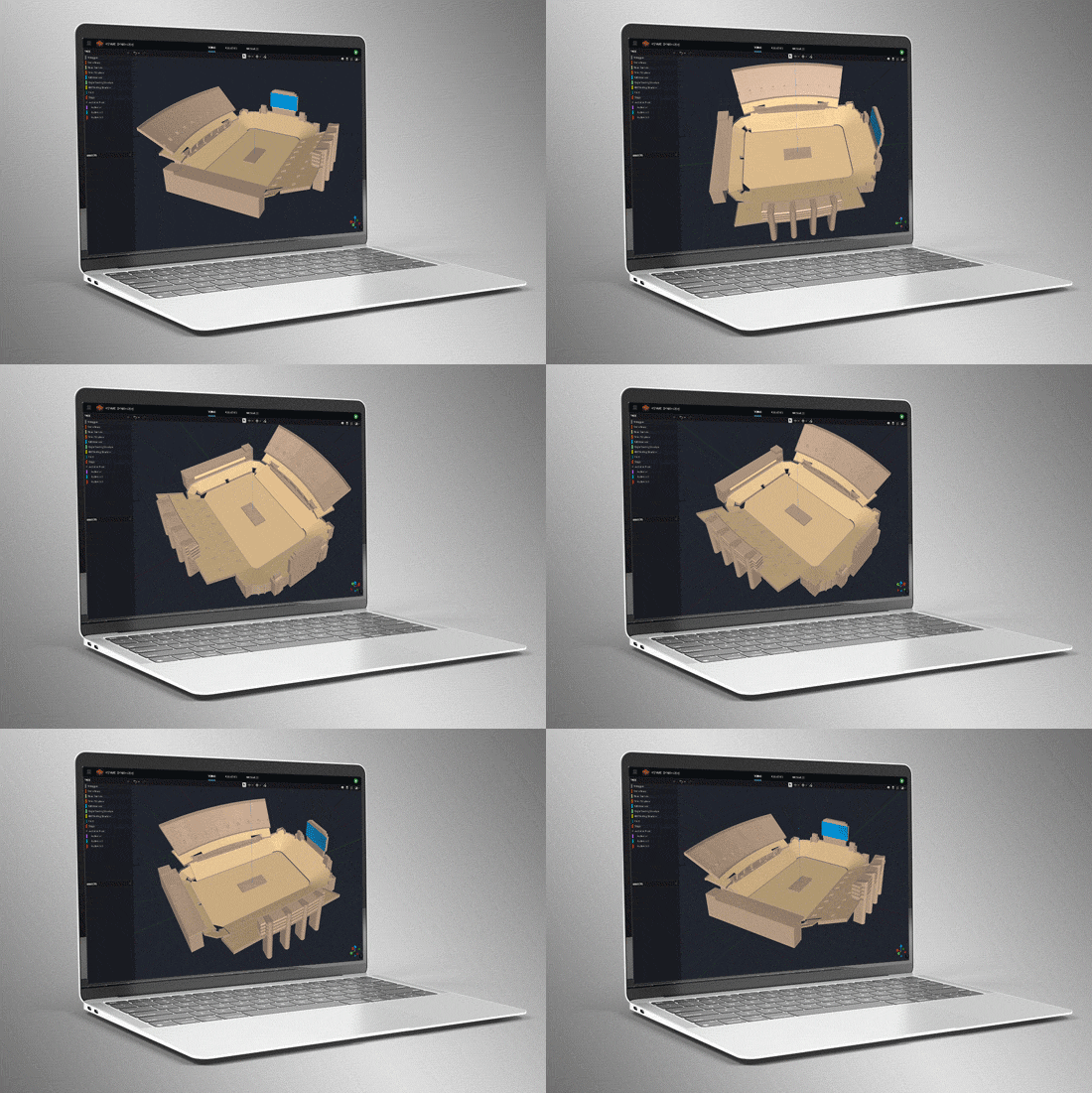

3D Venue Models
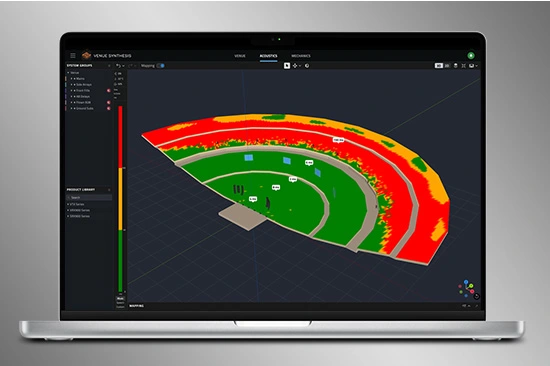
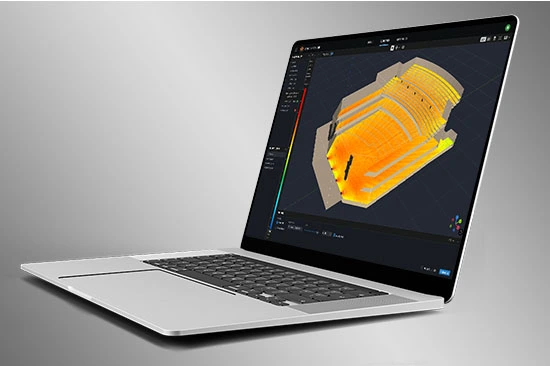
Create venues from scratch using the built-in tools or import 3D models using common geometry file formats such as SketchUp, DWG, DXF, GCF, EASE, and CATT-Acoustics. Use the included tools to modify geometry and assign audience areas. Use Tags to organize geometry in logical groups.
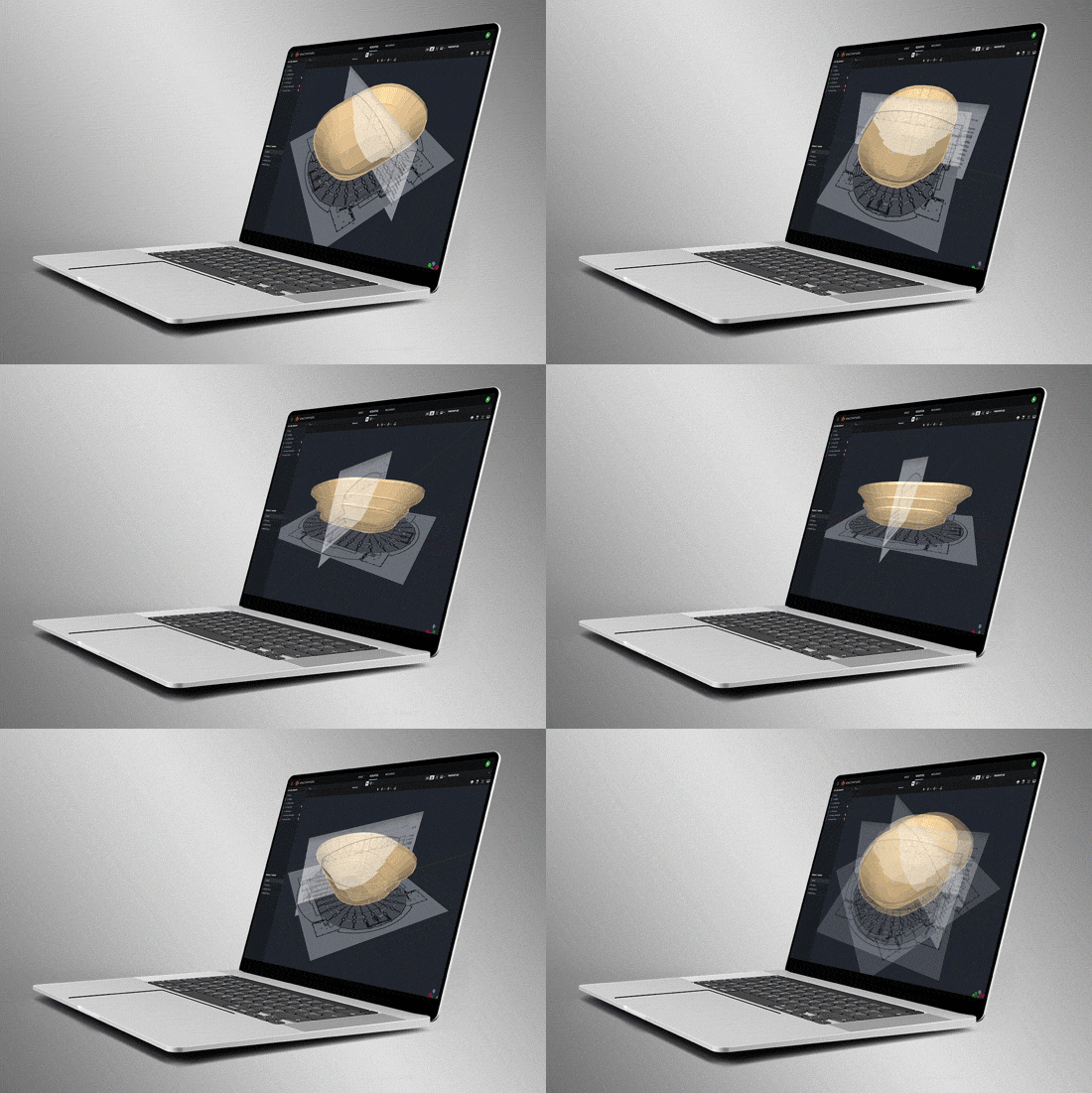
Smart Drawing Tools
Import and scale images to quickly create models from basic 2D drawings. Use the Pen Tool to trace over images and use the Special Object Creator tool to create common architectural features, such as balconies and revolutions.
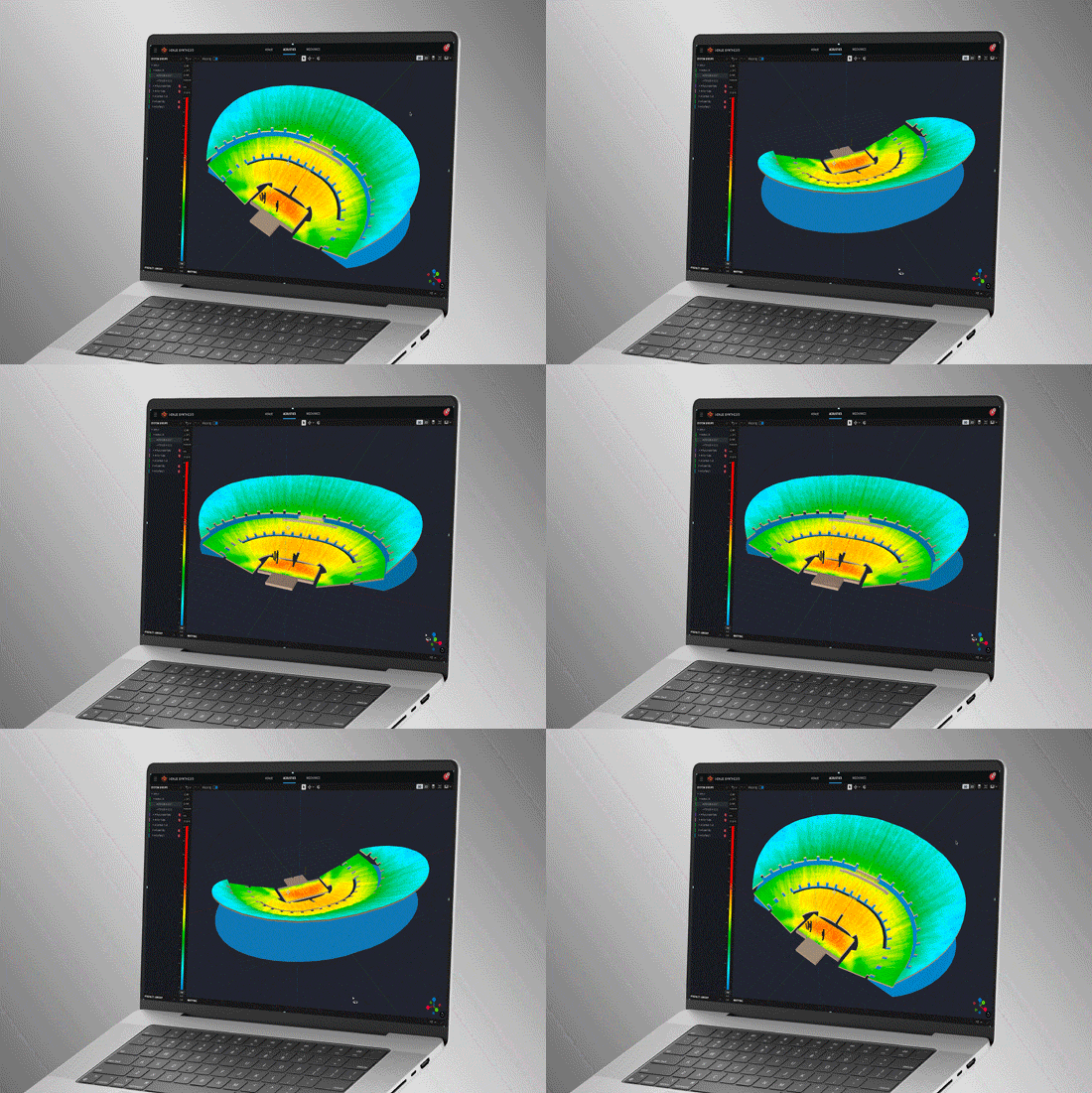
Direct SPL Mapping
Erstellen Sie Direct SPL-Karten mit hochauflösenden Lautsprecherdaten in 1/12-Oktav-Auflösung und einer Vielzahl von Rauschsignalen, darunter Rosa Rauschen, Rosa Rauschen IEC, männliche/weibliche Sprache und Sinus.
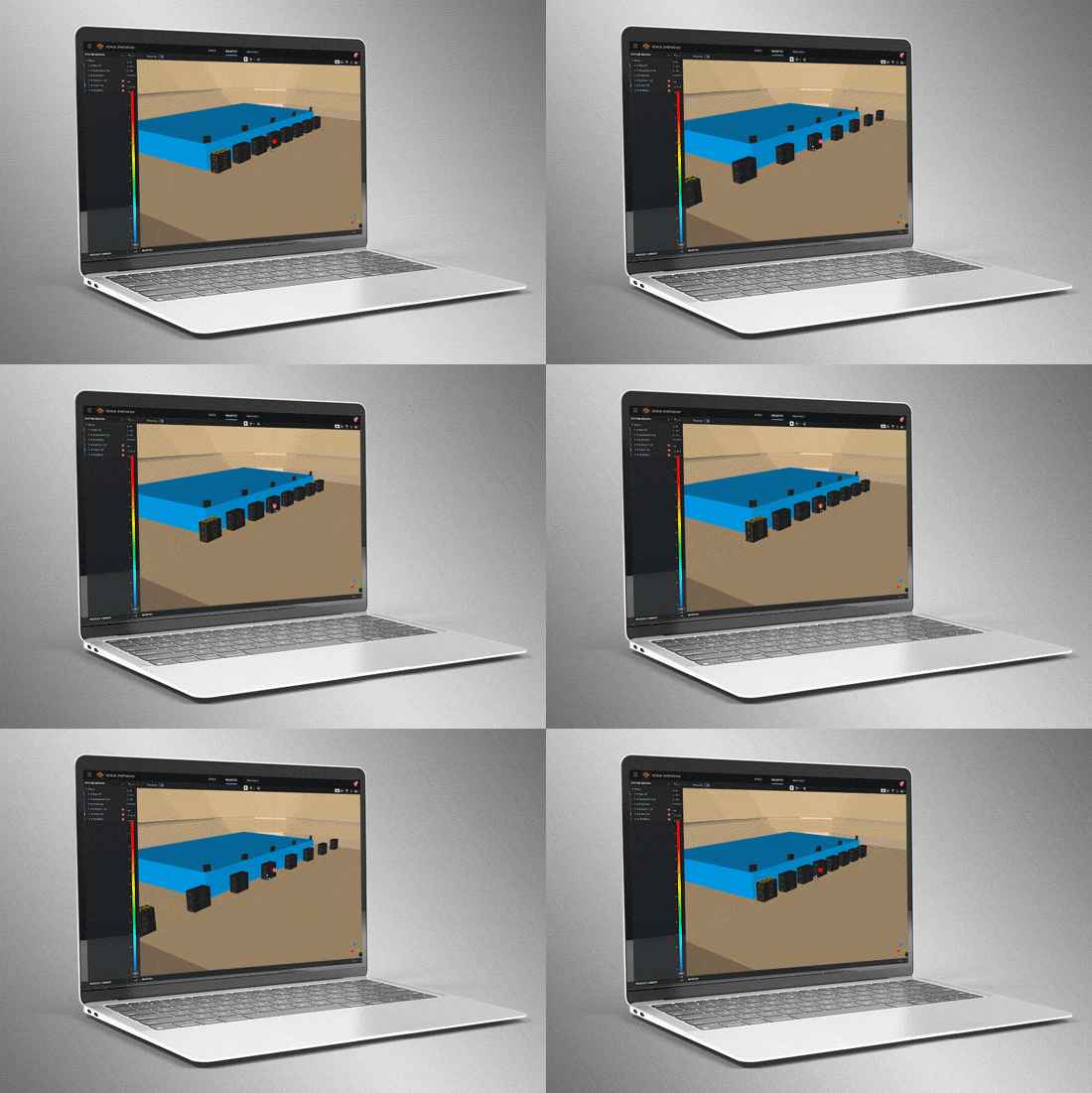
Array-Gruppierungswerkzeuge
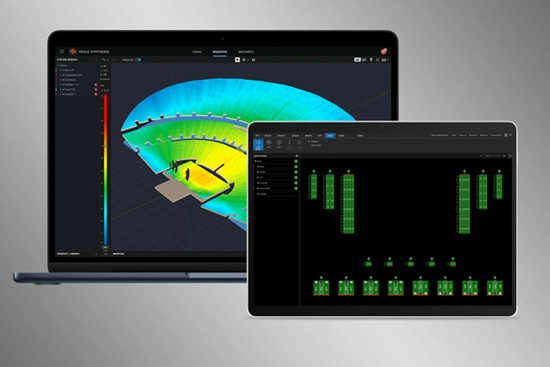
Ausgefeilte Array- und Gruppierungswerkzeuge ermöglichen es Benutzern, schnell große Mehrstellen-Arrays zu erstellen. Nutzen Sie Funktionen wie Symmetrie und Spiegelung, um die Planung zu beschleunigen. Optimieren Sie große, verteilte Subwoofer-Arrays mit dem integrierten Electronic Delay Steering-Rechner.
Delay Spread
Delay spread mode maps time offset variations across the venue. Use the built-in Delay Optimizer to generate delay values automatically to minimize time offset for delay towers and fills.
Headroom Analysis
Headroom Analysis tool ensures the system output requirements can be met. Use a variety of test signals to understand headroom impact from spectral content. Study headroom across system groups to ensure uniform limiting across the system.
Mechanical Validation
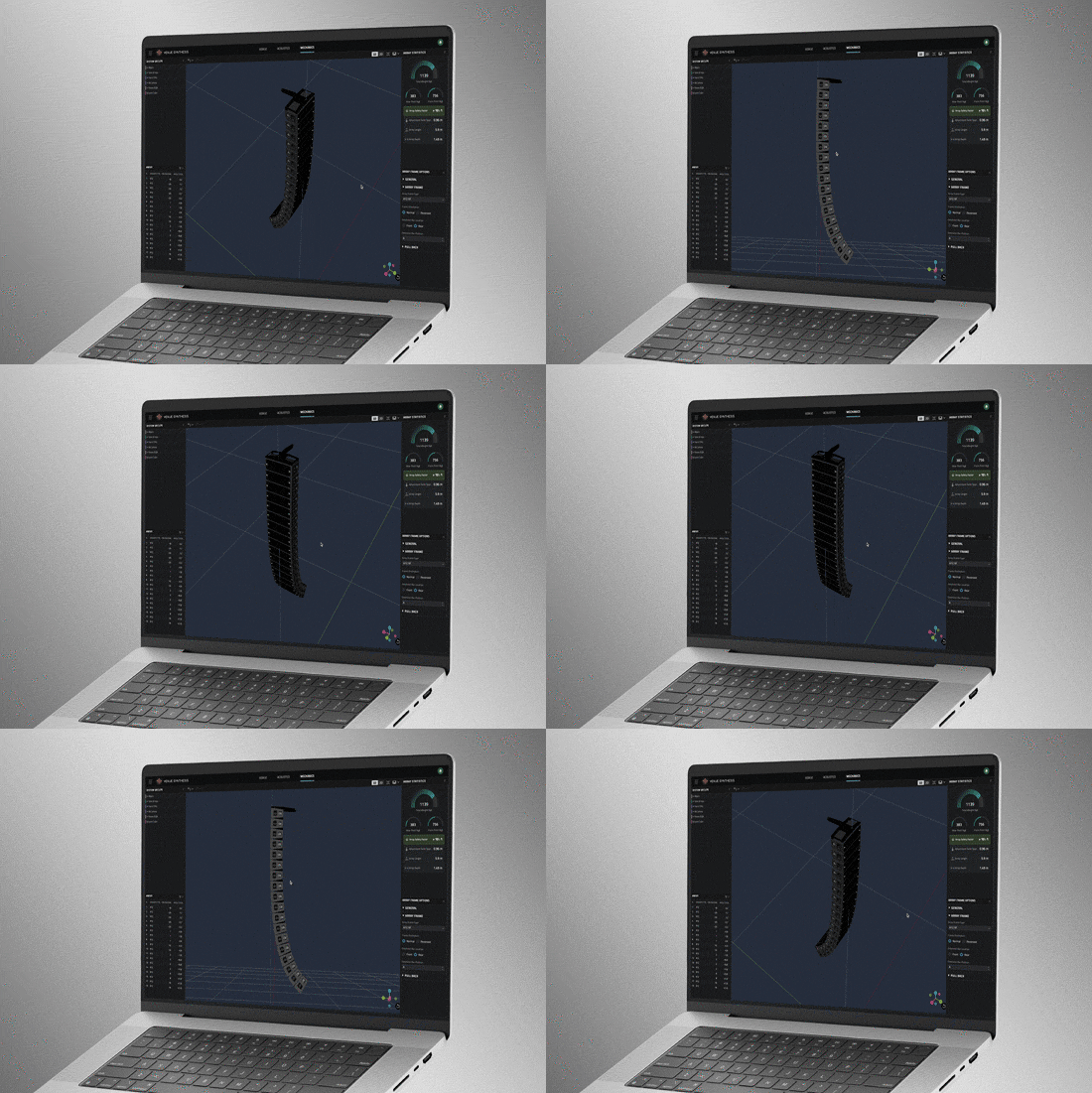
Use Mechanics Mode to validate and refine mechanical configurations. Use the Array Statistics tool to confirm safety factors. Quickly generate rigging manuals for crews or export data to ArrayLink.
Systemintegration
Öffnen Sie Open Venue Synthesis-Dateien in JBL-Steuersoftware wie Performance und Performance Manager. Systemkonfiguration und DSP-Parameter werden automatisch übernommen, wodurch die Einrichtungszeit minimiert wird. Scannen Sie QR-Codes, um mechanische Setupinformationen an ArrayLink zu übertragen.
Preisgekrönt
Venue Synthesis gewann die Auszeichnung „Best of Show" auf der InfoComm 2024 und wurde von führenden Fachpublikationen anerkannt: Sound and Video Contractor, Installation und AV Technology. Experten-Reviewer hielten fest, dass das System umfassende Funktionen, einfache Bedienung und Integration bietet und wie innovativ und einzigartig es auf dem Markt ist.


 Version 1.5.1,
aktualisiert: Okt 2026
Version 1.5.1,
aktualisiert: Okt 2026