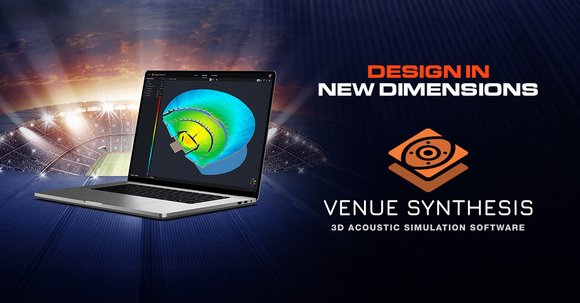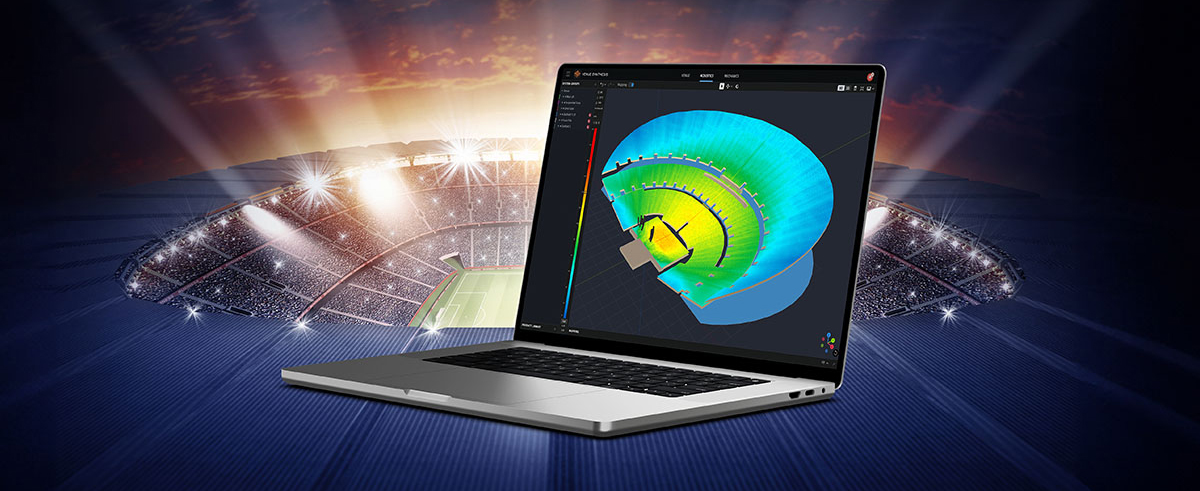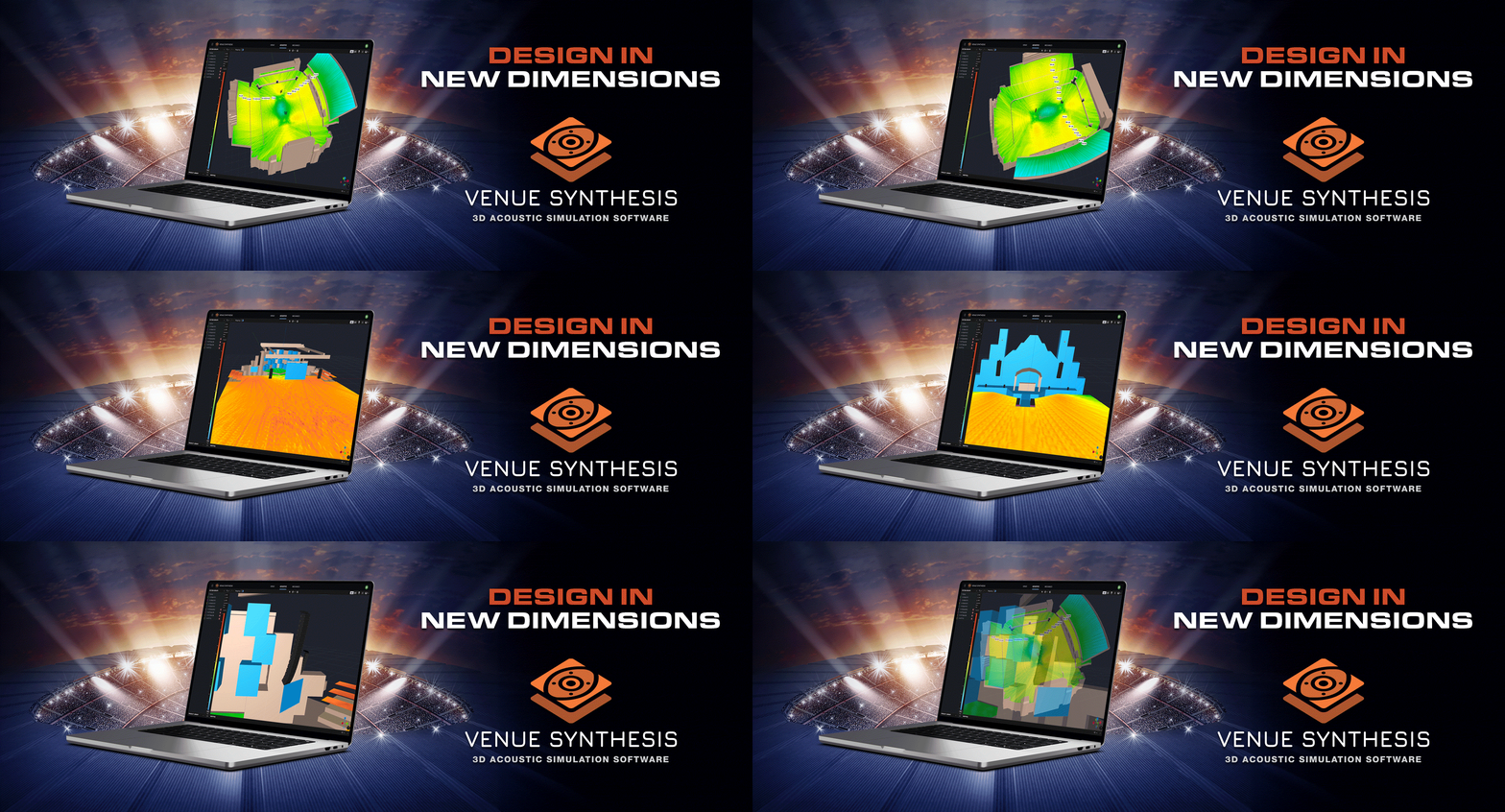
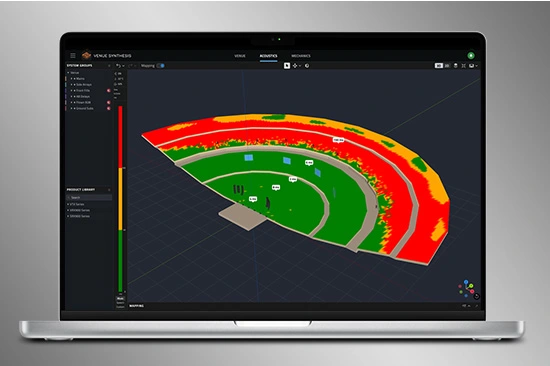
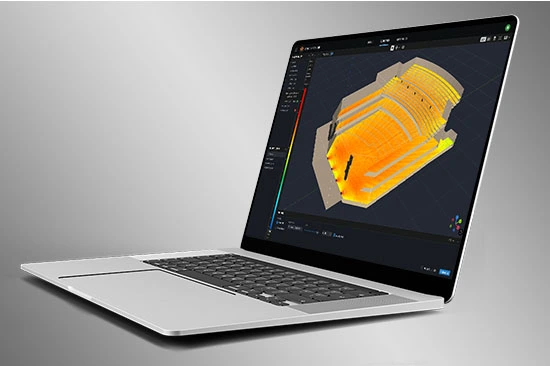
Venue Synthesis is JBL’s next-generation 3D acoustic simulation software, designed from the ground up to allow system designers and engineers to accurately predict the acoustical and mechanical performance of JBL sound systems. The streamlined and intuitive user interface expedites the entire design process, allowing system designers to transition from conception to deployment in record time. The new advanced acoustic engine generates high-resolution simulations to accurately match real-life performance, while the sophisticated mechanical engine generates precise system reports and array statistics. Offering unparalleled simplicity, accuracy, and speed, Venue Synthesis stands as the ultimate sound system design tool for any situation.
Download Venue Synthesis
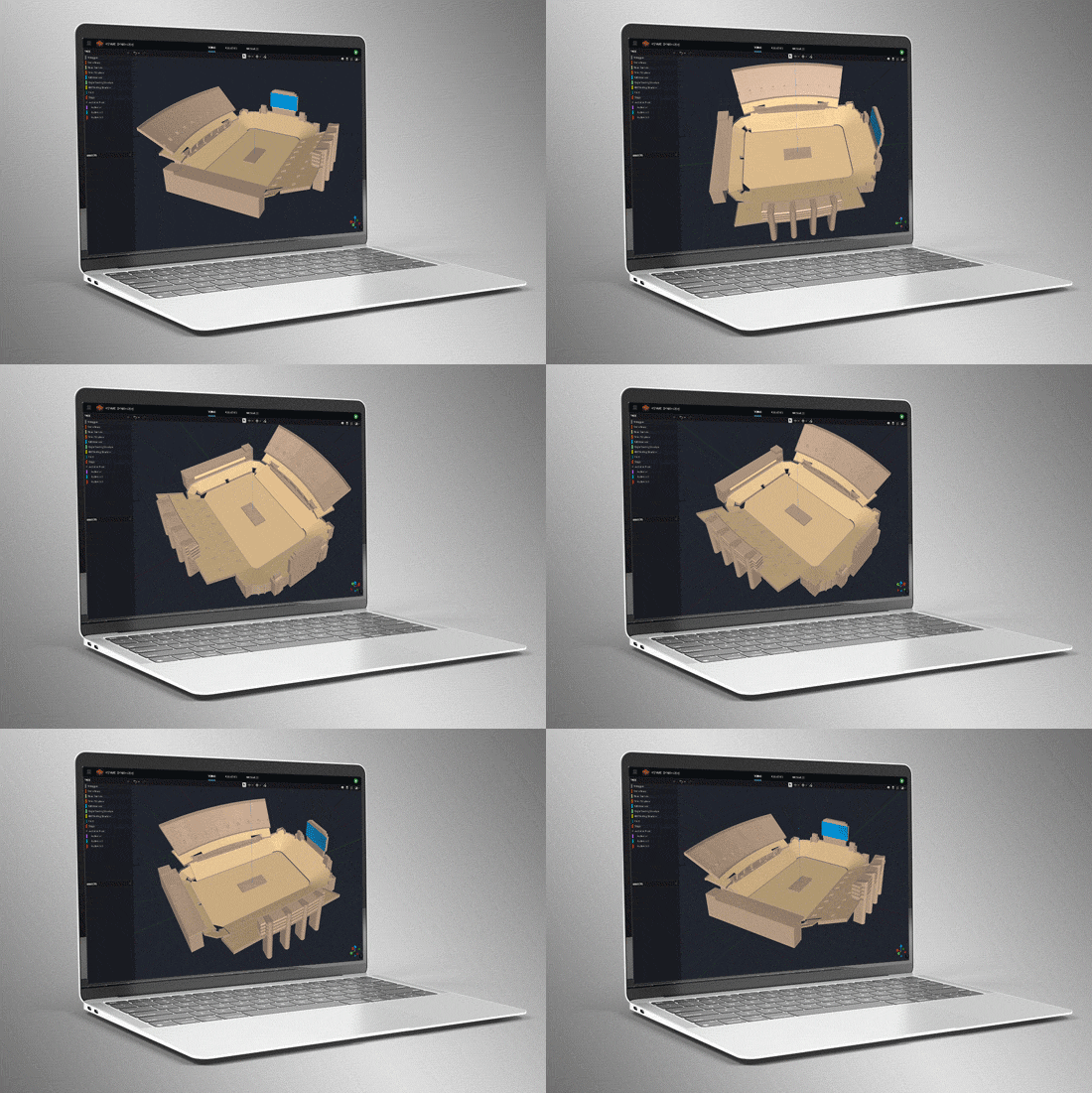

3D Venue Models
Create venues from scratch using the built-in tools or import 3D models using common geometry file formats such as SketchUp, DWG, DXF, GCF, EASE, and CATT-Acoustics. Use the included tools to modify geometry and assign audience areas. Use Tags to organize geometry in logical groups.
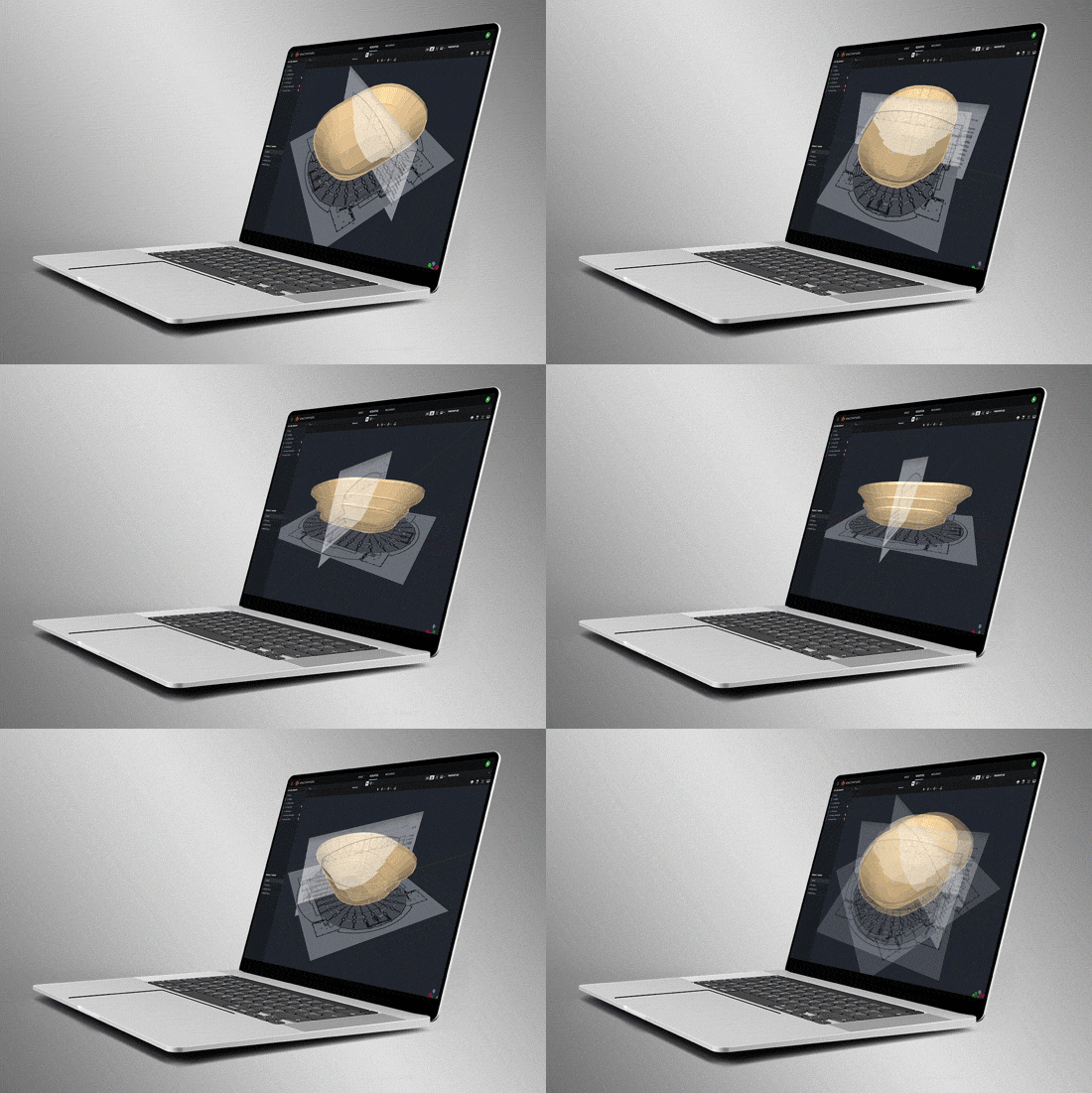
Smart Drawing Tools
Import and scale images to quickly create models from basic 2D drawings. Use the Pen Tool to trace over images and use the Special Object Creator tool to create common architectural features, such as balconies and revolutions.
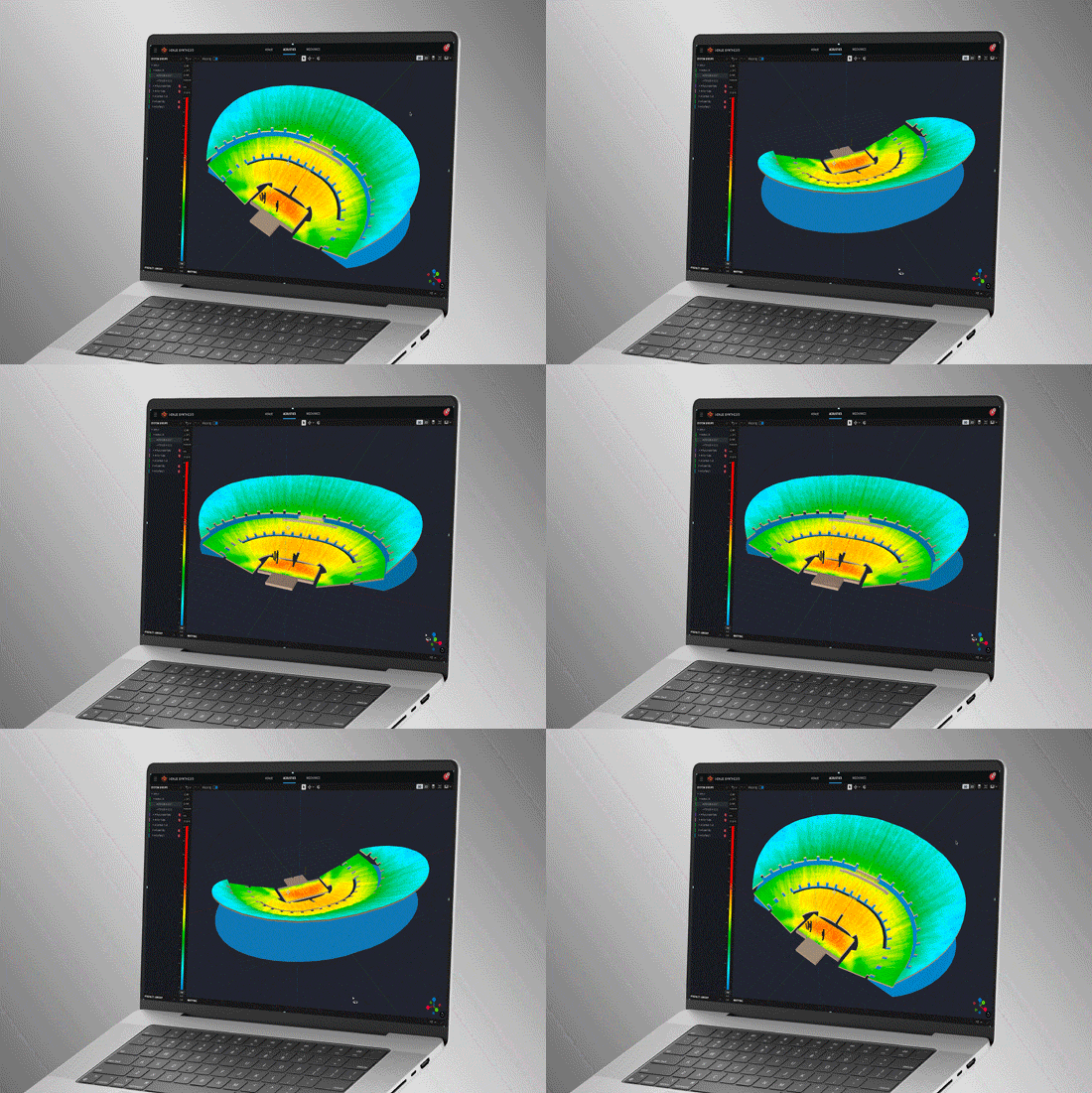
Direct SPL Mapping
Map Direct SPL using 1/12th octave high-resolution loudspeaker data and a variety of noise signals, including Pink-Noise, Pink-Noise IEC, Male/Female Speech, and Sine.
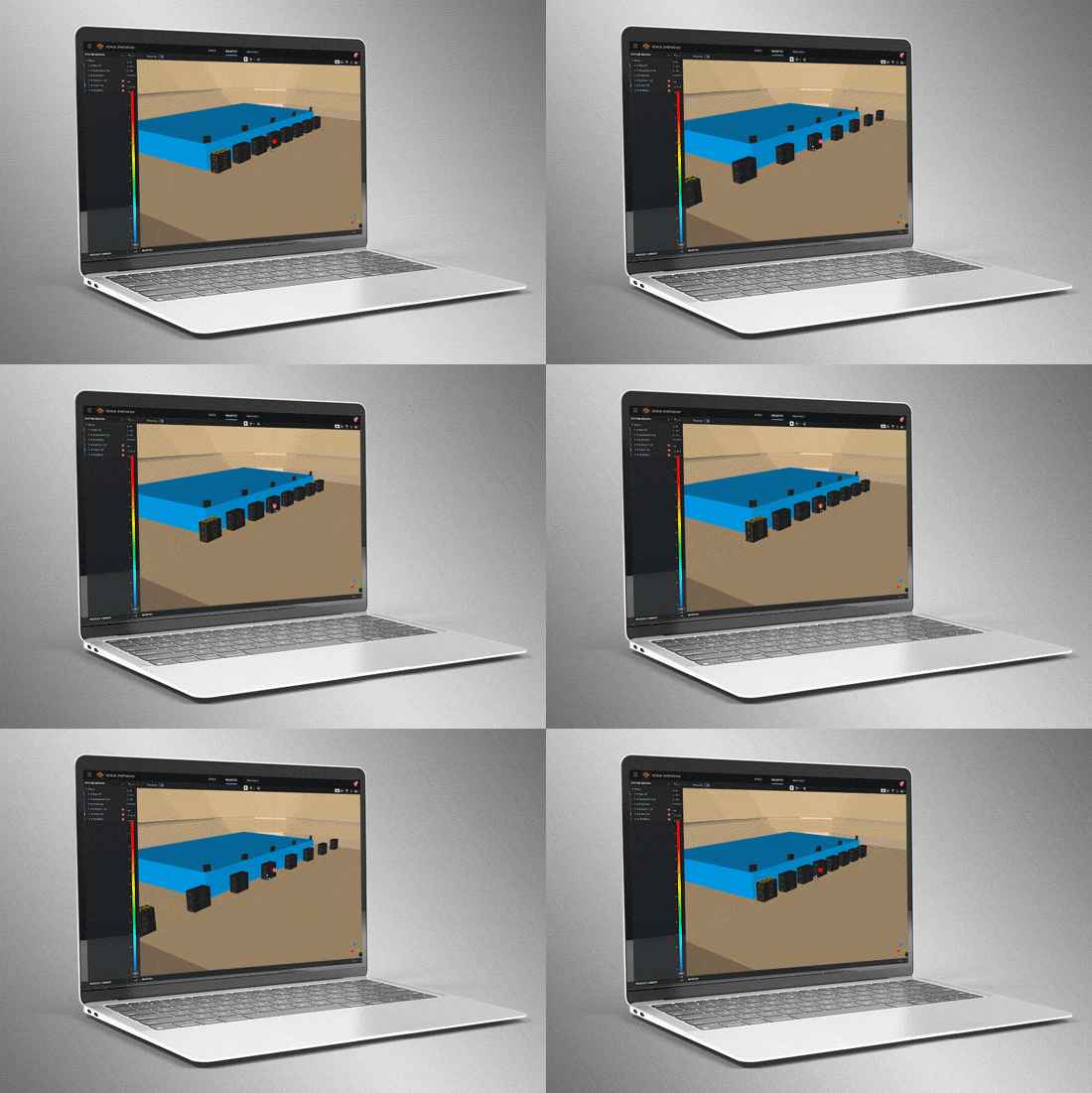
Array Grouping Tools
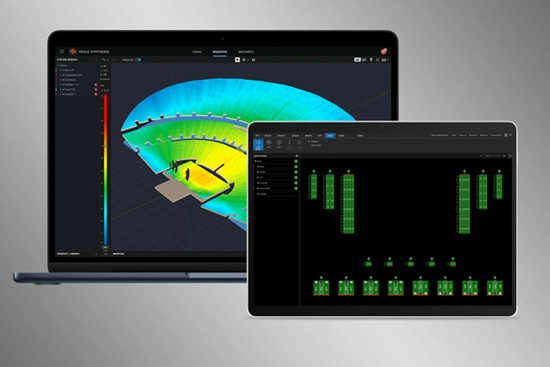
Sophisticated array and grouping tools allow users to create large multi-point arrays quickly. Use features such as symmetry and mirroring to accelerate design. Optimize large, distributed subwoofer arrays with the built-in Electronic Delay Steering calculator.
Delay Spread
โหมด Delay Spread แมปการแปรผันของค่าเวลาหน่วงไปทั่วทั้งพื้นที่จัดงาน ใช้เครื่องมือ Delay Optimizer ที่มีอยู่ในตัวเพื่อสร้างค่าเวลาหน่วงโดยอัตโนมัติ เพื่อลดค่าเวลาหน่วงให้น้อยที่สุดสำหรับ delay towers และ fills
การวิเคราะห์ Headroom
เครื่องมือการวิเคราะห์ Headroom ช่วยให้มั่นใจว่าสามารถตอบสนองความต้องการของเอาต์พุตระบบได้ ใช้สัญญาณทดสอบหลายประเภทเพื่อทำความเข้าใจผลกระทบของ headroom จากเนื้อหาความถี่ ศึกษา headroom ในกลุ่มระบบต่างๆ เพื่อให้มั่นใจว่ามีการจำกัดสัญญาณอย่างสม่ำเสมอทั่วระบบ
การตรวจสอบทางกลศาสตร์
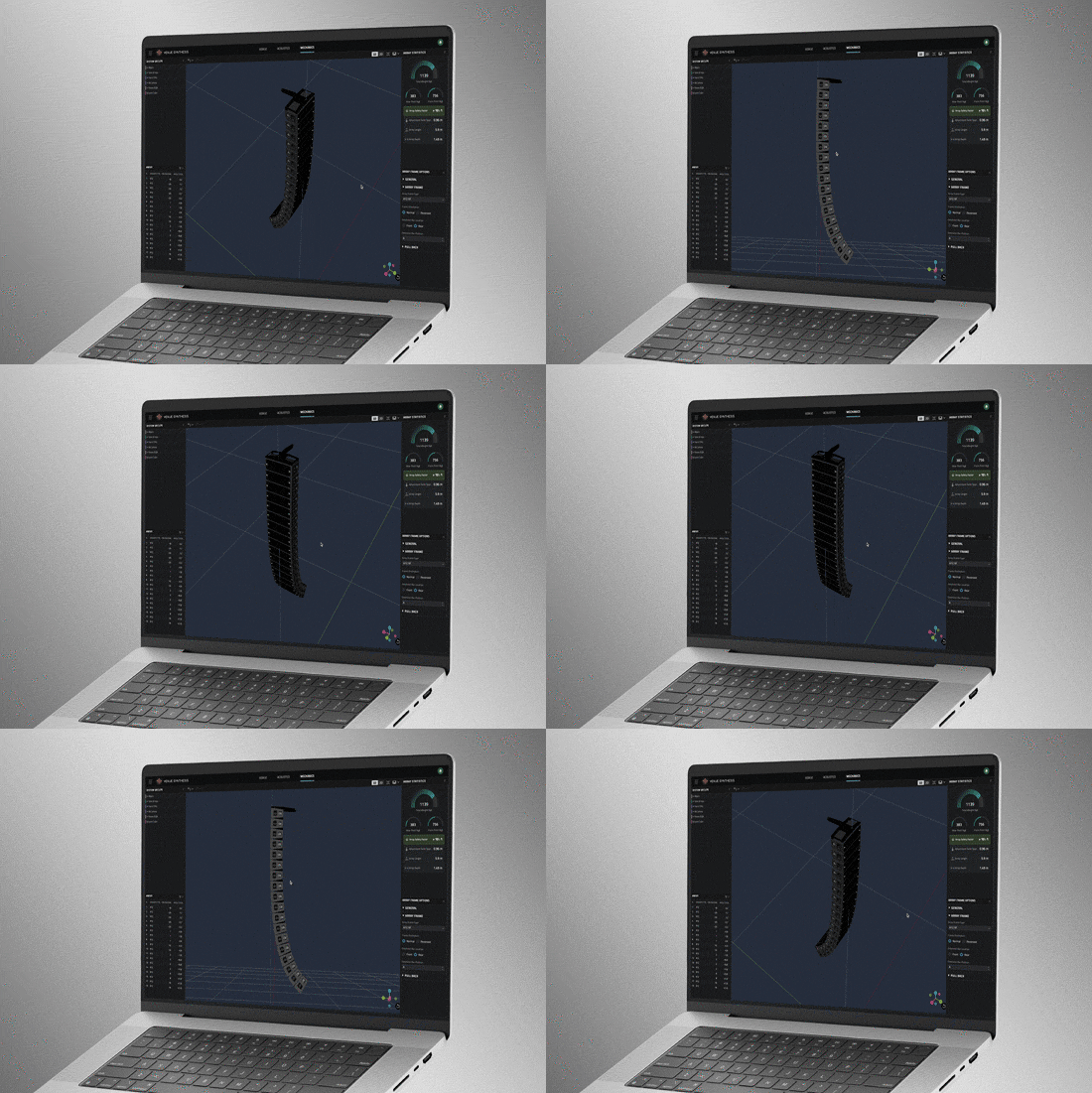
ใช้โหมด Mechanics เพื่อตรวจสอบและปรับแต่งการกำหนดค่าทางกลศาสตร์ ใช้เครื่องมือ Array Statistics เพื่อยืนยันปัจจัยความปลอดภัย สร้างคู่มือการแขวนระบบสำหรับทีมงานได้อย่างรวดเร็ว หรือส่งออกข้อมูลไปยัง ArrayLink
System Integration
Open Venue Synthesis files in JBL control software such as Performance and Performance Manager. System configuration and DSP parameters automatically carry over, minimizing setup time. Scan QR codes to transfer mechanical setup information to ArrayLink.
Award Winning
Venue Synthesis won the ‘Best of Show’ award at InfoComm 2024, recognized by top publications: Sound and Video Contractor, Installation, and AV Technology. Expert reviewers noted its comprehensive features, ease of use and integration, and how innovative and unique it is within the market.


 เวอร์ชัน 1.5.1,
อัปเดต: ต.ค. 2026
เวอร์ชัน 1.5.1,
อัปเดต: ต.ค. 2026