Venue Synthesis

3D Acoustic Simulation Software

JBL Venue Synthesis Banner

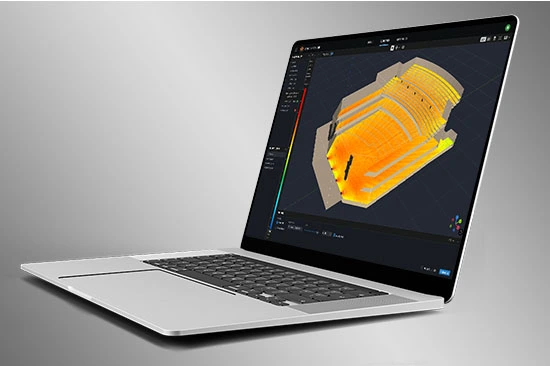
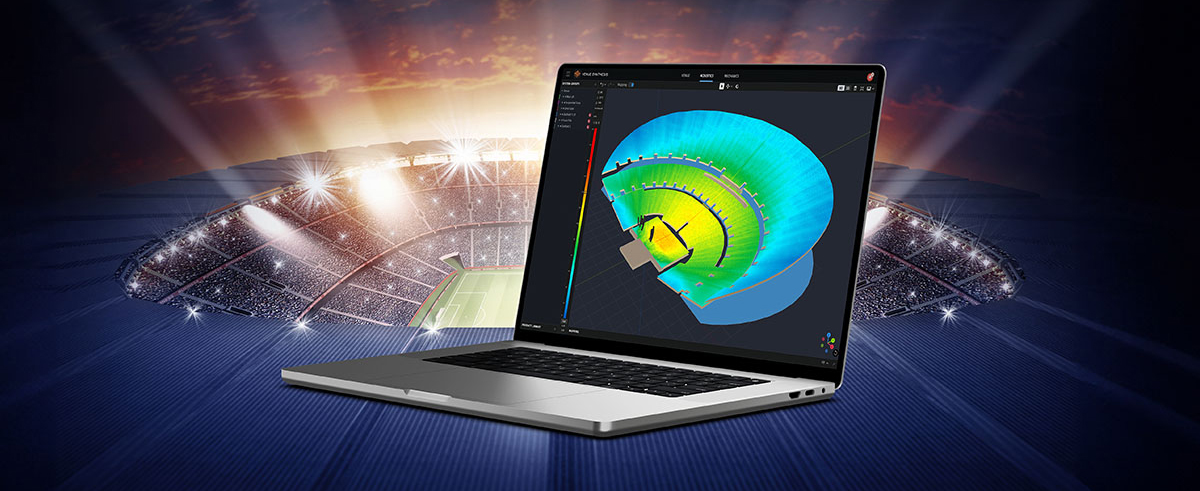
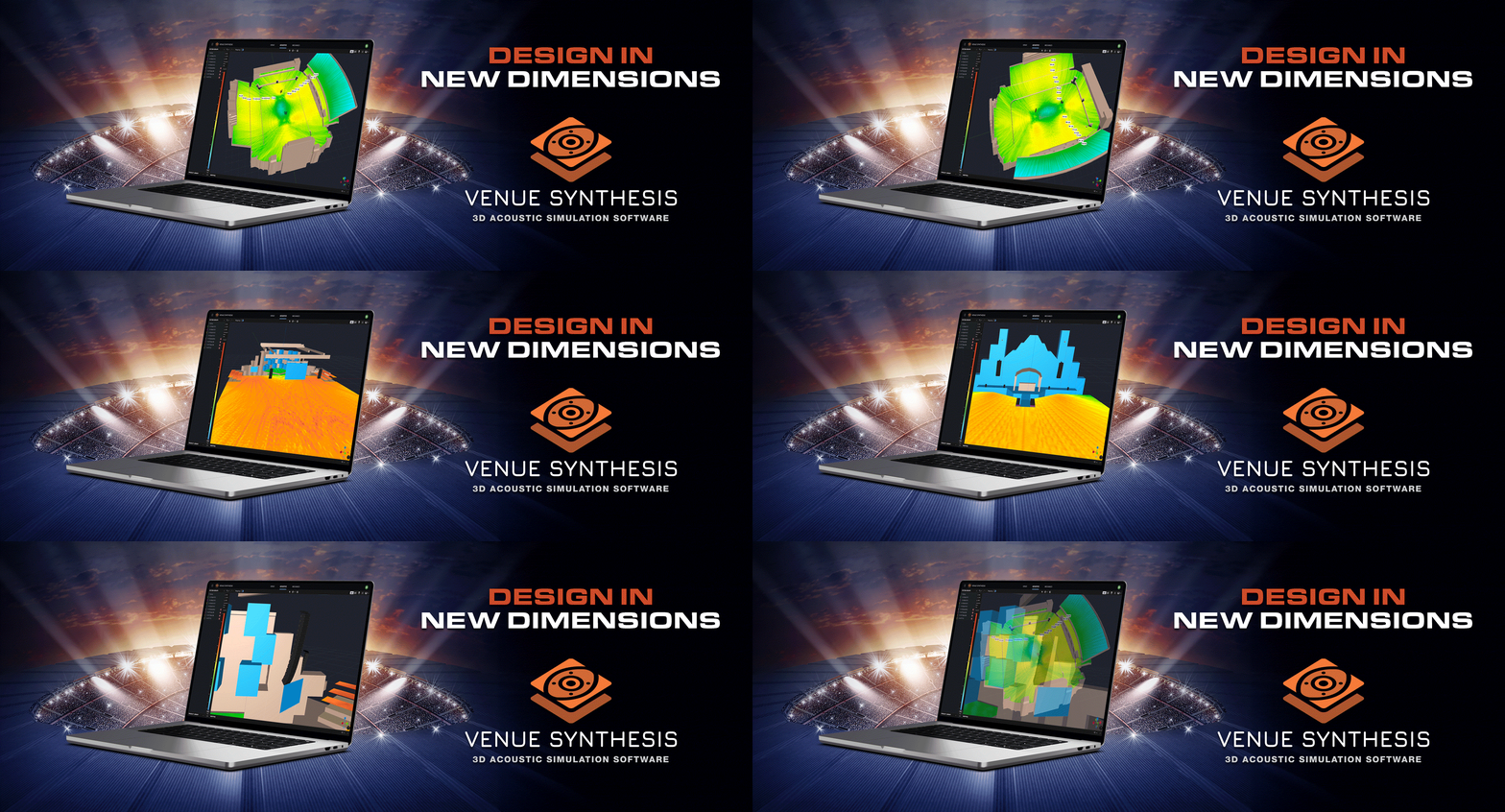
Venue Synthesis is JBL’s next-generation 3D acoustic simulation software, designed from the ground up to allow system designers and engineers to accurately predict the acoustical and mechanical performance of JBL sound systems. The streamlined and intuitive user interface expedites the entire design process, allowing system designers to transition from conception to deployment in record time. The new advanced acoustic engine generates high-resolution simulations to accurately match real-life performance, while the sophisticated mechanical engine generates precise system reports and array statistics. Offering unparalleled simplicity, accuracy, and speed, Venue Synthesis stands as the ultimate sound system design tool for any situation. 

Download Venue Synthesis
Windows Mac SketchUp Plugin

3D Venue Models

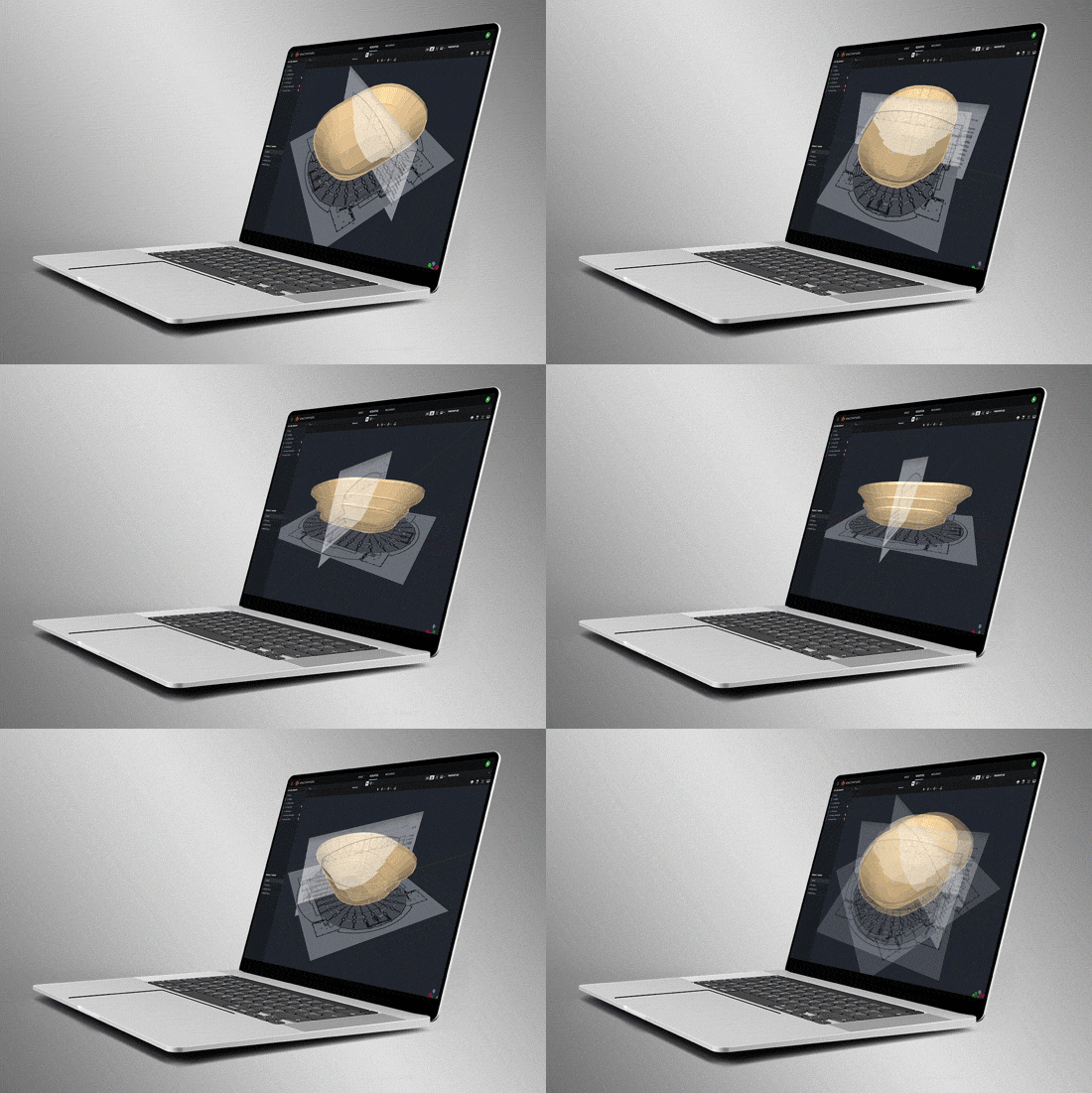
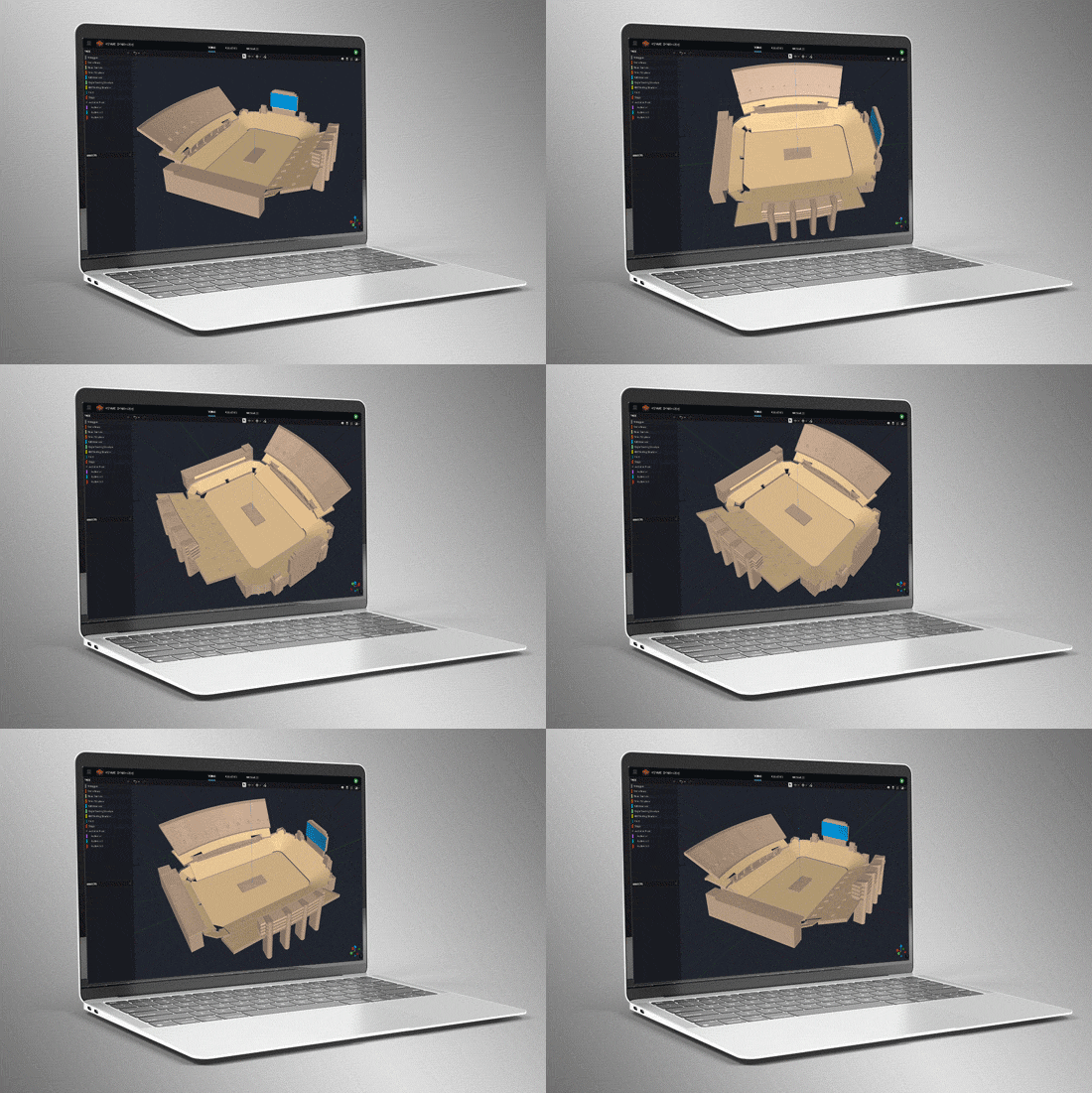
Create venues from scratch using the built-in tools or import 3D models using common geometry file formats such as SketchUp, DWG, DXF, GCF, EASE, and CATT-Acoustics. Use the included tools to modify geometry and assign audience areas. Use Tags to organize geometry in logical groups.

Smart Drawing Tools

Import and scale images to quickly create models from basic 2D drawings. Use the Pen Tool to trace over images and use the Special Object Creator tool to create common architectural features, such as balconies and revolutions.

Direct SPL Mapping

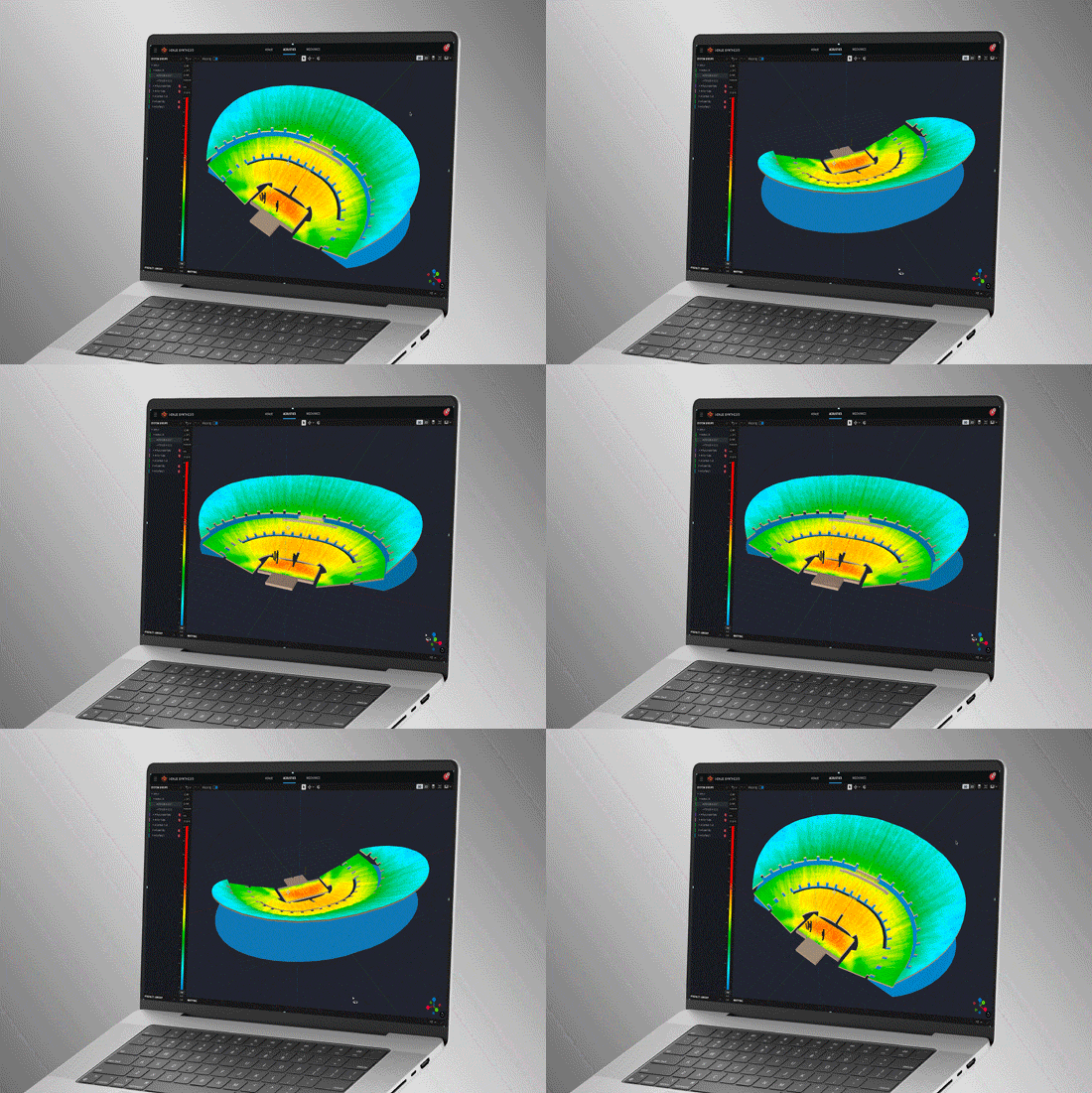
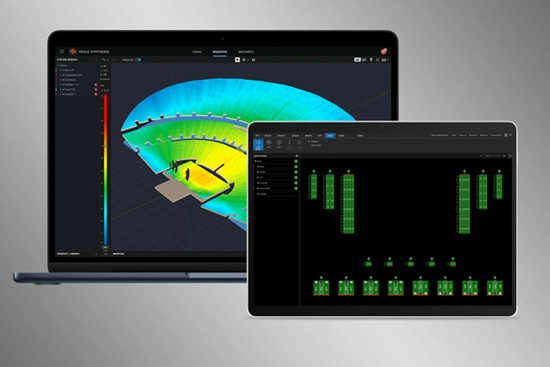
Map Direct SPL using 1/12th octave high-resolution loudspeaker data and a variety of noise signals, including Pink-Noise, Pink-Noise IEC, Male/Female Speech, and Sine.

Array Grouping Tools

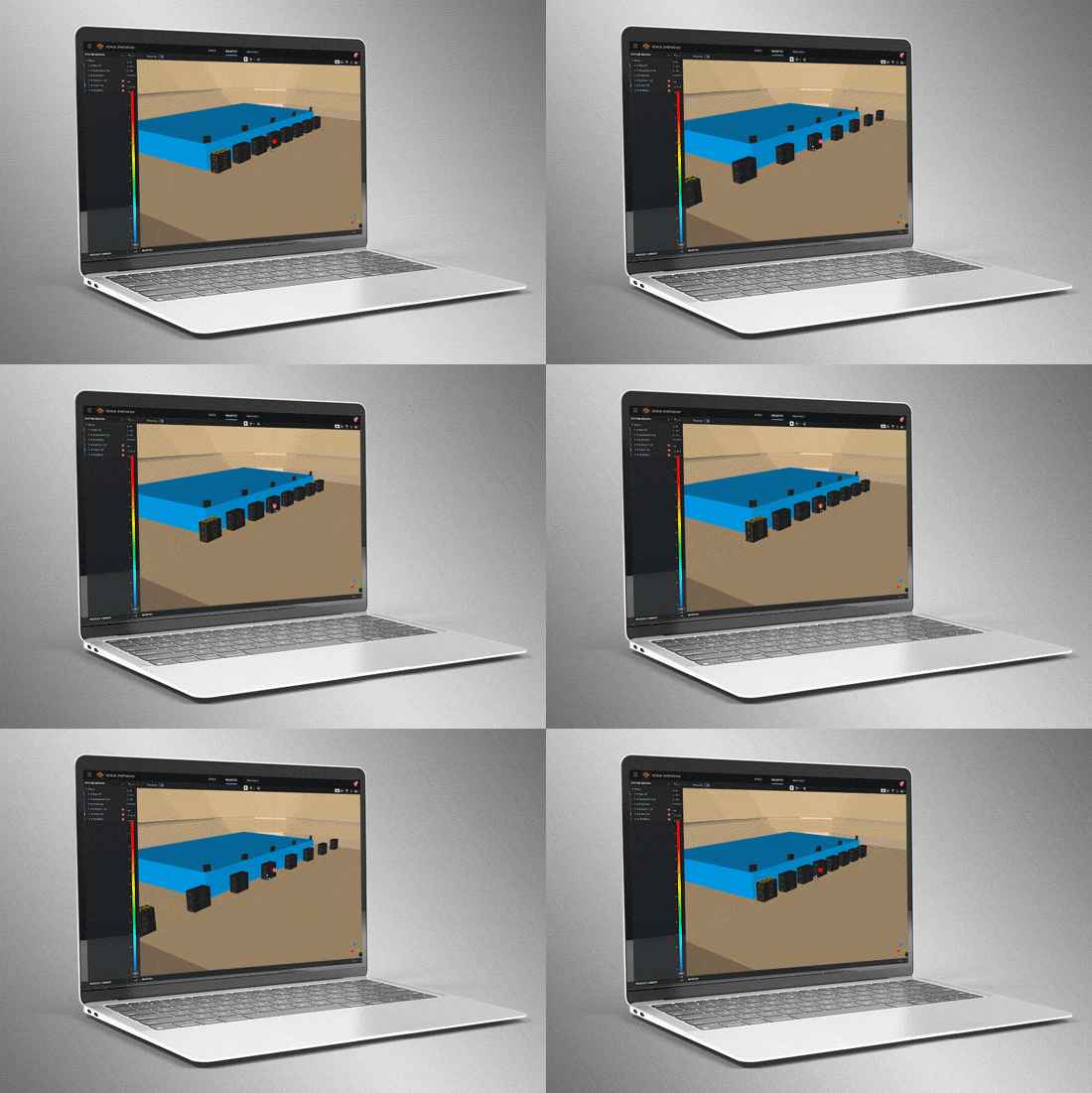
Sophisticated array and grouping tools allow users to create large multi-point arrays quickly. Use features such as symmetry and mirroring to accelerate design. Optimize large, distributed subwoofer arrays with the built-in Electronic Delay Steering calculator.

Delay Spread

Delay spread mode maps time offset variations across the venue. Use the built-in Delay Optimizer to generate delay values automatically to minimize time offset for delay towers and fills.

Headroom Analysis

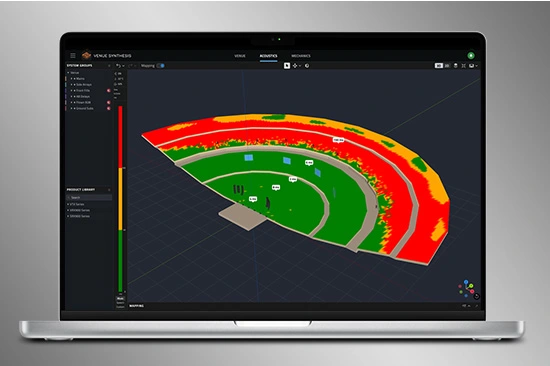
Headroom Analysis tool ensures the system output requirements can be met. Use a variety of test signals to understand headroom impact from spectral content. Study headroom across system groups to ensure uniform limiting across the system.

Mechanical Validation

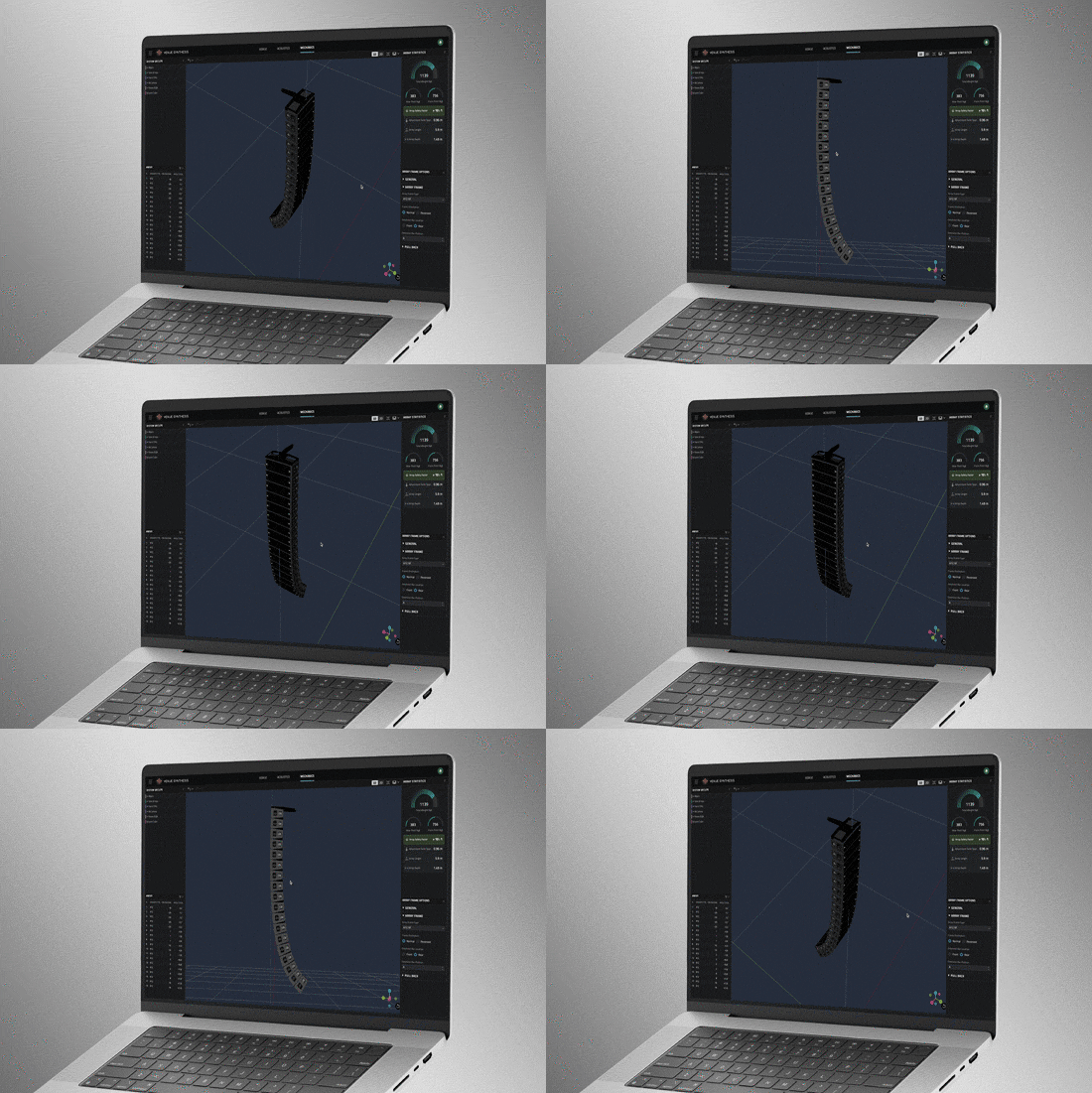
Use Mechanics Mode to validate and refine mechanical configurations. Use the Array Statistics tool to confirm safety factors. Quickly generate rigging manuals for crews or export data to ArrayLink.

System Integration

Open Venue Synthesis files in JBL control software such as Performance and Performance Manager. System configuration and DSP parameters automatically carry over, minimizing setup time. Scan QR codes to transfer mechanical setup information to ArrayLink.

Award Winning

Venue Synthesis won the ‘Best of Show’ award at InfoComm 2024, recognized by top publications: Sound and Video Contractor, Installation, and AV Technology. Expert reviewers noted its comprehensive features, ease of use and integration, and how innovative and unique it is within the market.

3D Venue Models

Create venues from scratch using the built-in tools or import 3D models using common geometry file formats such as SketchUp, DWG, DXF, GCF, EASE, and CATT-Acoustics. Use the included tools to modify geometry and assign audience areas. Use Tags to organize geometry in logical groups.

Smart Drawing Tools

Import and scale images to quickly create models from basic 2D drawings. Use the Pen Tool to trace over images and use the Special Object Creator tool to create common architectural features, such as balconies and revolutions.

Direct SPL Mapping

Map Direct SPL using 1/12th octave high-resolution loudspeaker data and a variety of noise signals, including Pink-Noise, Pink-Noise IEC, Male/Female Speech, and Sine.

Array Grouping Tools

Sophisticated array and grouping tools allow users to create large multi-point arrays quickly. Use features such as symmetry and mirroring to accelerate design. Optimize large, distributed subwoofer arrays with the built-in Electronic Delay Steering calculator.

Delay Spread

Delay spread mode maps time offset variations across the venue. Use the built-in Delay Optimizer to generate delay values automatically to minimize time offset for delay towers and fills.

Headroom Analysis

Headroom Analysis tool ensures the system output requirements can be met. Use a variety of test signals to understand headroom impact from spectral content. Study headroom across system groups to ensure uniform limiting across the system.

Mechanical Validation

Use Mechanics Mode to validate and refine mechanical configurations. Use the Array Statistics tool to confirm safety factors. Quickly generate rigging manuals for crews or export data to ArrayLink.

System Integration

Open Venue Synthesis files in JBL control software such as Performance and Performance Manager. System configuration and DSP parameters automatically carry over, minimizing setup time. Scan QR codes to transfer mechanical setup information to ArrayLink.

Award Winning

Venue Synthesis won the ‘Best of Show’ award at InfoComm 2024, recognized by top publications: Sound and Video Contractor, Installation, and AV Technology. Expert reviewers noted its comprehensive features, ease of use and integration, and how innovative and unique it is within the market.

คุณสมบัติ

  • 3D Full System Mapping – การแม็ปปิ้งระบบแบบ 3D อย่างครบถ้วน ให้ความเที่ยงตรงในการแม็ปพื้นที่ครอบคลุมเสียงบนระนาบผู้ชมและระนาบสถาปัตยกรรมใดๆ
  • 2D System View – แสดงภาพพื้นที่ครอบคลุม จุดตกกระทบ และมุมของลำโพง
  • 3D Hardware Renderings — ดูตำแหน่งการติดตั้งผลิตภัณฑ์ฮาร์ดแวร์ที่แม่นยำภายในสถานที่
  • Special Object Creator — สร้างพื้นที่สถาปัตยกรรมและพื้นที่ผู้ชมที่ใช้งานทั่วไปได้อย่างรวดเร็ว
  • Import Drawing — นำเข้าและลอกแบบผังแบบ 2D เพื่อสร้างแบบจำลองสถานที่ตามมาตราส่วนได้อย่างรวดเร็ว
  • Delay Optimizer — ปรับค่าดีเลย์ของลำโพงให้เหมาะสมสำหรับทั้งสถานที่
  • 2D and 3D Views of Mechanical Configuration — มุมมองหลายรูปแบบช่วยยืนยันการกำหนดค่าระบบที่ปลอดภัยและเชื่อถือได้
  • System Groups — จัดระเบียบและเชื่อมโยงลำโพงและอาร์เรย์ตามคุณสมบัติทางเสียง
  • System Group File Export — ผสานรวมอย่างสมบูรณ์กับแอปพลิเคชัน JBL Performance และ ArrayLink
  • Mechanical Equipment Validation — รับประกันการแขวนติดตั้ง (rigging) ที่ปลอดภัยและทำได้จริง
  • Safety Warning Notification System — แจ้งเตือนด้านความปลอดภัยและความน่าเชื่อถือแบบเรียลไทม์
  • Headroom Warning — ใช้ข้อมูล SPL ที่ผ่านการตรวจสอบในห้องปฏิบัติการ หากเกินขีดจำกัดของลำโพง ระบบจะแจ้งเตือนพร้อมข้อมูล Headroom ที่เฉพาะเจาะจง เพื่อให้ผู้ใช้ลดระดับเสียงได้อย่างเหมาะสม
  • Mechanics Tools and Array Statistics — รับประกันการแขวนติดตั้งที่ปลอดภัยและเป็นไปตามข้อกำหนดของกฎระเบียบ
  • Rigging Manual Generation and Export — สนับสนุนช่างเทคนิคหน้างานด้วยคู่มือปฏิบัติงานที่อ่านเข้าใจง่าย
  • Global Notifications — รับการแจ้งเตือนปัญหาด้านความปลอดภัยและความน่าเชื่อถือทั่วทั้งระบบแบบเรียลไทม์
  • SPAT Revolution — ผสานรวมกับเอนจิน immersive FLUX:: SPAT Revolution 

ระบบ JBL ที่รองรับ:

ระบบปฏิบัติการที่รองรับ:

  • Windows 10, Windows 11 (x86, x64) (ยังไม่รองรับ Windows on ARM)
  • macOS (Intel, Apple Silicon)

การดาวน์โหลด

Software
  เวอร์ชัน ขนาด อัปโหลดแล้ว
MacOS download icon Venue Synthesis
เวอร์ชัน 1.5.0, อัปเดต: ก.ค. 2026
1.5.0   485 เมกะไบต์ ก.ค. 2026
Windows download icon Venue Synthesis
เวอร์ชัน 1.5.0, อัปเดต: ก.ค. 2026
1.5.0   444 เมกะไบต์ ก.ค. 2026
download icon for Venue Synthesis SketchUp Plugin Venue Synthesis SketchUp Plugin
เวอร์ชัน 1.0.4, เผยแพร่: ก.พ. 2025
1.0.4   1.01 เมกะไบต์ ก.พ. 2025
Release Notes
  เวอร์ชัน ภาษา ขนาด อัปโหลดแล้ว
file type icon Venue Synthesis - Release Notes
en เวอร์ชัน 1.5.0, อัปเดต: ก.ค. 2026
1.5.0  en  240 กิโลไบต์ ก.ค. 2026
file type icon Venue Synthesis SketchUp Plugin - Release Notes
en เวอร์ชัน 1.0.4, อัปเดต: ส.ค. 2024
1.0.4  en  51.7 กิโลไบต์ ส.ค. 2024

หากลิงก์ใดด้านบนแสดงตัวอักษรแปลกๆ ในเบราว์เซอร์ของคุณ โปรดคลิกขวาที่ไฟล์เพื่อบันทึกไว้ในคอมพิวเตอร์ของคุณ

อะไหล่และบริการ

ข่าว

วิดีโอ


HARMAN Pro Insights

Perfecting Live Sound Design: Inside JBL Venue Synthesis 3D Acoustic Simulation Software feature

Perfecting Live Sound Design: Inside JBL Venue Synthesis 3D Acoustic Simulation Software

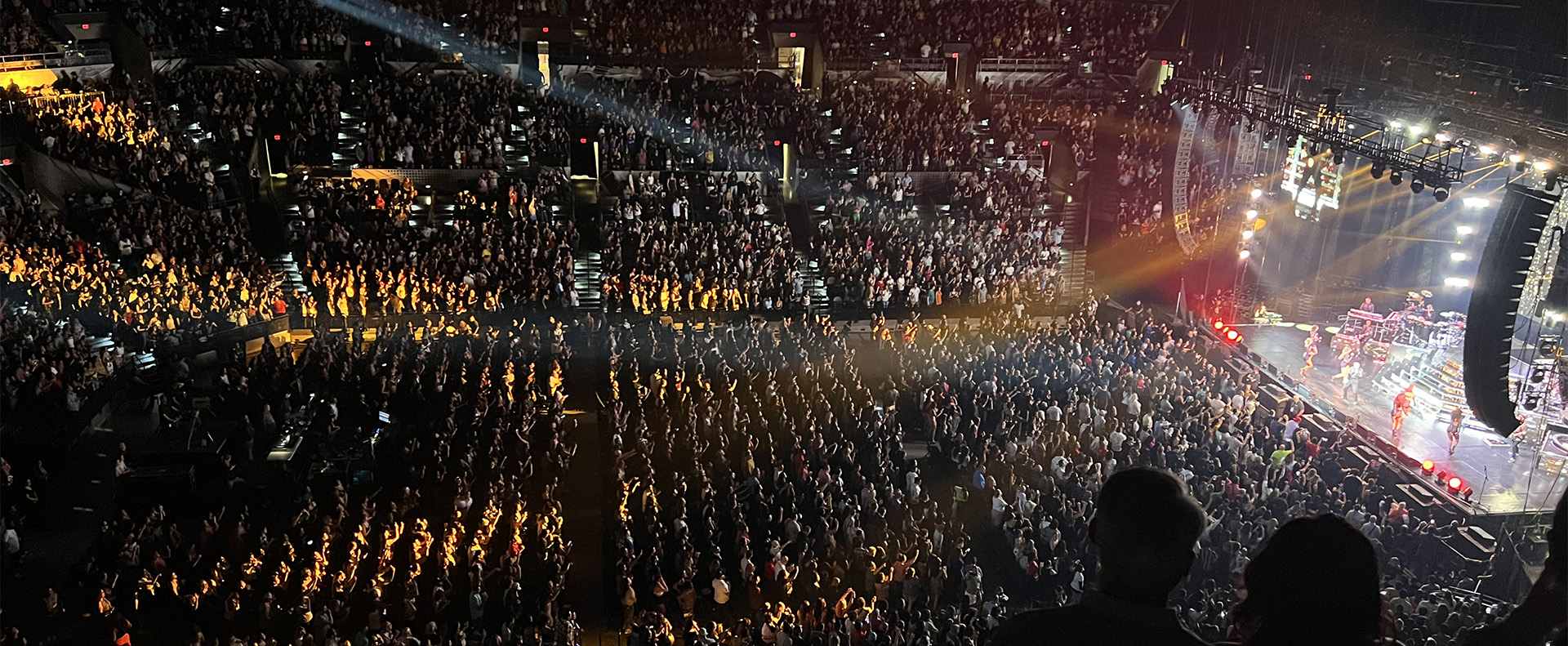
In the ever-evolving world of tour sound design, the need for powerful and user-friendly tools is paramount. JBL Professional’s Venue Synthesis (VS) 3D acoustic simulation software meets those needs with an all-encompassing solution for front-of-house (FOH) engineers and tour managers. To gain deeper insight, we

CONTINUE READING

Exploring the Magic: Inside 14 JBL Worldwide Live Entertainment Stories feature

Exploring the Magic: Inside 14 JBL Worldwide Live Entertainment Stories

Live entertainment captivates audiences, transcends boundaries and unites fans in a celebration of sound and rhythm. From electrifying music festivals to immersive theatrical productions to enthralling sporting events, the magic of live entertainment relies on the technology driving it to bring performances to life. JBL

CONTINUE READING

การสนับสนุน/คำถามที่พบบ่อย