Performance Manager streamlines the deployment and operation of JBL and Crown networked audio systems for live events, reducing design time, simplifying networking, and automating control setup. Its patented interface guides technicians through system deployment and optimization step-by-step, greatly simplifying the configuration process.
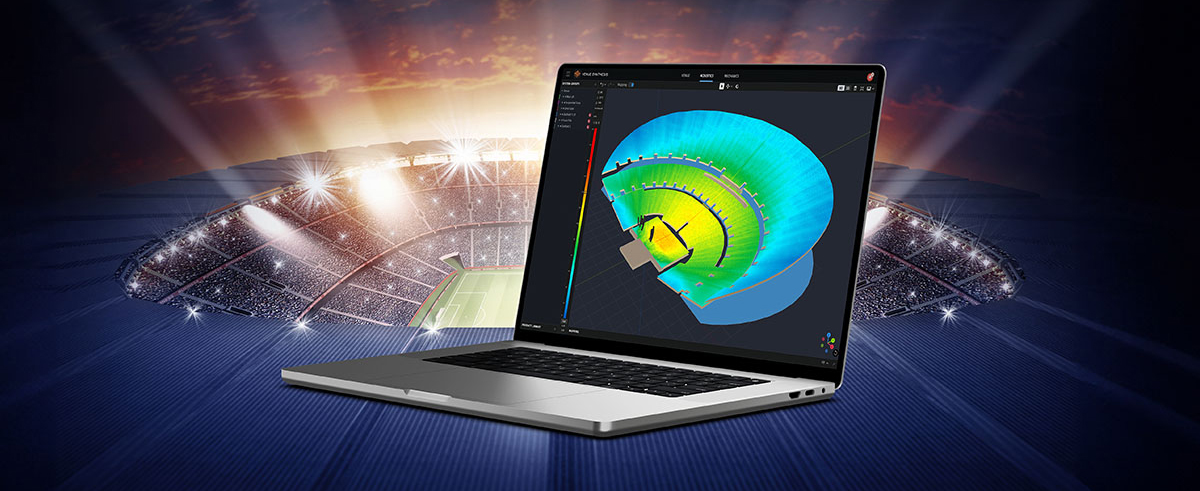
Performance Manager is part of a comprehensive software ecosystem which includes JBL’s Venue Synthesis 3D Acoustic Simulation Software, and the ArrayLink mobile companion app. Together these applications take operators from system design phase to deployment in no time.
Download Performance Manager
Windows
Diseño de Sistema de Arrastrar y Soltar
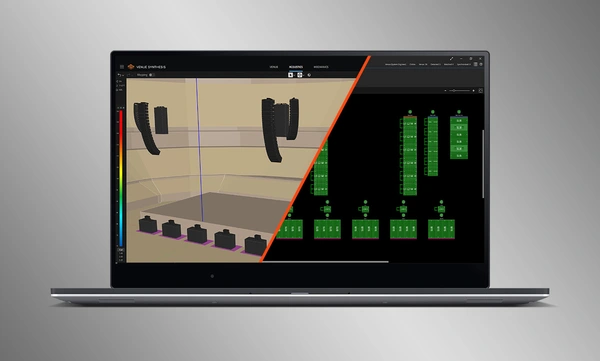
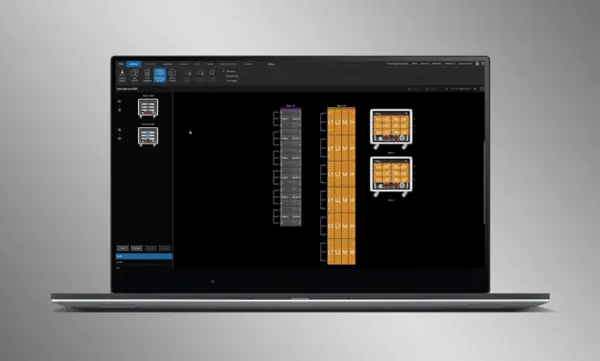
Arrastre y suelte visualmente altavoces JBL Professional y amplificadores Crown en grupos de arreglos y conéctelos a los amplificadores. Las funciones de control se organizan automáticamente en grupos lógicos, lo que facilita la configuración y optimización de sistemas de sonido JBL.
Import Optimized Systems
Complete system designs from Venue Synthesis can be directly imported into Performance Manager. All array data is imported including speaker type, DSP, and array parameters. Imported parameters can be easily updated if a change is made to the imported file.
Connect and Synchronize Devices
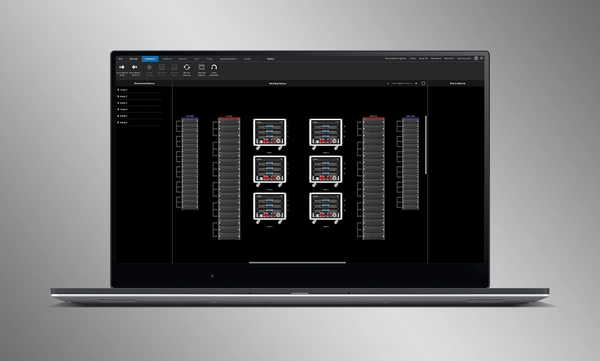
Drag and drop networked amplifiers onto their software counterparts to connect and synchronize devices. All system related data, including JBL speaker preset and imported DSP parameters are automatically synchronized.
System Verification Tools
A dedicated Test Mode provides operators with intuitive tools to verify per-bandpass speaker functionality and input patching to amplifiers.
Intuitive System Optimization
Performance Manager automatically groups DSP controls into logical array-based groups. Calibration and EQ filters are accessed through a visually-pleasing GUI, optimized for Windows OS touch-enabled devices. Calibration filters, EQ, Delay, and Gain can all be modified at various system, array and circuit levels.
Visual Monitoring Tools
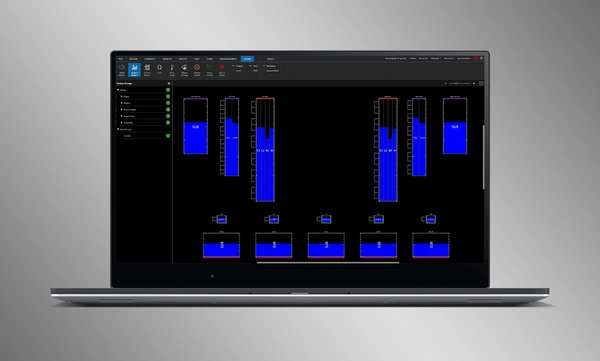
The dedicated Show Mode displays high resolution system metering and amplifier telemetry, overlaid directly onto the graphical representation of the audio system.
SMAART Integration
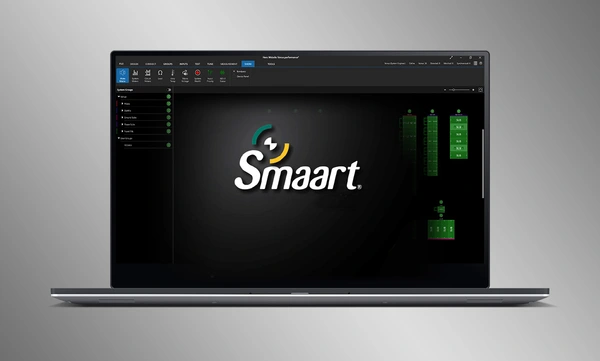
Integration with Rational Acoustics' Smaart® (v7 and v8) acoustic testing and measurement software provides unprecedented access to live measurement information—all delivered over the network on one screen.
Diseño de Sistema de Arrastrar y Soltar
Arrastre y suelte visualmente altavoces JBL Professional y amplificadores Crown en grupos de arreglos y conéctelos a los amplificadores. Las funciones de control se organizan automáticamente en grupos lógicos, lo que facilita la configuración y optimización de sistemas de sonido JBL.
Import Optimized Systems
Complete system designs from Venue Synthesis can be directly imported into Performance Manager. All array data is imported including speaker type, DSP, and array parameters. Imported parameters can be easily updated if a change is made to the imported file.
Connect and Synchronize Devices
Drag and drop networked amplifiers onto their software counterparts to connect and synchronize devices. All system related data, including JBL speaker preset and imported DSP parameters are automatically synchronized.
System Verification Tools
A dedicated Test Mode provides operators with intuitive tools to verify per-bandpass speaker functionality and input patching to amplifiers.
Intuitive System Optimization
Performance Manager automatically groups DSP controls into logical array-based groups. Calibration and EQ filters are accessed through a visually-pleasing GUI, optimized for Windows OS touch-enabled devices. Calibration filters, EQ, Delay, and Gain can all be modified at various system, array and circuit levels.
Visual Monitoring Tools
The dedicated Show Mode displays high resolution system metering and amplifier telemetry, overlaid directly onto the graphical representation of the audio system.
SMAART Integration
Integration with Rational Acoustics' Smaart® (v7 and v8) acoustic testing and measurement software provides unprecedented access to live measurement information—all delivered over the network on one screen.
Software
| |
Versión |
Tamaño |
Subido |
|
|
3.3.0
|
136 MB
|
jul 2026
|
Readmes
| |
Versión |
Idioma |
Tamaño |
Subido |
|
|
3.3 |
|
4,86 MB |
jul 2026 |
Si alguno de los enlaces anteriores muestra caracteres extraños en su navegador, haga clic con el botón derecho en el archivo para guardarlo en su computadora.
In the ever-evolving world of tour sound design, the need for powerful and user-friendly tools is paramount. JBL Professional’s Venue Synthesis (VS) 3D acoustic simulation software meets those needs with an all-encompassing solution for front-of-house (FOH) engineers and tour managers. To gain deeper insight, we
CONTINUE READING
Identifying the optimal solution for any installed audio project, requires a range of important considerations. Understanding the client’s specific needs and budget constraints is crucial. This involves a thorough analysis of the acoustic environment and the intended application. Secondly, the system design should be carefully
CONTINUE READING
Live entertainment captivates audiences, transcends boundaries and unites fans in a celebration of sound and rhythm. From electrifying music festivals to immersive theatrical productions to enthralling sporting events, the magic of live entertainment relies on the technology driving it to bring performances to life. JBL
CONTINUE READING