JBL Pro Connect App

Universal Control App for JBL Portable PA Speakers & Systems

JBL Pro Connect simplifies management of select JBL portable PA speakers and systems, currently including JBL PRX ONE, EON ONE MK2, EON700, PRX900 and EON ONE Compact, with additional models continually being added. JBL Pro Connect is free for life and the only app needed to ensure that available portable PA models perform at their very best.

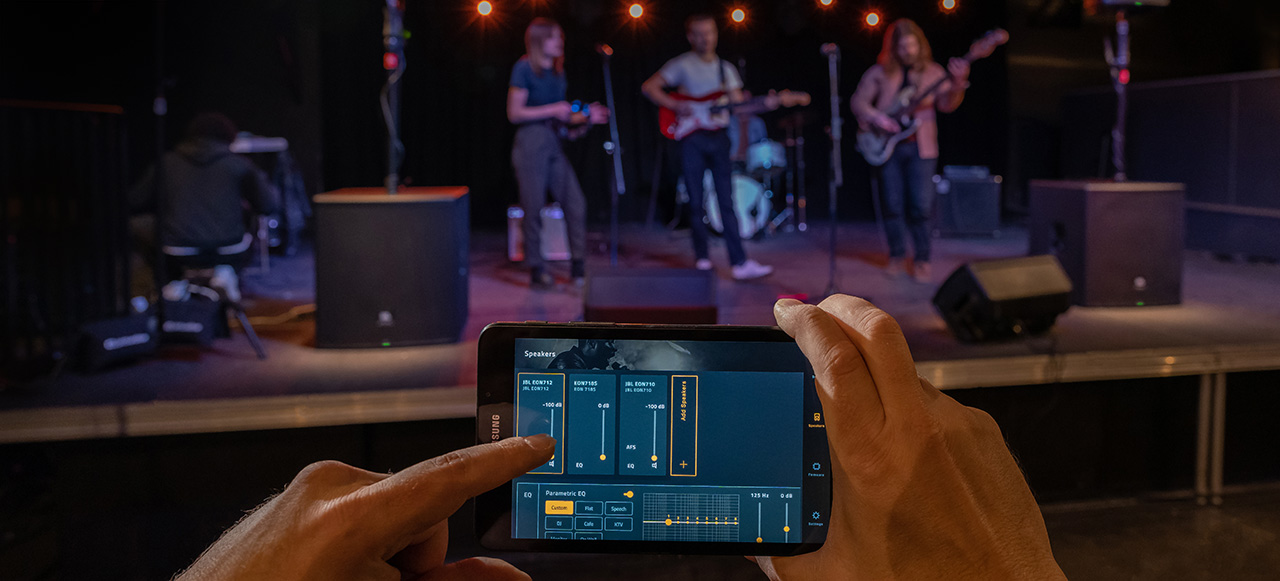
Available for Android and iOS devices, the app opens a world of possibilities for hands-on control over a full-suite of mixer, DSP, and Bluetooth features. And the streamlined interface makes it easy to adjust and manage every feature on multiple speakers from anywhere in the room.

JBL Pro Connect features include setting volume levels, adjusting EQ, activating Lexicon reverb and effects and dbx Digital DriveRack signal processing, customized ducking, saving and recalling presets and much more - all from your fingertips.

The app also offers a choice of pre-loaded presets for accessing popular control features like input EQ, dynamics, gates, limiters, and chorus delay. A variety of even deeper presets for EQ, gate, compressor, tap, delay, reverb, chorus, output limiter, output EQ, and more are also included. Several app-exclusive features and settings are also available, including snapshots, multi-speaker grouping, tap tempo, and more.

JBL Pro Connect was designed to be an ever-evolving platform. New features and enhancements are continually being added and are accessible by simply updating to the latest firmware. Download the app today and take your stage sound to the next level tonight.

Download JBL Pro Connect App v3
Play Store App Store Download

FULL CONTROL, IN THE PALM OF YOUR HAND

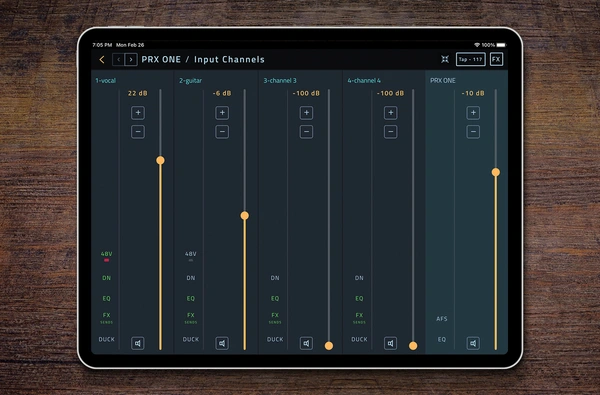
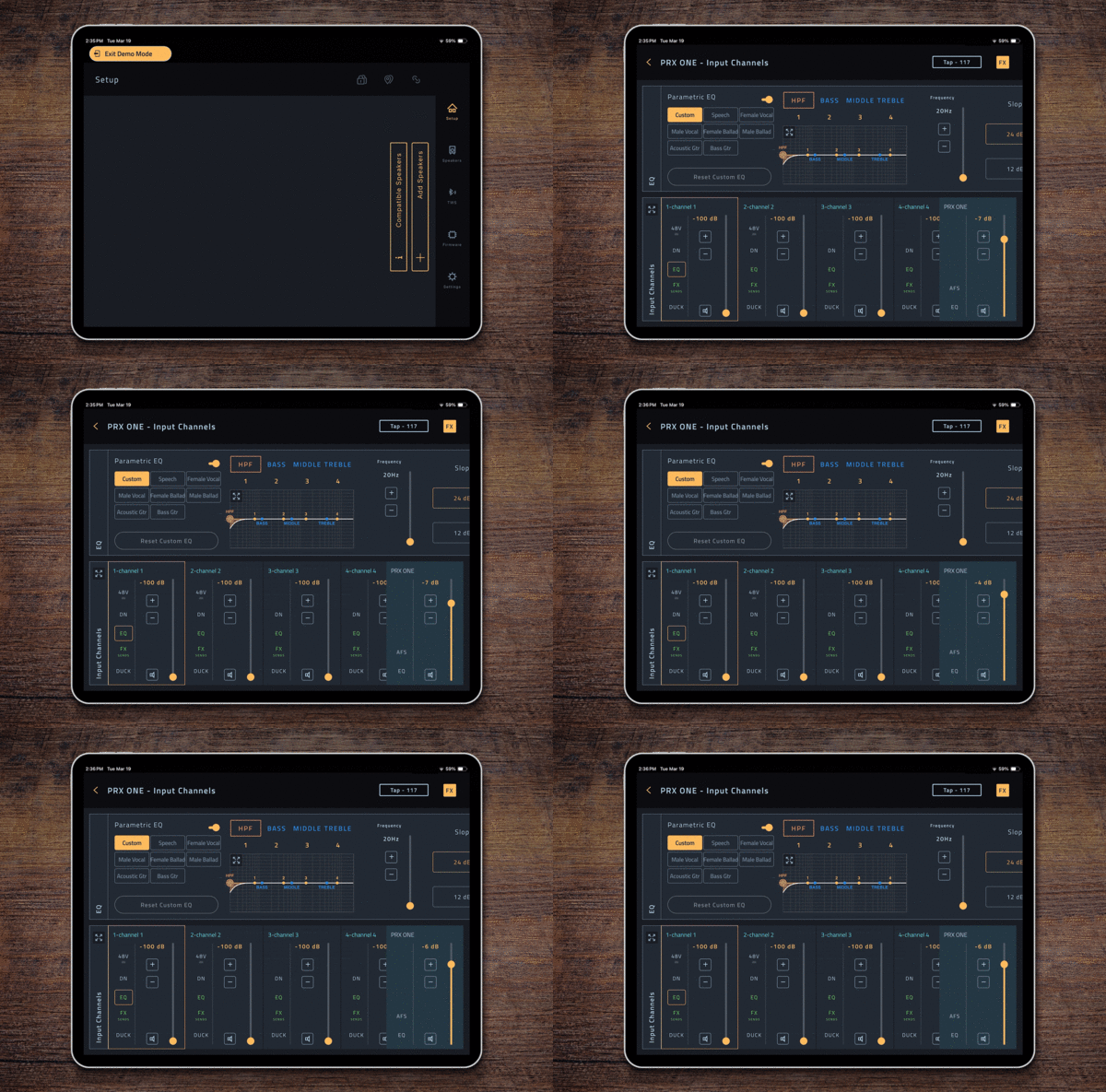
Dive deep into system mixer and DSP functions to optimize your stage sound for any scenario. Access app-exclusive features and speaker settings including snapshots, multi-speaker grouping, tap tempo and more.

ELEVATE YOUR STAGE SOUND WITH PRO EFFECTS

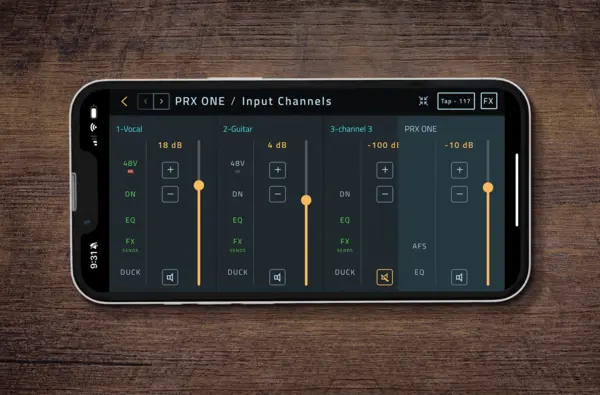
Activate ducking to make sure your voice stands out over background music. Adjust Lexicon reverb, chorus and delay effects for professional polish. Shape sound with surgical precision with parametric EQ.

SOUND AMAZING IN AN INSTANT

Choose from eight optimized sound presets, or customize your own. Simply and quickly adjust main volume and source levels. Trigger dbx Automatic Feedback Suppression (AFS) to eliminate feedback. Optimize and protect speakers with dbx Digital DriveRack signal processing.

TAP INTO BLUETOOTH 5.0 FUNCTIONALITY

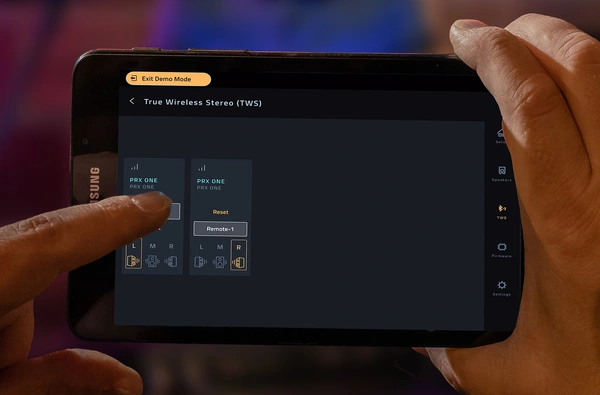
Advanced Bluetooth Low Energy (BLE) technology for powerful wireless control functionality and performance. Connect and sync up to 10 JBL Pro Connect-enabled speakers.

PERSONALIZE YOUR WORKFLOW

Group speakers for mixing, rename channels for traditional channel strip functionality. Responsive portrait and landscape displays streamline operation.

DEMO MODE

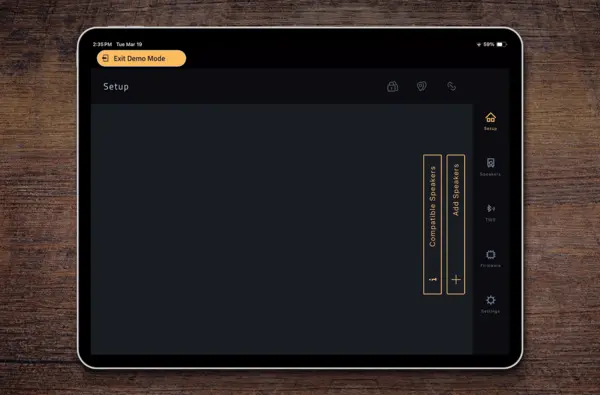
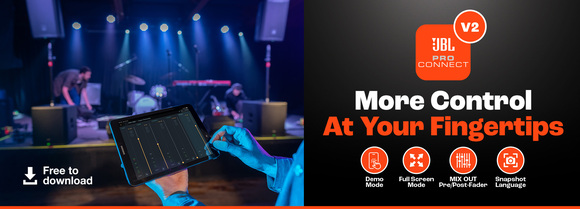
Demo Mode offers the ability to tour the app’s capabilities without having to own or connect a Pro Connect-enabled speaker. Additionally, Demo Mode allows existing users the capability to configure and save system settings and presets without being connected to their speakers. When connected, they can load up their saved settings and start the show that much faster.

FULL SCREEN MODE

Full Screen Mode offers a higher degree of resolution for editing and adjusting faders, dynamics, EQ, and FX sends.

MIX OUT PRE/POST-FADER SUPPORT

MIX OUT Pre/Post-Fader support empowers users with the added capability to seamlessly switch their MIX OUT feature between pre and post-fader to match their use-case scenario.

FULL CONTROL, IN THE PALM OF YOUR HAND

Dive deep into system mixer and DSP functions to optimize your stage sound for any scenario. Access app-exclusive features and speaker settings including snapshots, multi-speaker grouping, tap tempo and more.

ELEVATE YOUR STAGE SOUND WITH PRO EFFECTS

Activate ducking to make sure your voice stands out over background music. Adjust Lexicon reverb, chorus and delay effects for professional polish. Shape sound with surgical precision with parametric EQ.

SOUND AMAZING IN AN INSTANT

Choose from eight optimized sound presets, or customize your own. Simply and quickly adjust main volume and source levels. Trigger dbx Automatic Feedback Suppression (AFS) to eliminate feedback. Optimize and protect speakers with dbx Digital DriveRack signal processing.

TAP INTO BLUETOOTH 5.0 FUNCTIONALITY

Advanced Bluetooth Low Energy (BLE) technology for powerful wireless control functionality and performance. Connect and sync up to 10 JBL Pro Connect-enabled speakers.

PERSONALIZE YOUR WORKFLOW

Group speakers for mixing, rename channels for traditional channel strip functionality. Responsive portrait and landscape displays streamline operation.

DEMO MODE

Demo Mode offers the ability to tour the app’s capabilities without having to own or connect a Pro Connect-enabled speaker. Additionally, Demo Mode allows existing users the capability to configure and save system settings and presets without being connected to their speakers. When connected, they can load up their saved settings and start the show that much faster.

FULL SCREEN MODE

Full Screen Mode offers a higher degree of resolution for editing and adjusting faders, dynamics, EQ, and FX sends.

MIX OUT PRE/POST-FADER SUPPORT

MIX OUT Pre/Post-Fader support empowers users with the added capability to seamlessly switch their MIX OUT feature between pre and post-fader to match their use-case scenario.

Features

JBL Pro Connect App v3.0 Features & Enhancements

New in Version 3.0

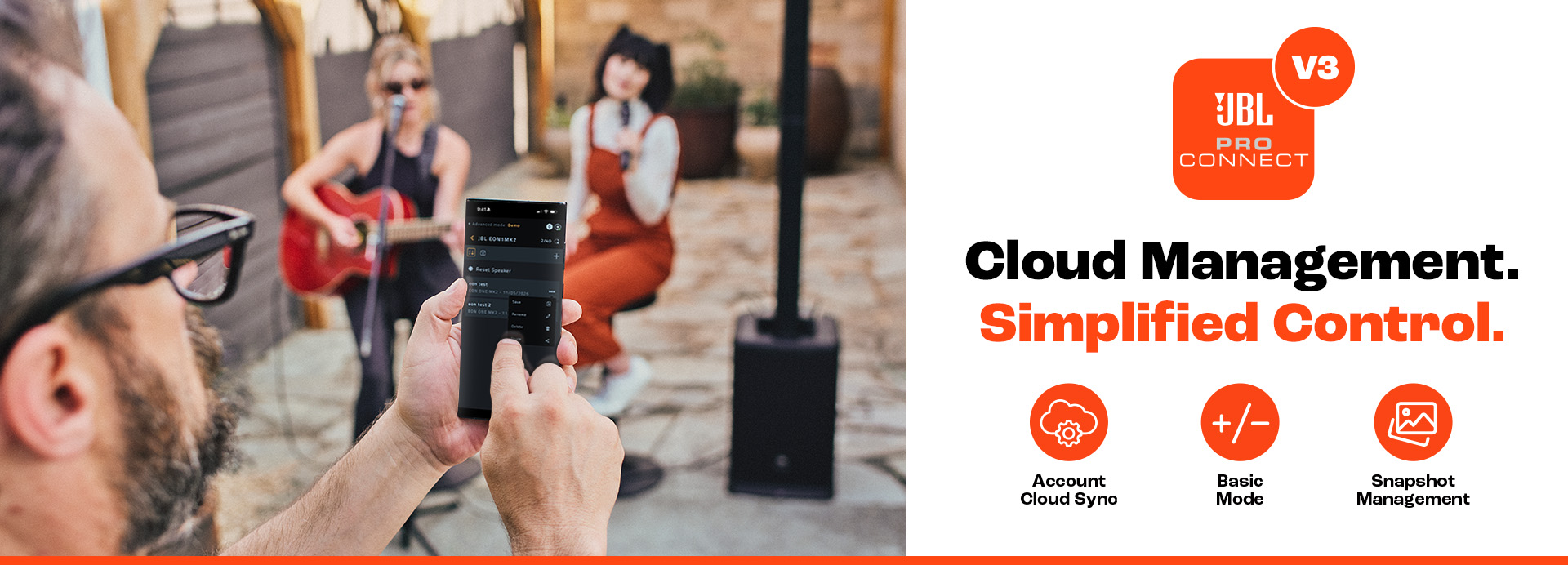
  • Account Management – Save snapshots to the cloud for easy recall across devices.
  • Basic Mode – Toggle between Advanced Mode and a simplified interface with essential volume and mute controls.
  • Bug Fixes & Performance Improvements – General stability enhancements and overall performance optimizations.

Powerful Control Features:

  • Mixer & DSP Control – Manage mixer and DSP settings with access to a variety of built-in presets.
  • Bluetooth® 5.0 Connectivity – Connect and control up to 10 JBL Pro Connect-enabled speakers simultaneously.
  • Enhanced Speaker Grouping – Organize speakers more efficiently for faster system setup and control.
  • Channel Grouping – Group channels for streamlined mixing and simplified operation.
  • Customizable Workflow – Rename channels, organize speakers, and tailor the interface to your preferred workflow.
  • In-App Media Controls – Play and pause music directly within the app using the integrated media control widget.
  • Demo Mode – Explore app features, create system configurations, and save presets without connecting to speakers.
  • Full Screen Mode – Expand your workspace for more precise fader adjustments and system control.
  • MIX OUT Pre/Post-Fader Support – Toggle between pre- and post-fader output modes to suit different applications.
  • Localized Snapshot Support – Save snapshots in supported local languages when the corresponding keyboard is enabled on your device.

Common Applications

JBL Pro Connect empowers users to take control of the portable PA experience and easily set-up and manage their speakers and systems with ease. It enables simplified sound management for any user, from professional musicians and DJs to presenters, instructors and novices alike.

Downloads

Brochures
  Version Language Size Uploaded
file type icon JBL 2025 PPA Brochure
en version B, updated: Aug 2025
en  8.45 MB Aug 2025
Software
  Version Size Uploaded
iOS download icon Pro Connect
version 2.4, released: Nov 2025
2.4   Nov 2025
Android download icon Pro Connect
version 2.4, released: Nov 2025
2.4   Nov 2025
download icon for Pro Connect Pro Connect
version 3, updated: Jul 2026
3   62.5 MB Jul 2026
Release Notes
  Language Size Uploaded
en  339 KB Jul 2026

If any of the links above result in strange characters in your browser, please right-click the file to save it to your computer.

Parts & Service

News

HARMAN Pro Insights

Audio Ducking Demystified: Ensuring Clearer Vocals for Performers & Presenters feature

Audio Ducking Demystified: Ensuring Clearer Vocals for Performers & Presenters

    In live sound performances and presentations, clarity is everything. Whether you’re a DJ hyping up a crowd, a fitness instructor leading a high-energy class, or a corporate presenter delivering a keynote, your voice needs to cut through the mix without distraction. That’s where

CONTINUE READING

Support/FAQs