Performance Manager streamlines the deployment and operation of JBL and Crown networked audio systems for live events, reducing design time, simplifying networking, and automating control setup. Its patented interface guides technicians through system deployment and optimization step-by-step, greatly simplifying the configuration process.
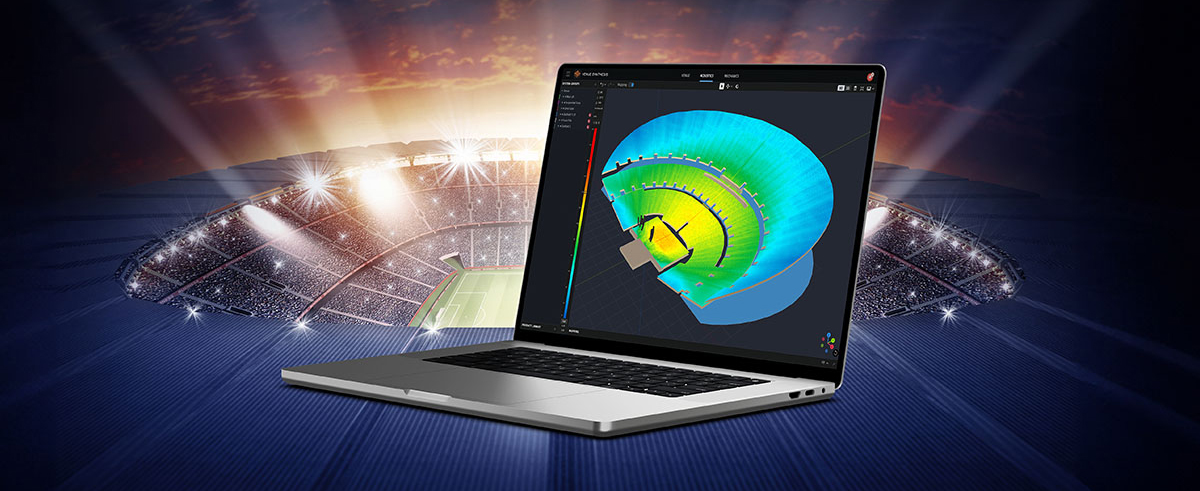
Performance Manager is part of a comprehensive software ecosystem which includes JBL’s Venue Synthesis 3D Acoustic Simulation Software, and the ArrayLink mobile companion app. Together these applications take operators from system design phase to deployment in no time.
Download Performance Manager


Drag-and-Drop System Design
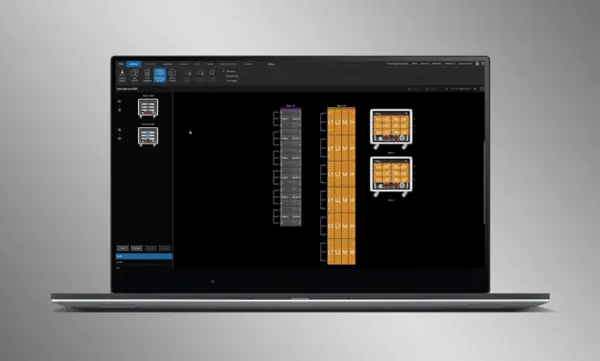
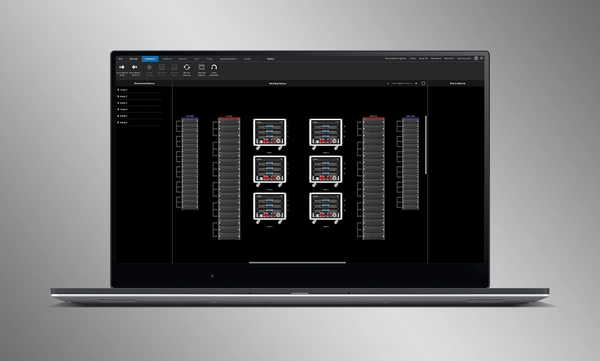
Visually drag and drop JBL Professional speakers and Crown amplifiers into groups of arrays and connect them to the amplifiers. Control functions are automatically organized into logical groups, making it easy to configure and optimize JBL sound systems.
Import Optimized Systems
Complete system designs from Venue Synthesis can be directly imported into Performance Manager. All array data is imported including speaker type, DSP, and array parameters. Imported parameters can be easily updated if a change is made to the imported file.
Geräte verbinden und synchronisieren
Ziehen Sie vernetzte Verstärker per Drag-and-Drop auf ihre Software-Gegenstücke, um Geräte zu verbinden und zu synchronisieren. Alle systembezogenen Daten, einschließlich JBL-Lautsprecher-Voreinstellungen und importierter DSP-Parameter, werden automatisch synchronisiert.
System Verification Tools
A dedicated Test Mode provides operators with intuitive tools to verify per-bandpass speaker functionality and input patching to amplifiers.
Intuitive Systemoptimierung
Performance Manager gruppiert DSP-Steuerelemente automatisch in logische, arraybasierte Gruppen. Auf Kalibrierfilter und EQ-Filter kann über eine ansprechende GUI zugegriffen werden, die für Windows-Betriebssysteme mit Touch-Funktion optimiert ist. Kalibrierfilter, EQ, Verzögerung und Verstärkung können auf verschiedenen System-, Array- und Schaltkreisebenen angepasst werden.
Visual Monitoring Tools
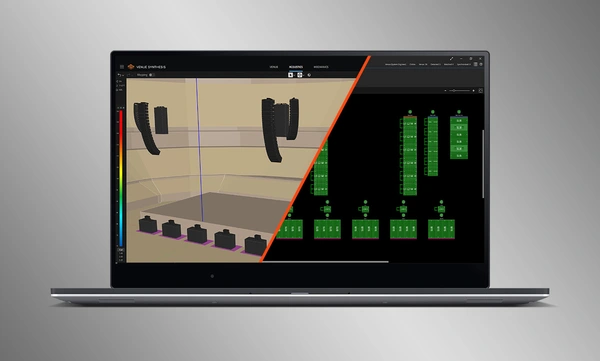
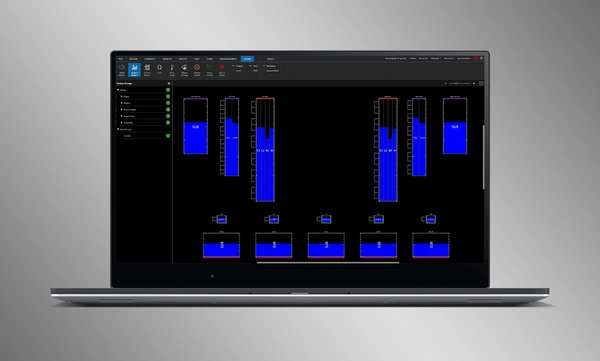
The dedicated Show Mode displays high resolution system metering and amplifier telemetry, overlaid directly onto the graphical representation of the audio system.
SMAART-Integration
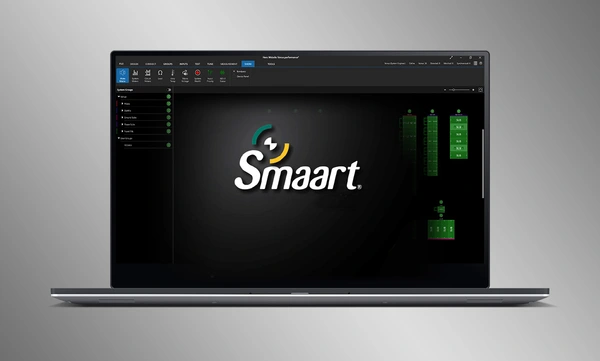
Die Integration mit Rational Acoustics' Smaart® (v7 und v8) – der Software für akustische Messung und Analyse – bietet beispiellosen Zugriff auf Live-Messdaten, die alle über das Netzwerk auf einem Bildschirm angezeigt werden.


 Version 3.3,
aktualisiert: Jul 2026
Version 3.3,
aktualisiert: Jul 2026