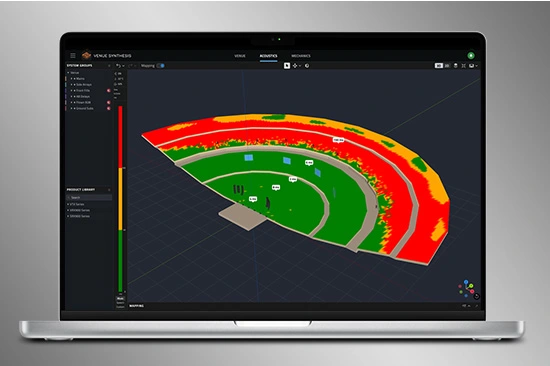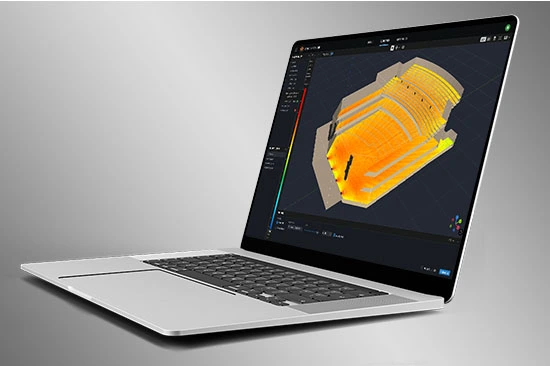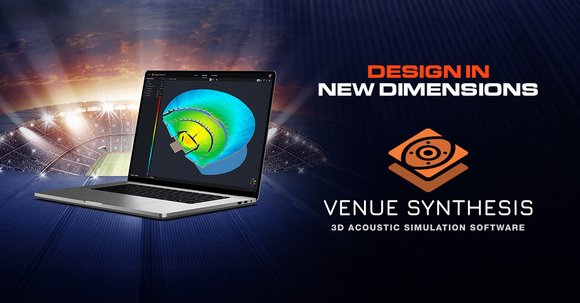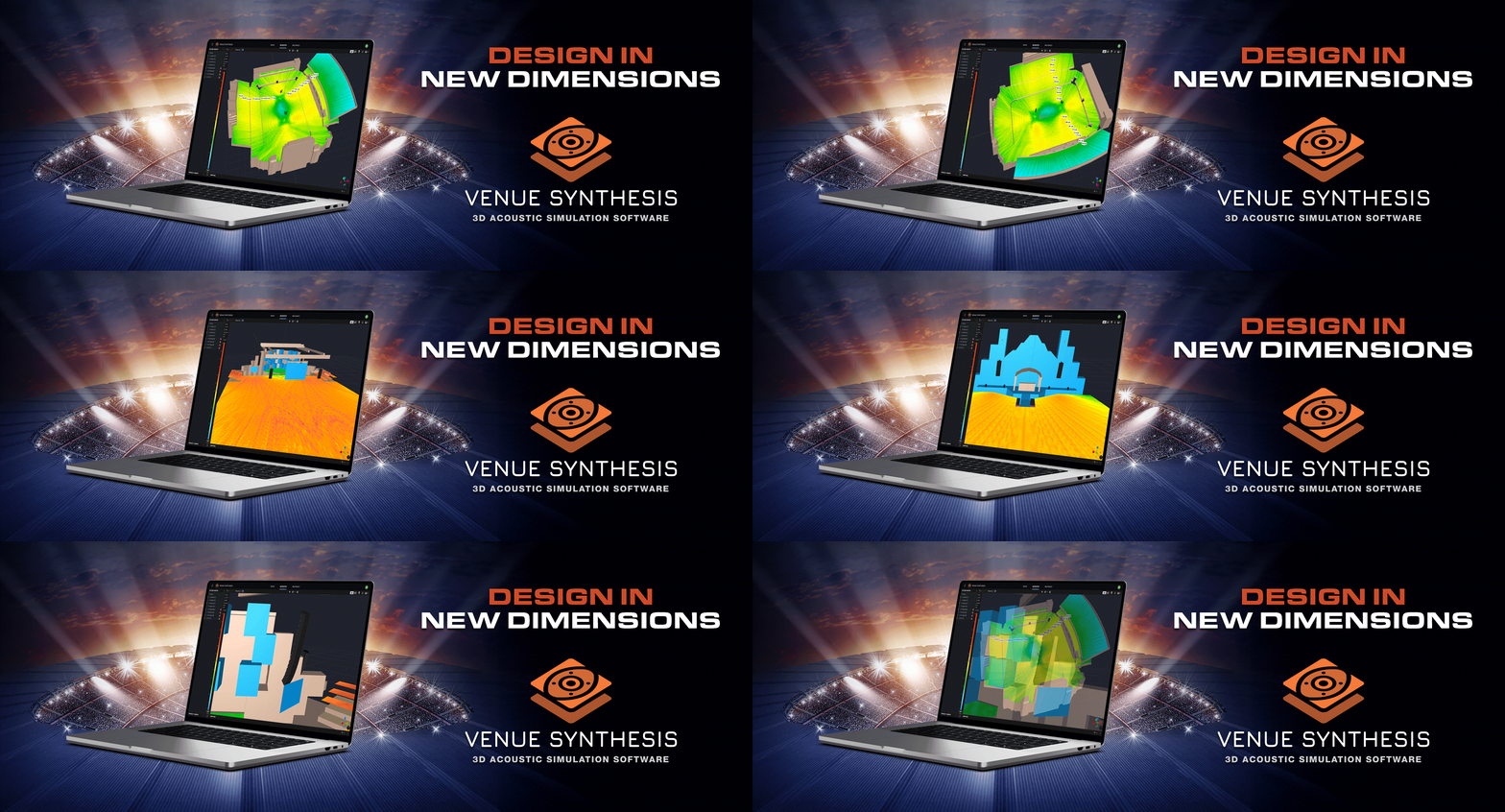
Venue Synthesis är JBL:s nästa generations 3D-akustiska simuleringsprogram, utformat från grunden för att ge systemdesigners och ingenjörer möjlighet att exakt förutsäga den akustiska och mekaniska prestandan för JBL-ljudsystem. Det strömlinjeformade och intuitiva användargränssnittet accelererar hela designprocessen, vilket gör det möjligt för systemdesigners att gå från koncept till driftsättning på rekordtid. Den nya avancerade akustikmotorn genererar högupplösta simuleringar som exakt motsvarar verklig prestanda, medan den sofistikerade mekaniska motorn genererar detaljerade systemrapporter och arraystatistik. Med oöverträffad enkelhet, noggrannhet och hastighet är Venue Synthesis det ultimata verktyget för design av ljudsystem för vilken situation som helst.
Ladda ner Venue Synthesis
Windows Mac SketchUp Plugin
3D Venue Models
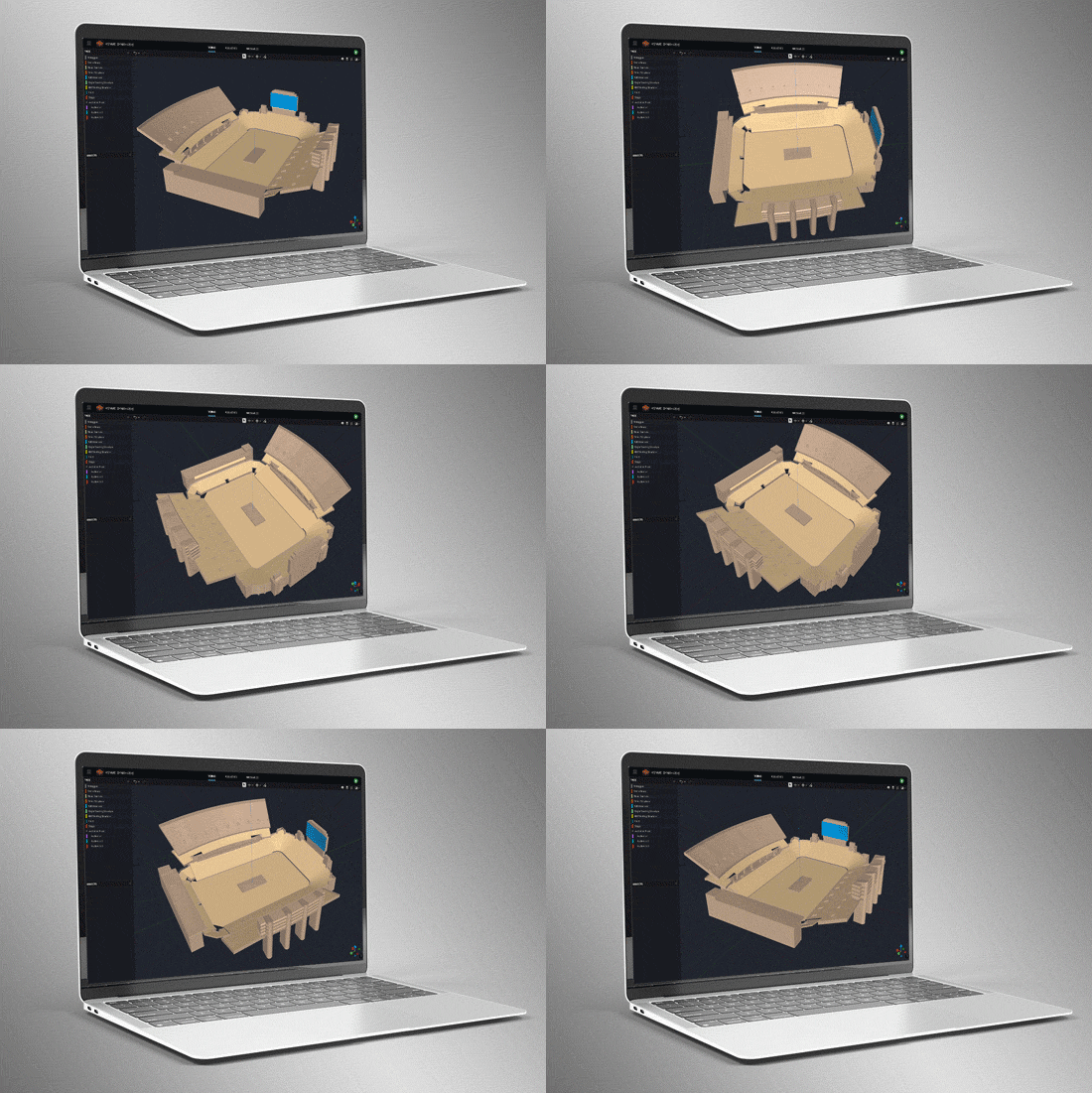
Create venues from scratch using the built-in tools or import 3D models using common geometry file formats such as SketchUp, DWG, DXF, GCF, EASE, and CATT-Acoustics. Use the included tools to modify geometry and assign audience areas. Use Tags to organize geometry in logical groups.
Smart Drawing Tools
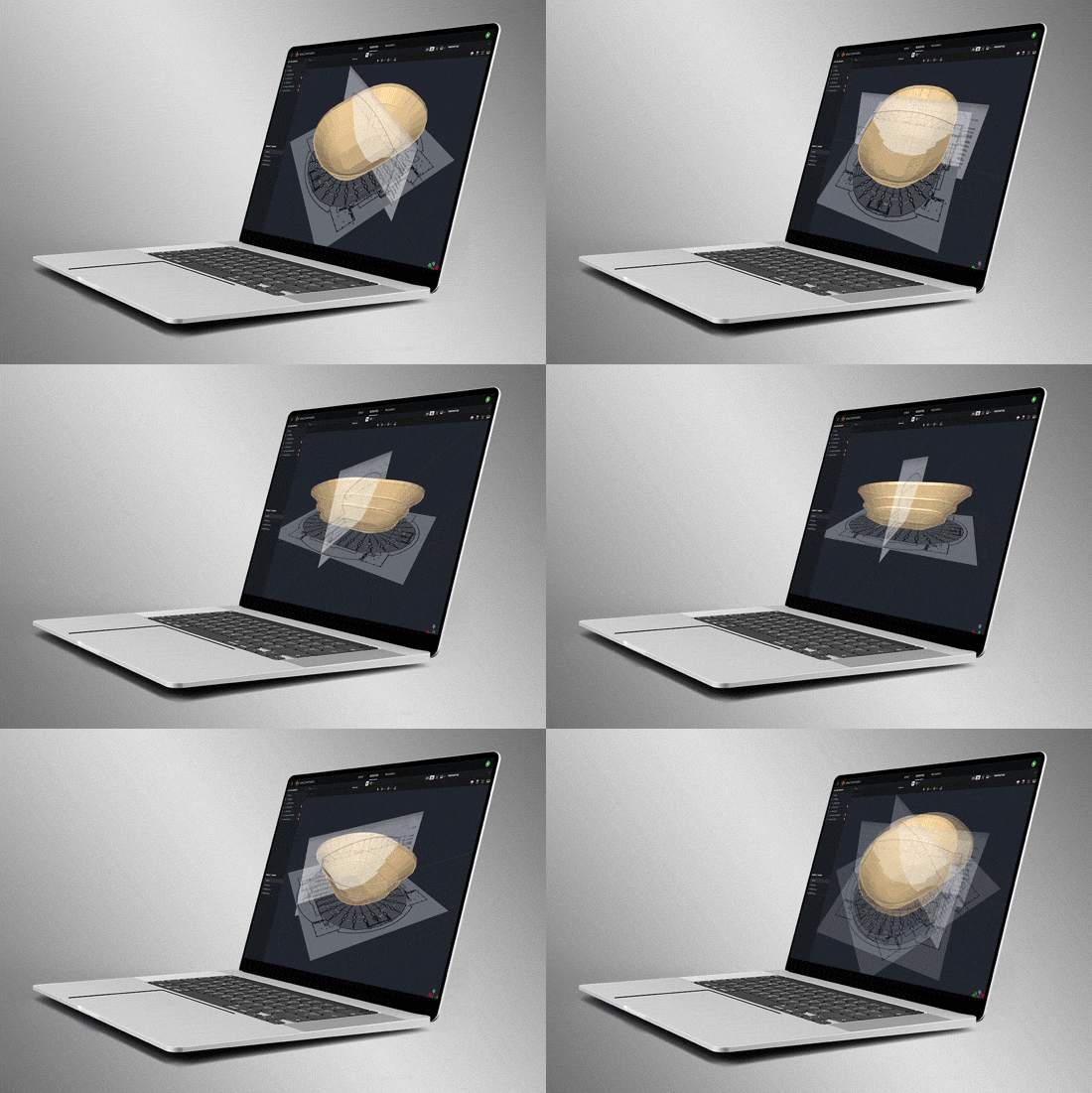
Import and scale images to quickly create models from basic 2D drawings. Use the Pen Tool to trace over images and use the Special Object Creator tool to create common architectural features, such as balconies and revolutions.
Direct SPL Mapping
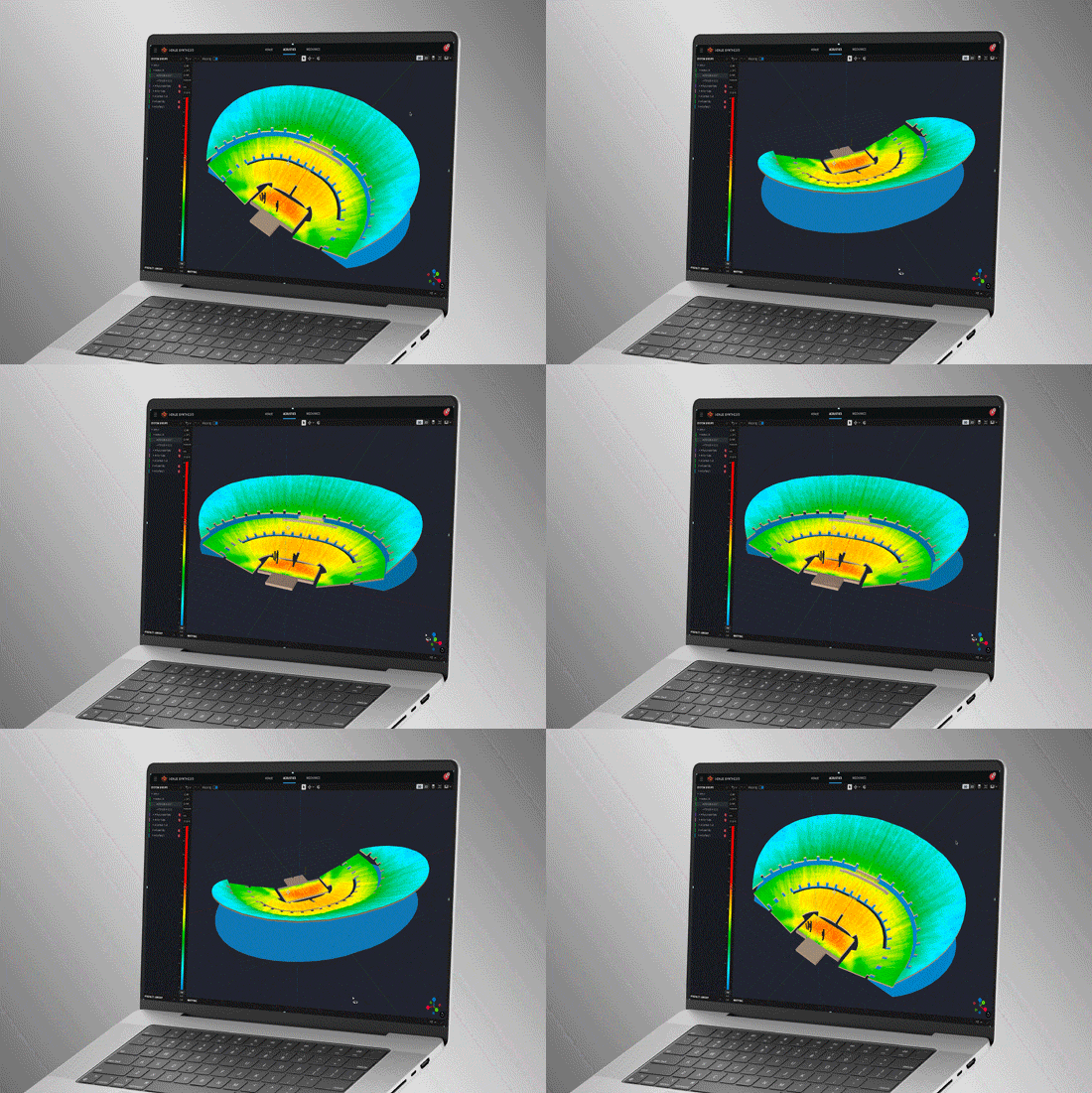
Map Direct SPL using 1/12th octave high-resolution loudspeaker data and a variety of noise signals, including Pink-Noise, Pink-Noise IEC, Male/Female Speech, and Sine.
Array Grouping Tools
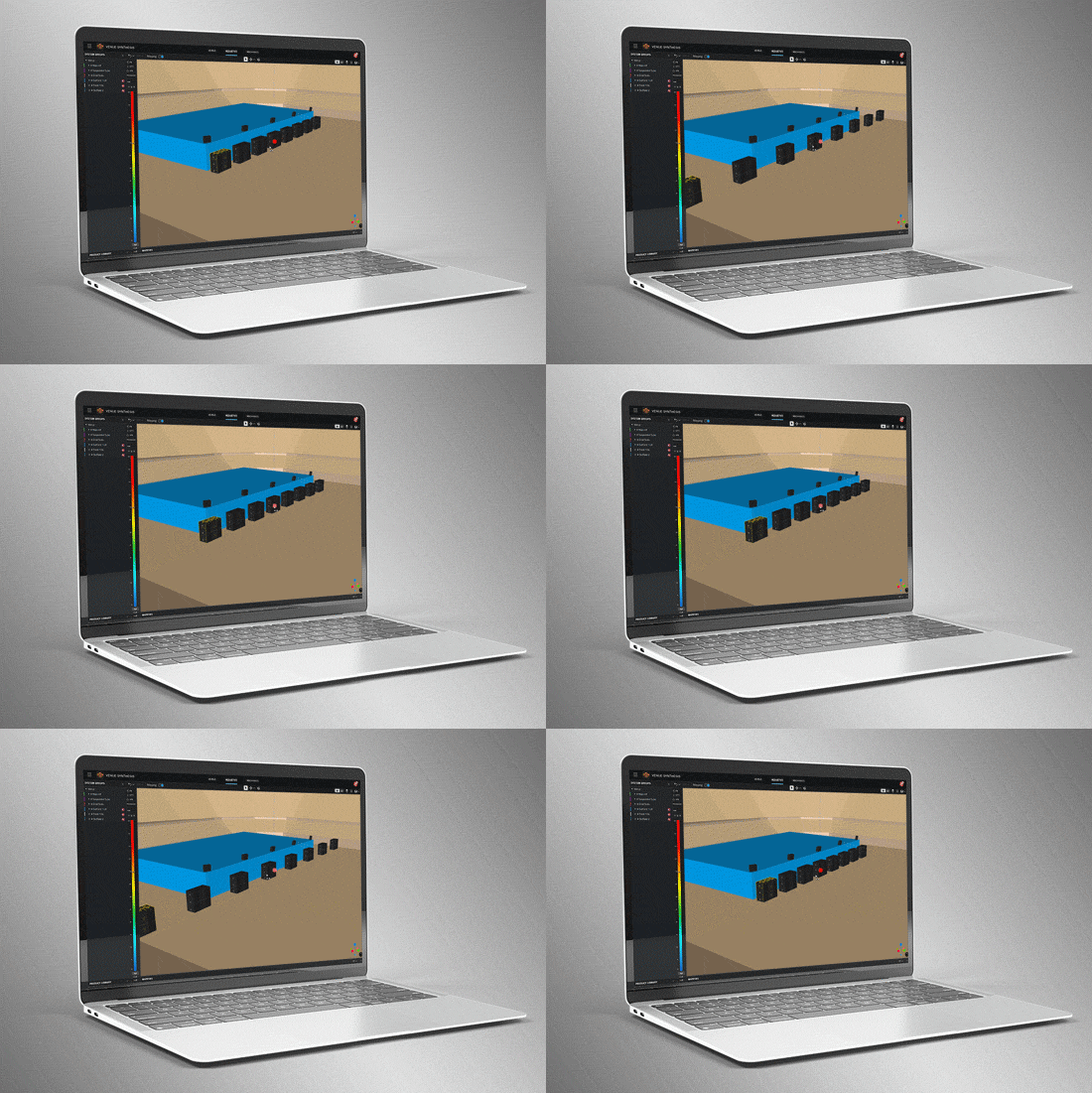
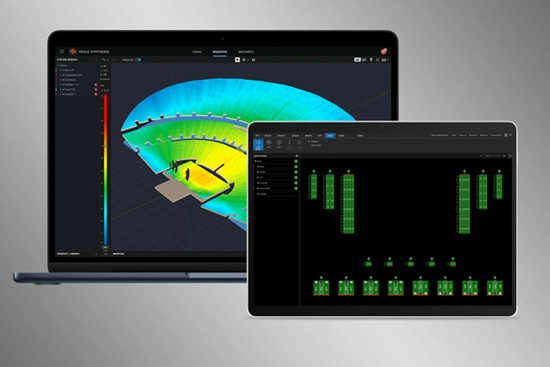
Sophisticated array and grouping tools allow users to create large multi-point arrays quickly. Use features such as symmetry and mirroring to accelerate design. Optimize large, distributed subwoofer arrays with the built-in Electronic Delay Steering calculator.
Delay Spread
Delay spread mode maps time offset variations across the venue. Use the built-in Delay Optimizer to generate delay values automatically to minimize time offset for delay towers and fills.
Headroom Analysis
Headroom Analysis tool ensures the system output requirements can be met. Use a variety of test signals to understand headroom impact from spectral content. Study headroom across system groups to ensure uniform limiting across the system.
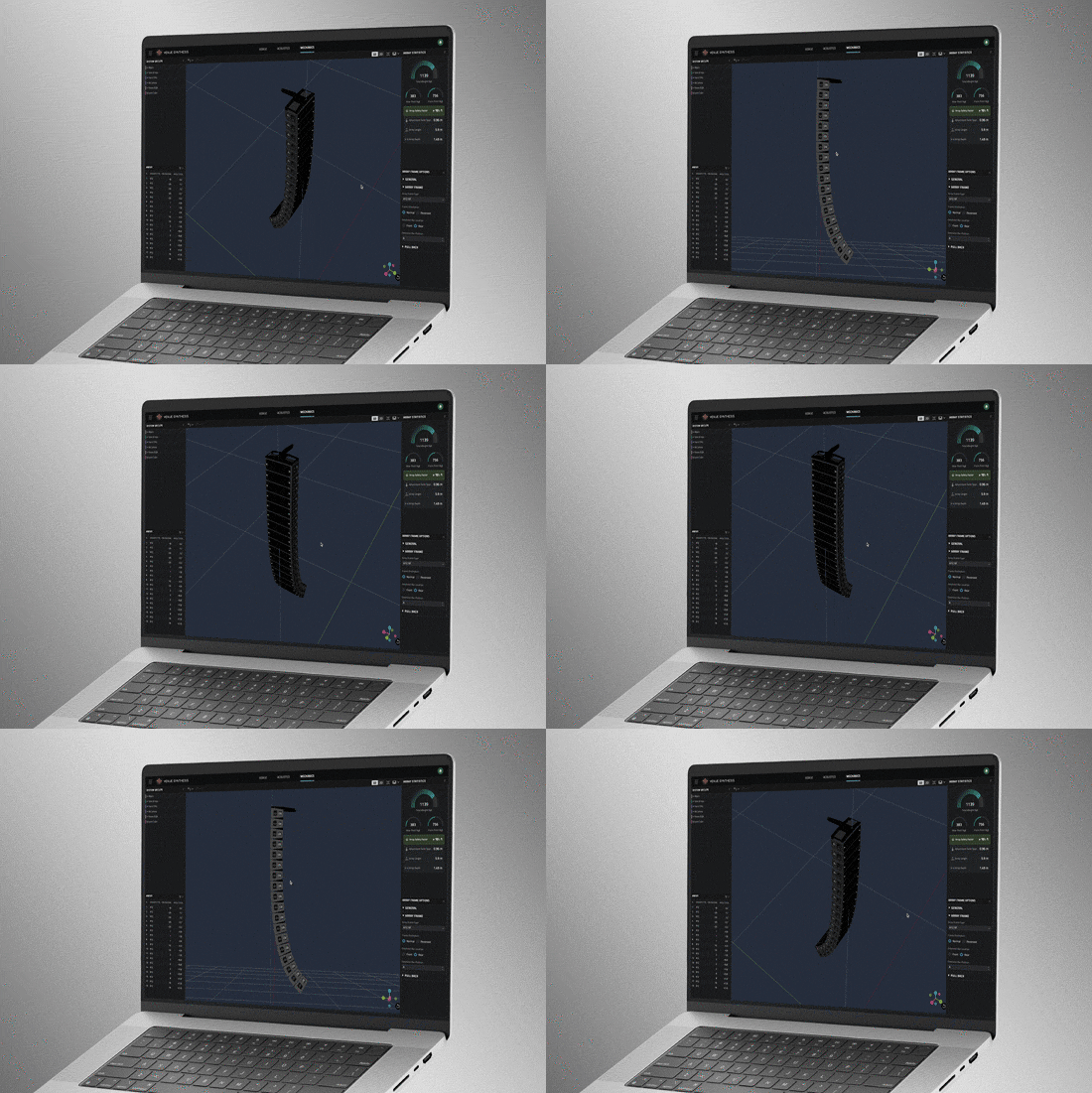
Mechanical Validation
Use Mechanics Mode to validate and refine mechanical configurations. Use the Array Statistics tool to confirm safety factors. Quickly generate rigging manuals for crews or export data to ArrayLink.
System Integration
Open Venue Synthesis files in JBL control software such as Performance and Performance Manager. System configuration and DSP parameters automatically carry over, minimizing setup time. Scan QR codes to transfer mechanical setup information to ArrayLink.
Award Winning
Venue Synthesis won the ‘Best of Show’ award at InfoComm 2024, recognized by top publications: Sound and Video Contractor, Installation, and AV Technology. Expert reviewers noted its comprehensive features, ease of use and integration, and how innovative and unique it is within the market.
3D Venue Models
Create venues from scratch using the built-in tools or import 3D models using common geometry file formats such as SketchUp, DWG, DXF, GCF, EASE, and CATT-Acoustics. Use the included tools to modify geometry and assign audience areas. Use Tags to organize geometry in logical groups.
Smart Drawing Tools
Import and scale images to quickly create models from basic 2D drawings. Use the Pen Tool to trace over images and use the Special Object Creator tool to create common architectural features, such as balconies and revolutions.
Direct SPL Mapping
Map Direct SPL using 1/12th octave high-resolution loudspeaker data and a variety of noise signals, including Pink-Noise, Pink-Noise IEC, Male/Female Speech, and Sine.
Array Grouping Tools
Sophisticated array and grouping tools allow users to create large multi-point arrays quickly. Use features such as symmetry and mirroring to accelerate design. Optimize large, distributed subwoofer arrays with the built-in Electronic Delay Steering calculator.
Delay Spread
Delay spread mode maps time offset variations across the venue. Use the built-in Delay Optimizer to generate delay values automatically to minimize time offset for delay towers and fills.
Headroom Analysis
Headroom Analysis tool ensures the system output requirements can be met. Use a variety of test signals to understand headroom impact from spectral content. Study headroom across system groups to ensure uniform limiting across the system.
Mechanical Validation
Use Mechanics Mode to validate and refine mechanical configurations. Use the Array Statistics tool to confirm safety factors. Quickly generate rigging manuals for crews or export data to ArrayLink.
System Integration
Open Venue Synthesis files in JBL control software such as Performance and Performance Manager. System configuration and DSP parameters automatically carry over, minimizing setup time. Scan QR codes to transfer mechanical setup information to ArrayLink.
Award Winning
Venue Synthesis won the ‘Best of Show’ award at InfoComm 2024, recognized by top publications: Sound and Video Contractor, Installation, and AV Technology. Expert reviewers noted its comprehensive features, ease of use and integration, and how innovative and unique it is within the market.
Software
| |
Version |
Storlek |
Uppladdat |
|
|
1.4.0
|
483 MB
|
mar 2026
|
|
|
1.4.0
|
527 MB
|
mar 2026
|
|
|
1.0.4
|
1,01 MB
|
feb 2025
|
Release Notes
| |
Version |
Språk |
Storlek |
Uppladdat |
|
|
1.4.0 |
 |
206 KB |
mar 2026 |
|
|
1.0.4 |
|
51,7 KB |
aug 2024 |
Om någon av länkarna ovan resulterar i konstiga tecken i din webbläsare, högerklicka på filen för att spara den på din dator.
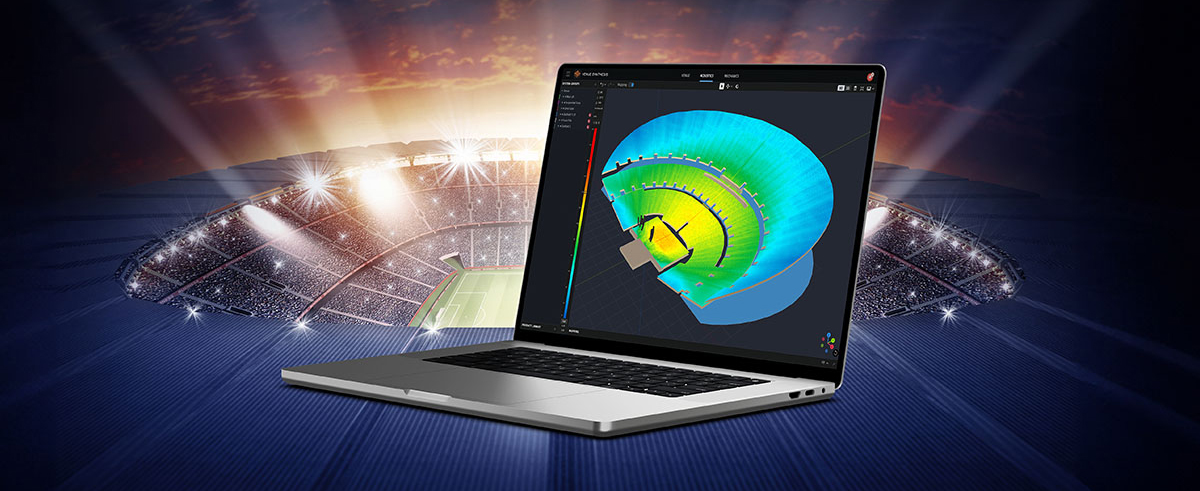
In the ever-evolving world of tour sound design, the need for powerful and user-friendly tools is paramount. JBL Professional’s Venue Synthesis (VS) 3D acoustic simulation software meets those needs with an all-encompassing solution for front-of-house (FOH) engineers and tour managers. To gain deeper insight, we
CONTINUE READING
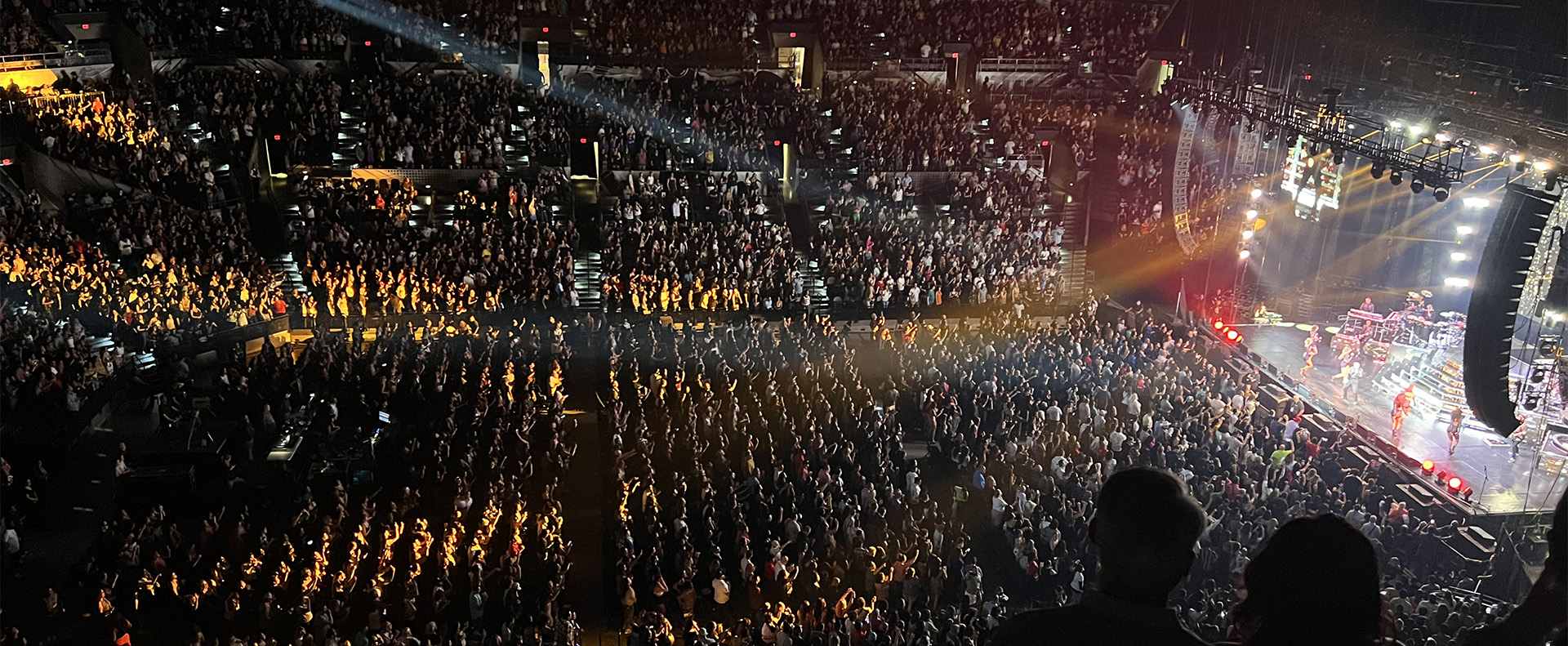
Live entertainment captivates audiences, transcends boundaries and unites fans in a celebration of sound and rhythm. From electrifying music festivals to immersive theatrical productions to enthralling sporting events, the magic of live entertainment relies on the technology driving it to bring performances to life. JBL
CONTINUE READING