Alignment Tools
The alignment tool bar is available in design mode to assist in making clean and organized venue layouts. To use the tools, select the arrays you want to align and then select the appropriate alignment tool. Each tool will display a tool-tip when a cursor hovers over it to help identify it's use.
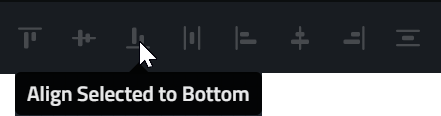
Available Alignment Tools
| Tool | Use Case |
|---|---|

|
Align tops |

|
Align Horizontal Centers |

|
Align Bottoms |

|
Make horizontal spacing equal |

|
Align Lefts |

|
Align vertical centers |

|
Align rights |

|
Make Vertical Spacing Equal |
Scaling Tool

When more than one array or position is selected, this tool will enable.
Activating it will open the tool in the Workspace
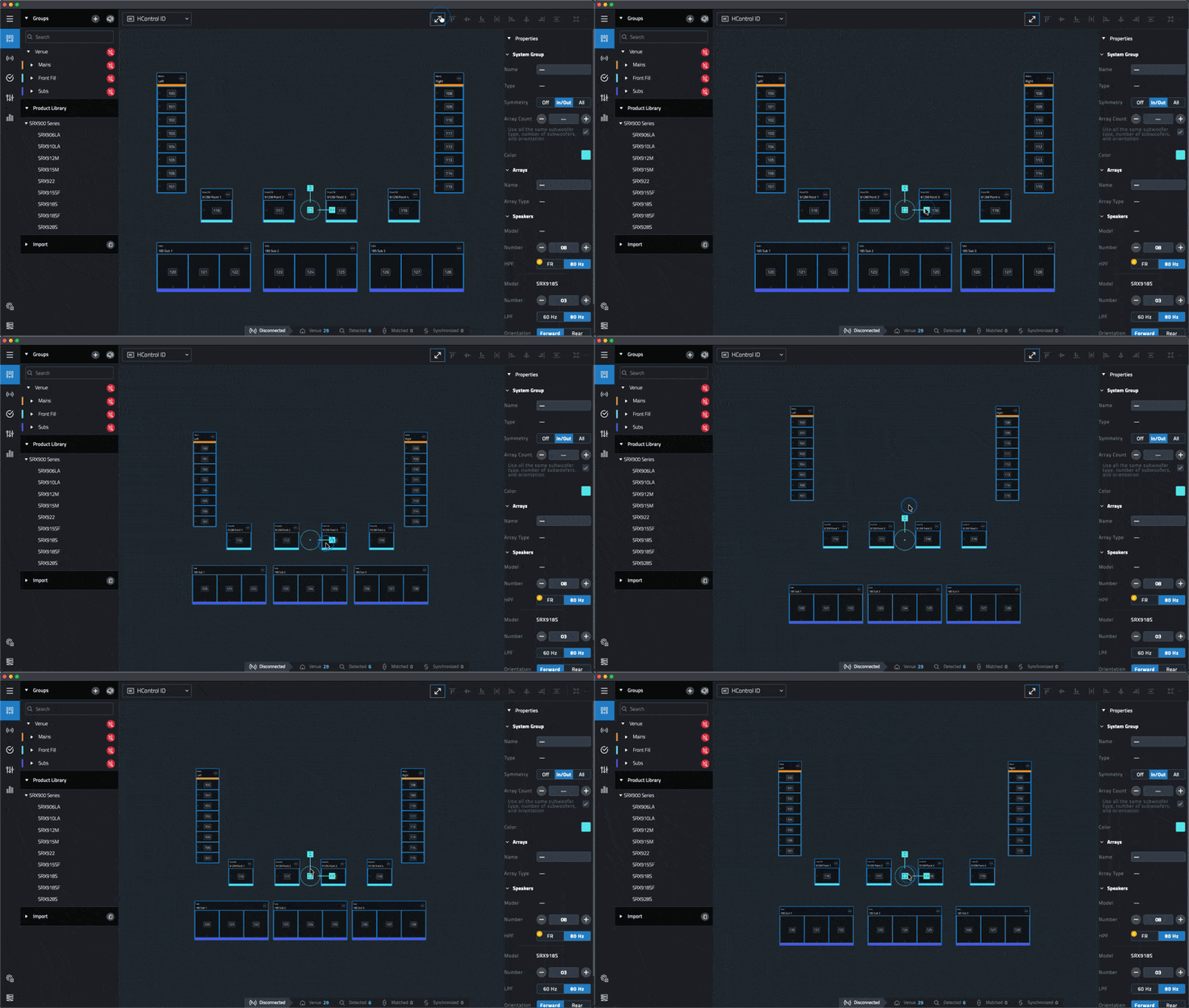
Using the vertical or horizontal grips will scale the selected items in their respective directions.
Clicking the center grip will scale in both directions simultaneously.
