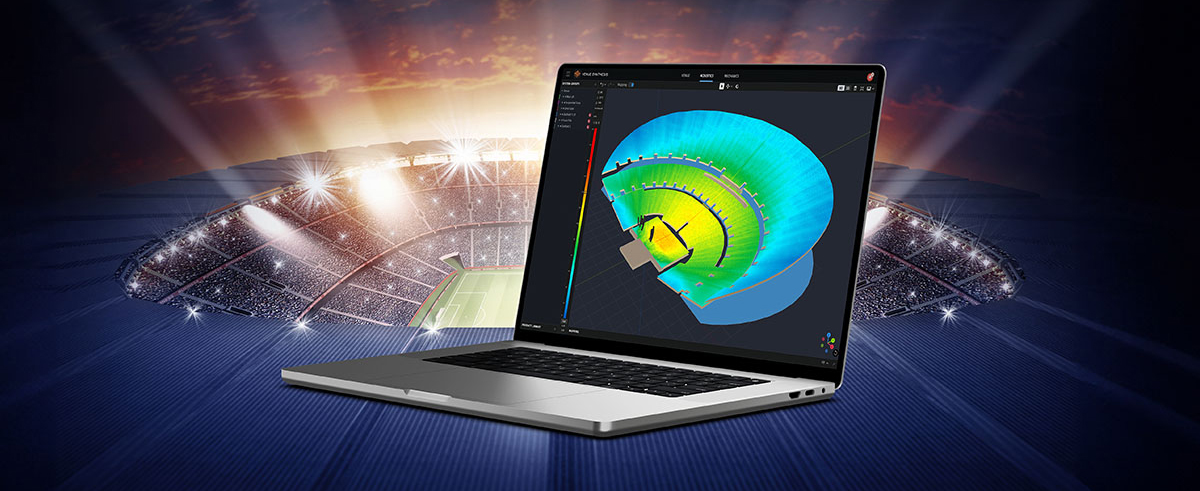
JBL Performance is a comprehensive application designed to control and monitor SRX900 Series sound systems. A workflow-based approach guides the user through the stages of system design, testing, tuning, and monitoring. The intuitive drag-and-drop interface creates system groups that utilize powerful on-device signal processing, including Gain, Delay, EQ, and Array Calibration, simplifying system tuning and optimization. Real-time device testing and monitoring ensure that everything is performing as intended. HControl simplifies the confusing task of managing IP addresses at the venue while operating over standard networking hardware while remaining compatible with Wi-Fi.
Performance is part of a complete software ecosystem. It integrates with other JBL software, including Venue Synthesis and the JBL ArrayLink mobile app for iOS and Android.
Download Performance 1.10.0
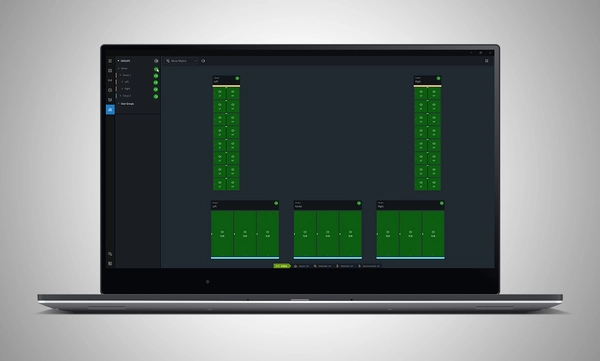
System Design
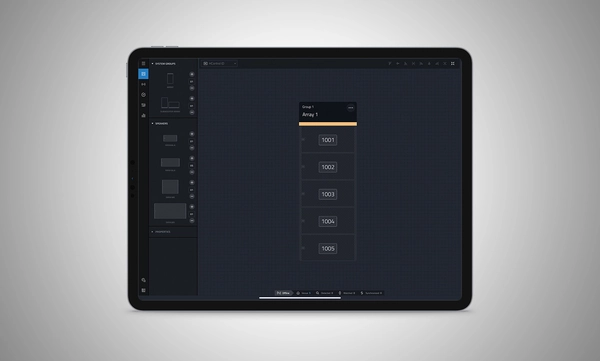
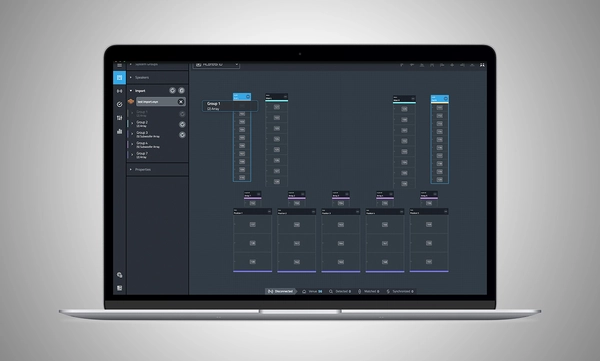
Define a system by dragging and dropping speakers into the workspace to automatically create groups and linked parameters, enabling quick recall of presets and optimization of settings.
Import from Venue Synthesis
Import complete designs from Venue Synthesis including DSP optimizations, such as array size compensation, throw distance compensation, gain, and delay. One-click updates allow changes made in the Venue Synthesis design to be incorporated quickly.
ភ្ជាប់ និងរៀបចំដាក់ឱ្យដំណើរការ
សម្រួលការភ្ជាប់ឧបករណ៍ដោយប្រើ HControl ដែលជាប្រូតូកូលទំនាក់ទំនងថ្មីរបស់ HARMAN បង្កើតឡើងសម្រាប់ឧស្សាហកម្មអូឌីយ៉ូ។ ដោយដំណើរការលើកុងតាក់ទិន្នន័យស្តង់ដារ និងរ៉ោតទ័រ WiFi ការផ្គូផ្គងរវាងផ្នែករឹង និងផ្នែកទន់អាចធ្វើបានយ៉ាងងាយស្រួល ដោយប្រើលេខសម្គាល់ HControl ដ៏សាមញ្ញ និងបត់បែន។
Test and Verify
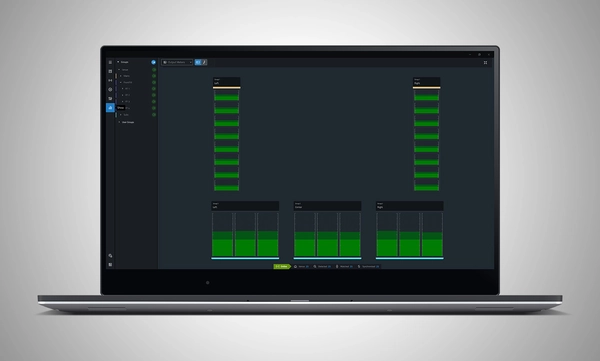
Use the onboard signal generator to verify speaker operation. Real-time meter views provide input and output data, ensuring signals reach their destinations at the proper levels.
Tune and Calibrate
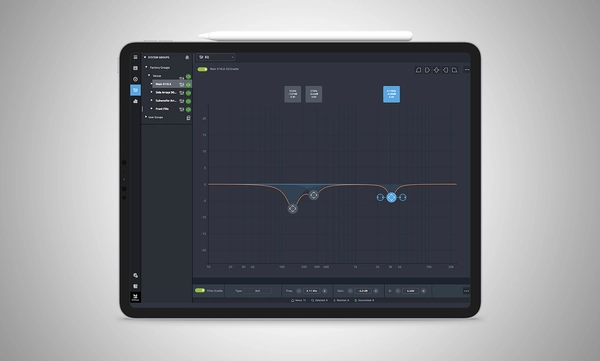
Control the advanced DSP in the SRX900 Series with quick access to speaker settings, delay, gain, EQ, Array Size Compensation, and FIR-based Throw Distance Compensation filters.
Show Mode
Live meter data, real-time amplifier health, temperature, load, and mains voltage are in dedicated views, ensuring the operator's confidence in the system's performance.
គ្រប់គ្រងផ្នែករឹង
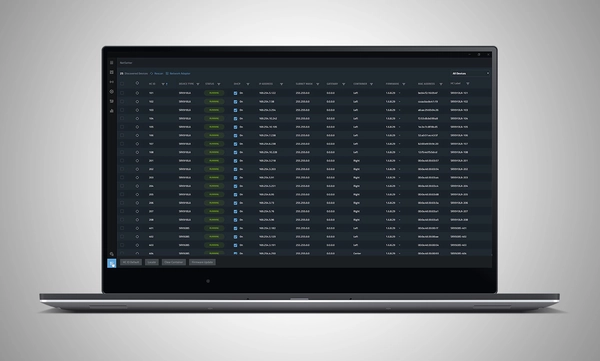
កម្មវិធីប្រើប្រាស់ HControl NetSetter ដែលបានបញ្ចូលក្នុង Performance អាចតាមដានបណ្តាញរង (subnet) ដែលបានតភ្ជាប់ទាំងអស់ ដើម្បីកំណត់អត្តសញ្ញាណឧបករណ៍ដែលមានការកំណត់រចនាសម្ព័ន្ធមិនត្រឹមត្រូវ ជួយបញ្ចូលពួកវាទៅក្នុងបណ្តាញរបស់អ្នក និងធ្វើបច្ចុប្បន្នភាពកម្មវិធីបង្កប់ (firmware) របស់ឧបករណ៍។

 កំណែ 7.8.26.1,
បានធ្វើបច្ចុប្បន្នភាព: កក្កដា 2026
កំណែ 7.8.26.1,
បានធ្វើបច្ចុប្បន្នភាព: កក្កដា 2026