
Input Meters
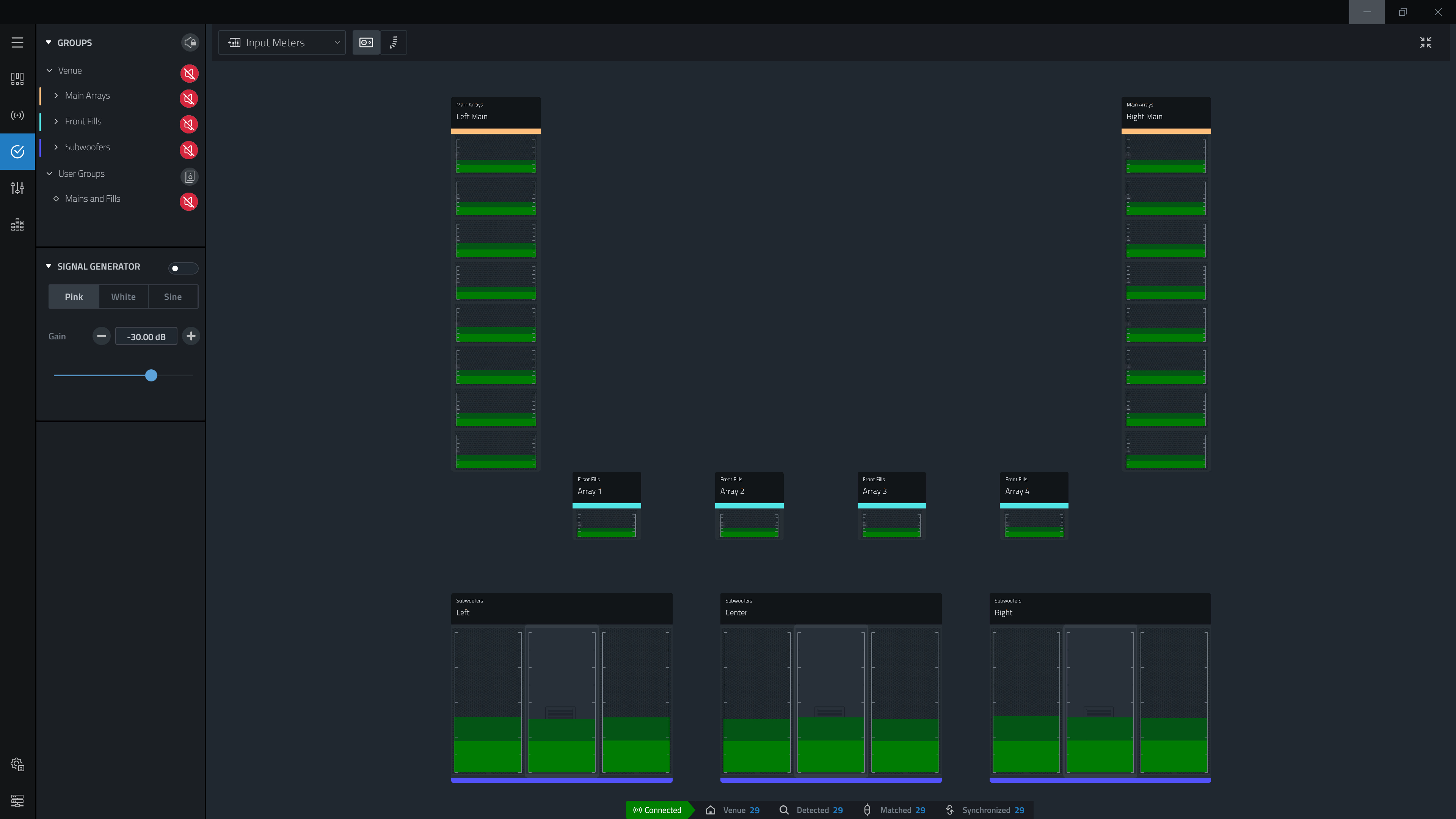
The Input Meters View overlays the information from the connected devices signal input meter directly over the virtual system in the Workspace. The keyboard shortcut to enter input meter view is I . Pressing I again will toggle between array level and circuit level meters.
Meter Types
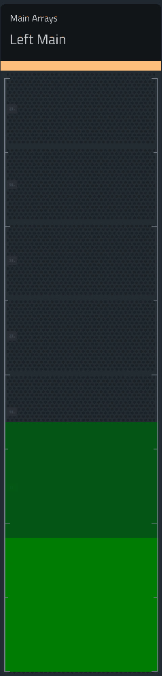
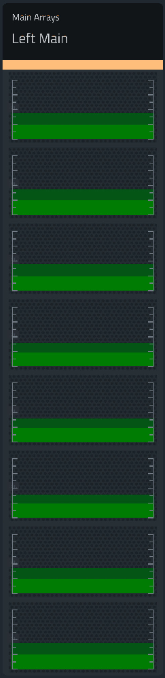
The input meters can be displayed at the device or array level by selecting the corresponding meter view button from the top of the application window.
| Array Meter | Device Meter | |
|---|---|---|
| Button |

|

|
| Display |
|
|
Meter Data
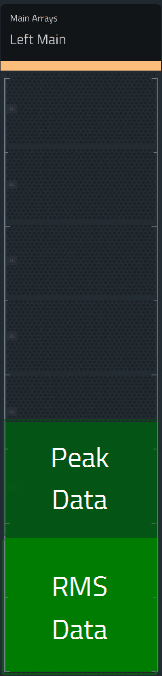
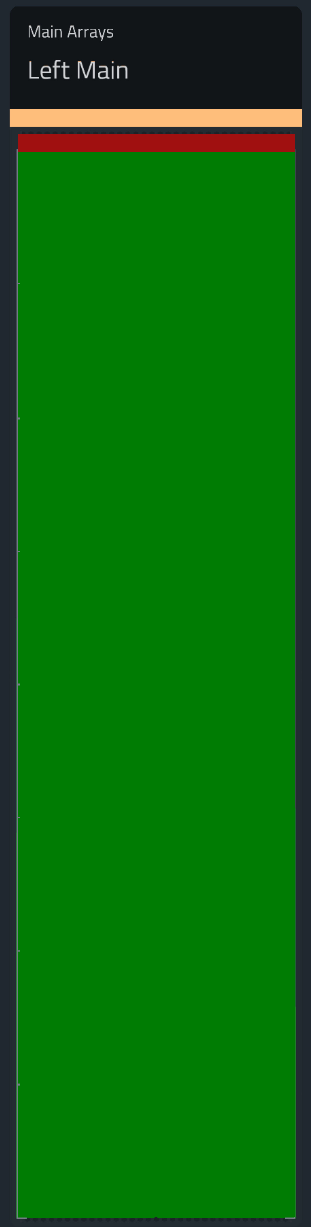
The scale of the meter in the workspace is from -36 to +21 dBu with the marks roughly every 6 dBu, The meter contains an RMS meter, a Peak Meter and a clip LED
| Normal | Clip |
|---|---|
|
|
