Venue Synthesis

3D Acoustic Simulation Software

JBL Venue Synthesis Banner

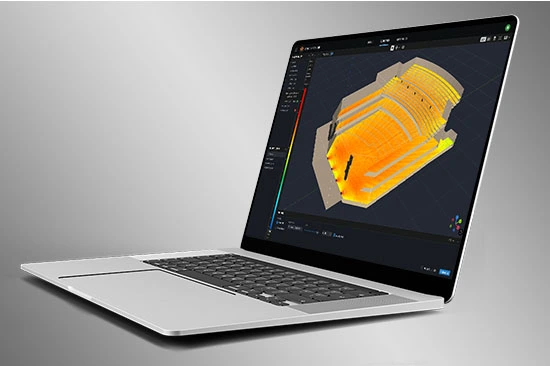
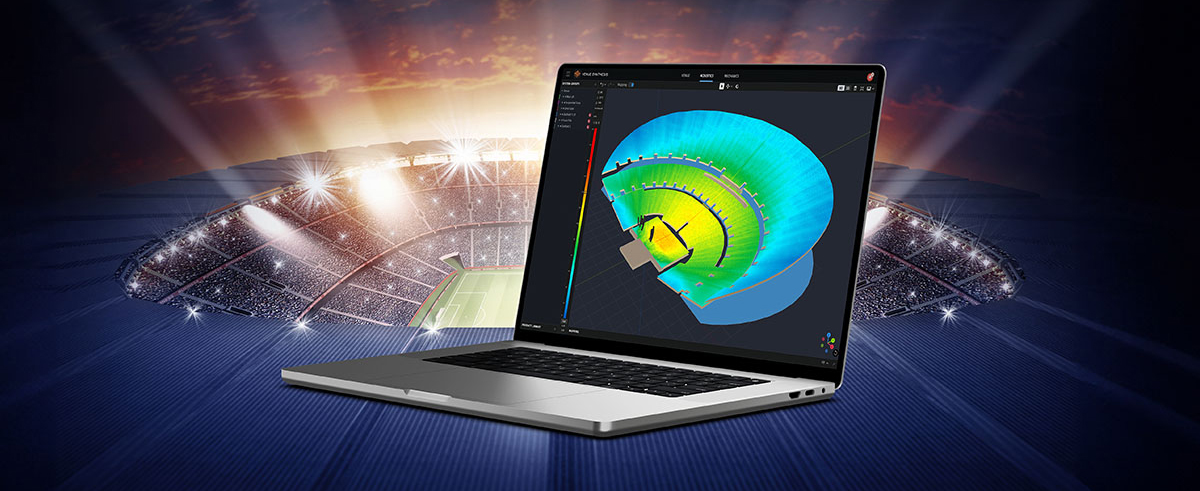
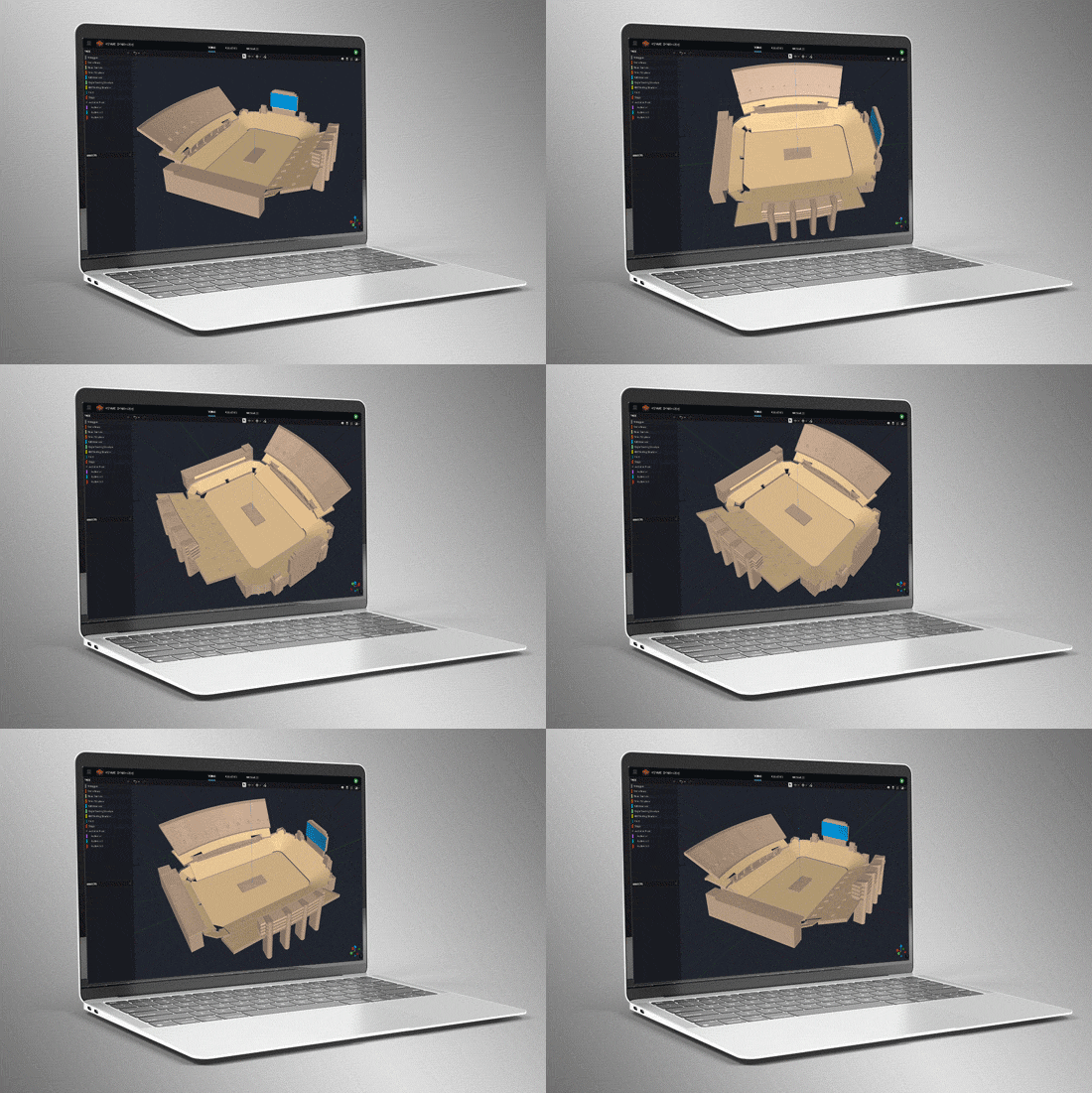
Venue Synthesis adalah perangkat lunak simulasi akustik 3D generasi berikutnya dari JBL, dirancang dari awal untuk memungkinkan desainer sistem dan insinyur memprediksi dengan akurat kinerja akustik dan mekanik sistem suara JBL. Antarmuka pengguna yang efisien dan intuitif mempercepat seluruh proses desain, memungkinkan desainer sistem untuk beralih dari konsepsi hingga penerapan dalam waktu singkat. Mesin akustik canggih yang baru menghasilkan simulasi resolusi tinggi untuk mencocokkan kinerja kehidupan nyata dengan akurat, sementara mesin mekanik yang canggih menghasilkan laporan sistem presisi dan statistik array. Menawarkan kesederhanaan, akurasi, dan kecepatan yang tak tertandingi, Venue Synthesis berdiri sebagai alat desain sistem suara terbaik untuk situasi apa pun. 

Unduh Venue Synthesis
Windows Mac Plugin SketchUp

Model Venue 3D

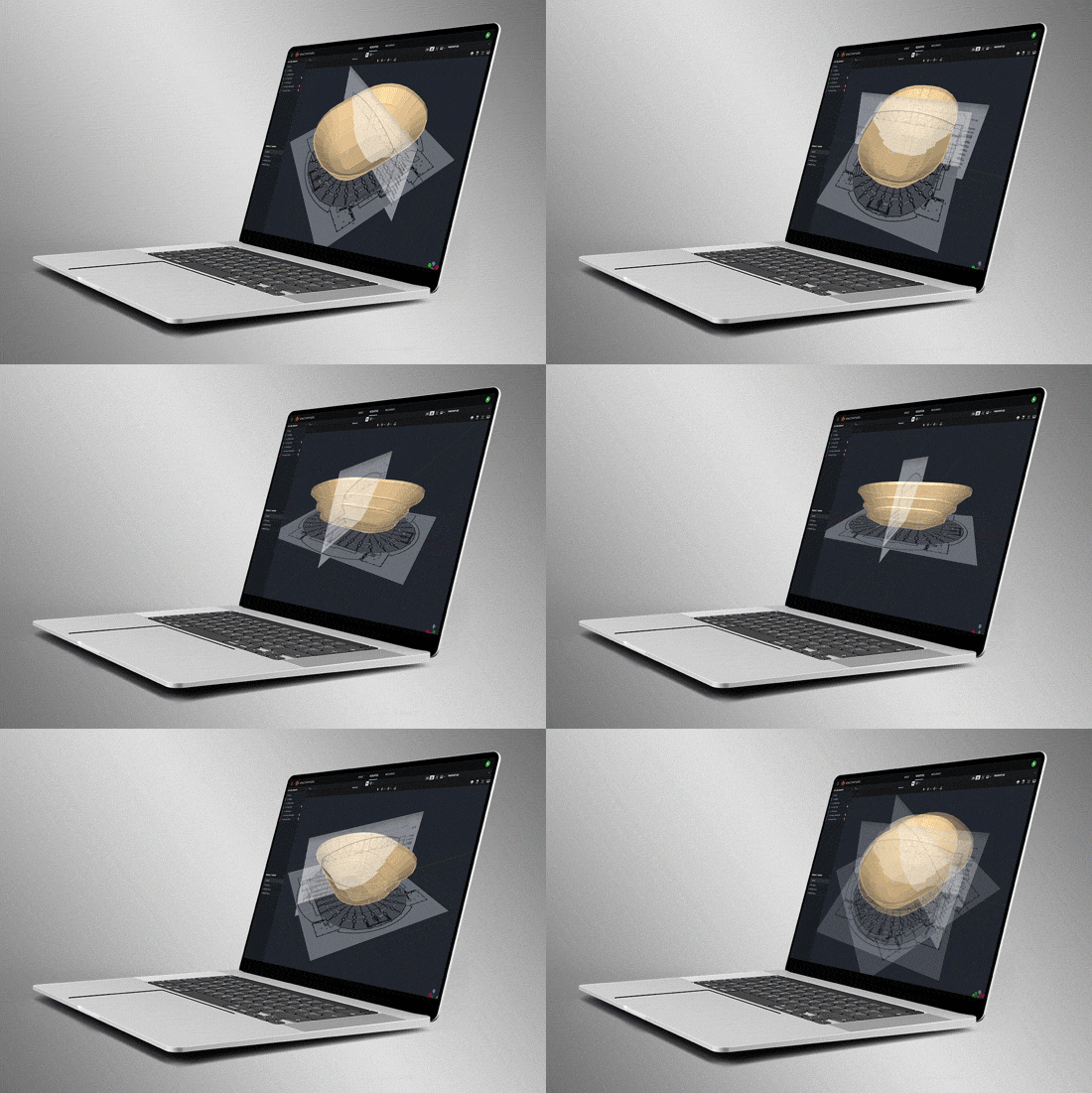
Buat venue dari awal menggunakan alat bawaan atau impor model 3D menggunakan format file geometri umum seperti SketchUp, DWG, DXF, GCF, EASE, dan CATT-Acoustics. Gunakan alat yang disertakan untuk memodifikasi geometri dan menetapkan area penonton. Gunakan Tag untuk mengorganisir geometri dalam grup logis.

Smart Drawing Tools

Import and scale images to quickly create models from basic 2D drawings. Use the Pen Tool to trace over images and use the Special Object Creator tool to create common architectural features, such as balconies and revolutions.

Pemetaan Direct SPL

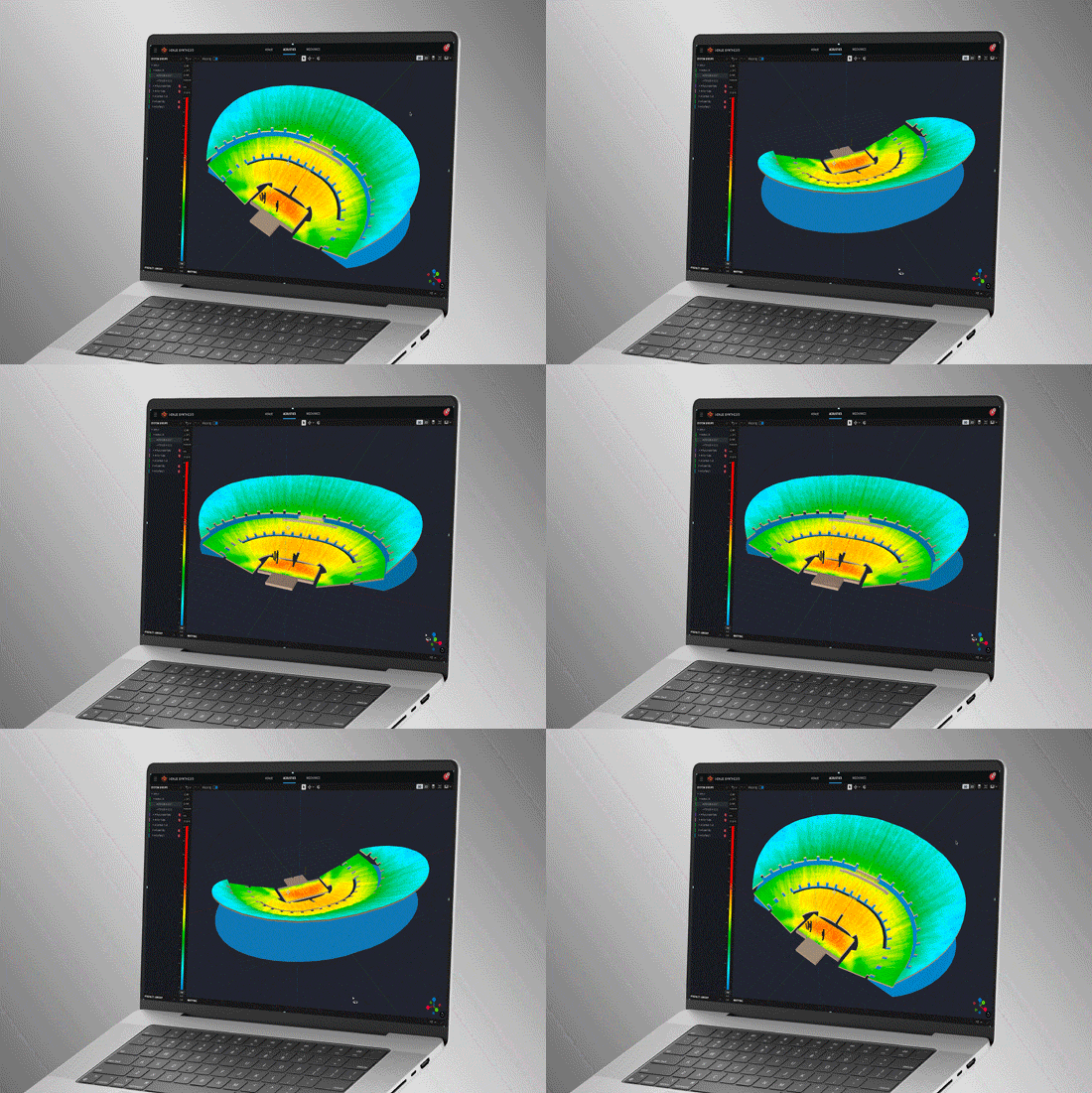
Petakan Direct SPL menggunakan data loudspeaker resolusi tinggi 1/12 oktaf dan berbagai sinyal noise, termasuk Pink-Noise, Pink-Noise IEC, Suara Pria/Wanita, dan Sine.

Alat Pengelompokan Array

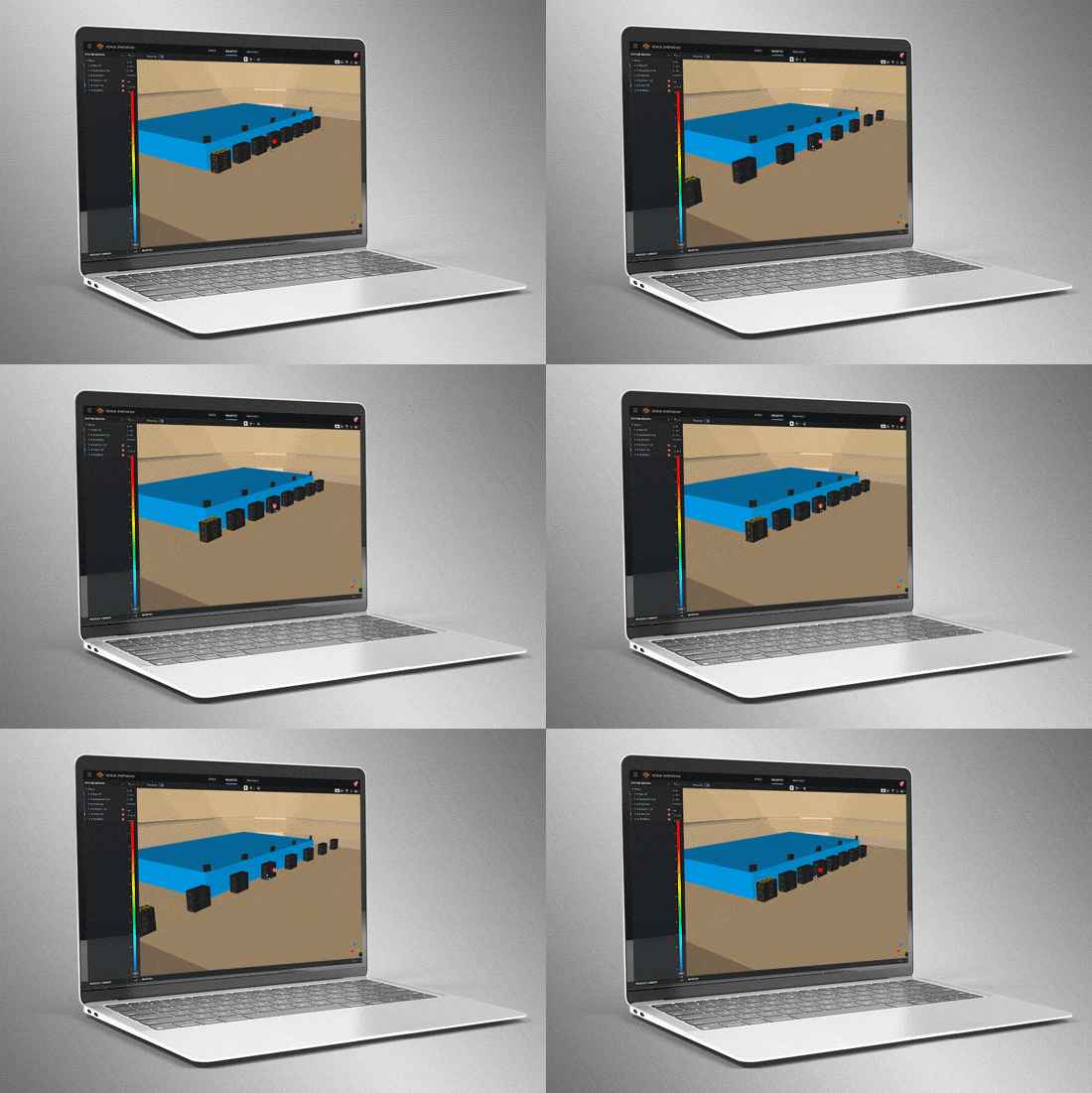
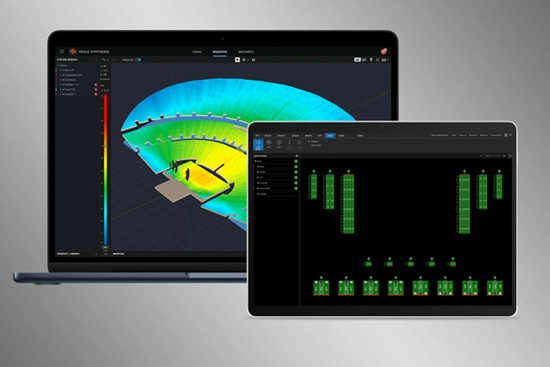
Alat array dan pengelompokan yang canggih memungkinkan pengguna membuat array multi-titik besar dengan cepat. Gunakan fitur seperti simetri dan pencerminan untuk mempercepat desain. Optimalkan array subwoofer yang besar dan terdistribusi dengan kalkulator Electronic Delay Steering bawaan.

Delay Spread

Mode Delay Spread memetakan variasi offset waktu di seluruh venue. Gunakan Delay Optimizer bawaan untuk menghasilkan nilai delay secara otomatis guna meminimalkan offset waktu untuk delay towers dan fills.

Analisis Headroom

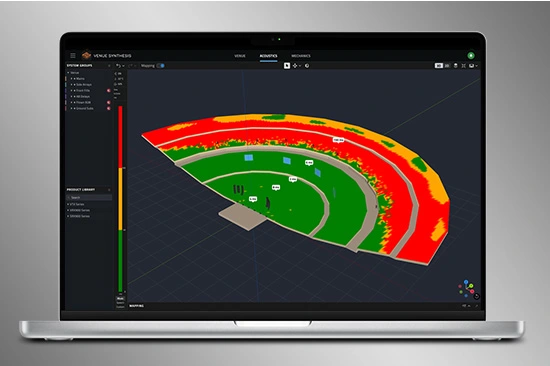
Alat Analisis Headroom memastikan persyaratan output sistem dapat dipenuhi. Gunakan berbagai sinyal uji untuk memahami dampak headroom dari konten spektral. Pelajari headroom di seluruh grup sistem untuk memastikan pembatasan yang seragam di seluruh sistem.

Validasi Mekanik

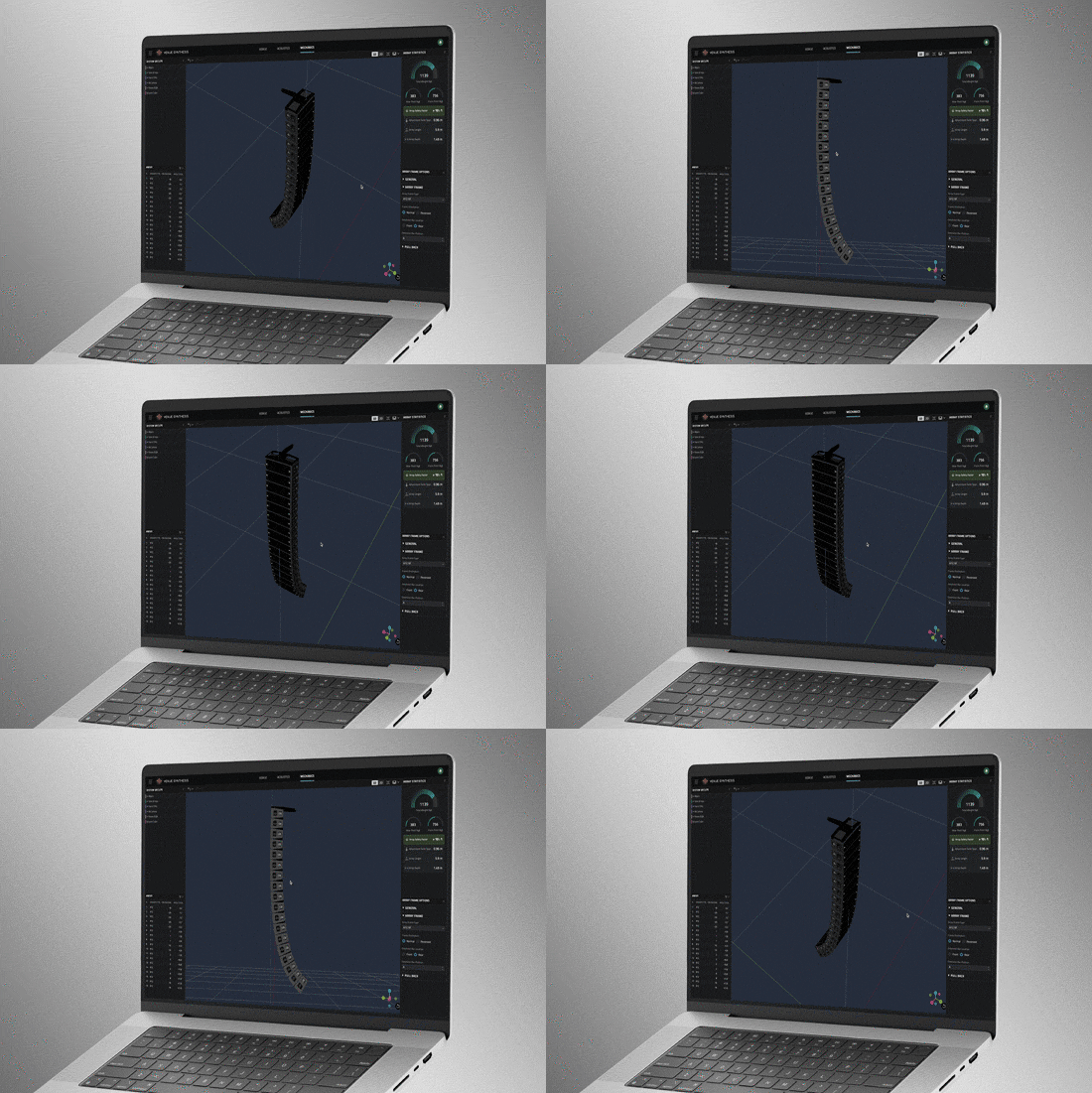
Gunakan Mode Mekanik untuk memvalidasi dan menyempurnakan konfigurasi mekanik. Gunakan alat Array Statistics untuk mengonfirmasi faktor keselamatan. Buat manual rigging dengan cepat untuk kru atau ekspor data ke ArrayLink.

System Integration

Open Venue Synthesis files in JBL control software such as Performance and Performance Manager. System configuration and DSP parameters automatically carry over, minimizing setup time. Scan QR codes to transfer mechanical setup information to ArrayLink.

Award Winning

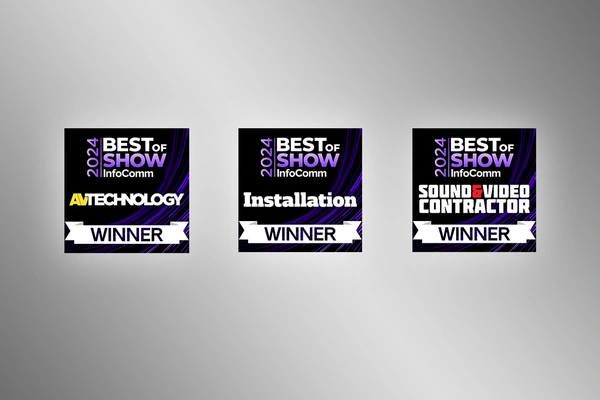
Venue Synthesis won the ‘Best of Show’ award at InfoComm 2024, recognized by top publications: Sound and Video Contractor, Installation, and AV Technology. Expert reviewers noted its comprehensive features, ease of use and integration, and how innovative and unique it is within the market.

Model Venue 3D

Buat venue dari awal menggunakan alat bawaan atau impor model 3D menggunakan format file geometri umum seperti SketchUp, DWG, DXF, GCF, EASE, dan CATT-Acoustics. Gunakan alat yang disertakan untuk memodifikasi geometri dan menetapkan area penonton. Gunakan Tag untuk mengorganisir geometri dalam grup logis.

Smart Drawing Tools

Import and scale images to quickly create models from basic 2D drawings. Use the Pen Tool to trace over images and use the Special Object Creator tool to create common architectural features, such as balconies and revolutions.

Pemetaan Direct SPL

Petakan Direct SPL menggunakan data loudspeaker resolusi tinggi 1/12 oktaf dan berbagai sinyal noise, termasuk Pink-Noise, Pink-Noise IEC, Suara Pria/Wanita, dan Sine.

Alat Pengelompokan Array

Alat array dan pengelompokan yang canggih memungkinkan pengguna membuat array multi-titik besar dengan cepat. Gunakan fitur seperti simetri dan pencerminan untuk mempercepat desain. Optimalkan array subwoofer yang besar dan terdistribusi dengan kalkulator Electronic Delay Steering bawaan.

Delay Spread

Mode Delay Spread memetakan variasi offset waktu di seluruh venue. Gunakan Delay Optimizer bawaan untuk menghasilkan nilai delay secara otomatis guna meminimalkan offset waktu untuk delay towers dan fills.

Analisis Headroom

Alat Analisis Headroom memastikan persyaratan output sistem dapat dipenuhi. Gunakan berbagai sinyal uji untuk memahami dampak headroom dari konten spektral. Pelajari headroom di seluruh grup sistem untuk memastikan pembatasan yang seragam di seluruh sistem.

Validasi Mekanik

Gunakan Mode Mekanik untuk memvalidasi dan menyempurnakan konfigurasi mekanik. Gunakan alat Array Statistics untuk mengonfirmasi faktor keselamatan. Buat manual rigging dengan cepat untuk kru atau ekspor data ke ArrayLink.

System Integration

Open Venue Synthesis files in JBL control software such as Performance and Performance Manager. System configuration and DSP parameters automatically carry over, minimizing setup time. Scan QR codes to transfer mechanical setup information to ArrayLink.

Award Winning

Venue Synthesis won the ‘Best of Show’ award at InfoComm 2024, recognized by top publications: Sound and Video Contractor, Installation, and AV Technology. Expert reviewers noted its comprehensive features, ease of use and integration, and how innovative and unique it is within the market.

Fitur

  • 3D Full System Mapping – Precise, full mapping of acoustic coverage on any audience and architectural plane
  • 2D System View – Visualize coverage, impact points and loudspeaker angles
  • 3D Hardware Renderings — View precise hardware product placement within the venue
  • Special Object Creator — Quickly create common architectural and audience areas
  • Import Drawing — Import and trace 2D schematics to quickly model venues at scale
  • Delay Optimizer — Optimize loudspeaker delays for the entire venue
  • 2D and 3D Views of Mechanical Configuration — Multiple views visually confirm safe and reliable system configuration
  • System Groups — Organize and link loudspeakers and arrays based on acoustic properties
  • System Group File Export — Full integration with JBL Performance and ArrayLink applications
  • Mechanical Equipment Validation — Ensures safe and feasible rigging
  • Safety Warning Notification System — Provides safety and reliability alerts in real time
  • Headroom Warning — Using lab-verified SPL data, if loudspeaker limits are exceeded, a warning provides specific headroom data so users can reduce levels accordingly
  • Mechanics Tools and Array Statistics — Ensures safe rigging and adherence to regulatory requirements
  • Rigging Manual Generation and Export — Supports field technicians with easy-to-read field manuals
  • Global Notifications — Be alerted to any safety and reliability issues across the system in real time
  • SPAT Revolution — Integration with the FLUX:: SPAT Revolution immersive engine 

Supported JBL Systems:

Supported Operating Systems:

  • Windows 10, Windows 11 (x86, x64) (Windows on ARM is not supported yet)
  • macOS (Intel, Apple Silicon)

Unduhan

Software
  Versi Ukuran Diunggah
MacOS download icon Venue Synthesis
versi 1.5.0, diperbarui: Jul 2026
1.5.0   485 MB Jul 2026
Windows download icon Venue Synthesis
versi 1.5.0, diperbarui: Jul 2026
1.5.0   444 MB Jul 2026
download icon for Venue Synthesis SketchUp Plugin Venue Synthesis SketchUp Plugin
versi 1.0.4, dirilis: Feb 2025
1.0.4   1,01 MB Feb 2025
Release Notes
  Versi Bahasa Ukuran Diunggah
file type icon Venue Synthesis - Release Notes
en versi 1.5.0, diperbarui: Jul 2026
1.5.0  en  240 KB Jul 2026
file type icon Venue Synthesis SketchUp Plugin - Release Notes
en versi 1.0.4, diperbarui: Agu 2024
1.0.4  en  51,7 KB Agu 2024

Jika ada tautan di atas yang menampilkan karakter aneh di browser Anda, klik kanan file tersebut untuk menyimpannya ke komputer Anda.

Suku Cadang & Servis

Berita

Video


HARMAN Pro Insights

Perfecting Live Sound Design: Inside JBL Venue Synthesis 3D Acoustic Simulation Software feature

Perfecting Live Sound Design: Inside JBL Venue Synthesis 3D Acoustic Simulation Software

In the ever-evolving world of tour sound design, the need for powerful and user-friendly tools is paramount. JBL Professional’s Venue Synthesis (VS) 3D acoustic simulation software meets those needs with an all-encompassing solution for front-of-house (FOH) engineers and tour managers. To gain deeper insight, we

CONTINUE READING

Exploring the Magic: Inside 14 JBL Worldwide Live Entertainment Stories feature

Exploring the Magic: Inside 14 JBL Worldwide Live Entertainment Stories

Live entertainment captivates audiences, transcends boundaries and unites fans in a celebration of sound and rhythm. From electrifying music festivals to immersive theatrical productions to enthralling sporting events, the magic of live entertainment relies on the technology driving it to bring performances to life. JBL

CONTINUE READING

Dukungan/FAQ